Business Website Maintenance: Why Regular Updates Are Important
A business website is an important part of your company's digital presence. It helps customers discover your services, explore products, submit enquiries, and learn more about your brand. However, launching a website is only the beginning. To keep it secure, reliable, and useful, businesses need to maintain it regularly.
Technology changes, software vulnerabilities are discovered, website content becomes outdated, and customer expectations continue to evolve. Without proper maintenance, a website may develop technical errors, experience performance problems, or become more vulnerable to security threats.
For small businesses, startups, e-commerce stores, and established companies, regular website maintenance helps protect the investment made in website development.
In this guide, Radhix Technologies explains why website maintenance matters, which tasks should be performed regularly, and how businesses can maintain a reliable online presence.
What Is Business Website Maintenance?
Business website maintenance is the ongoing process of checking, updating, protecting, and improving a website after it has been launched.
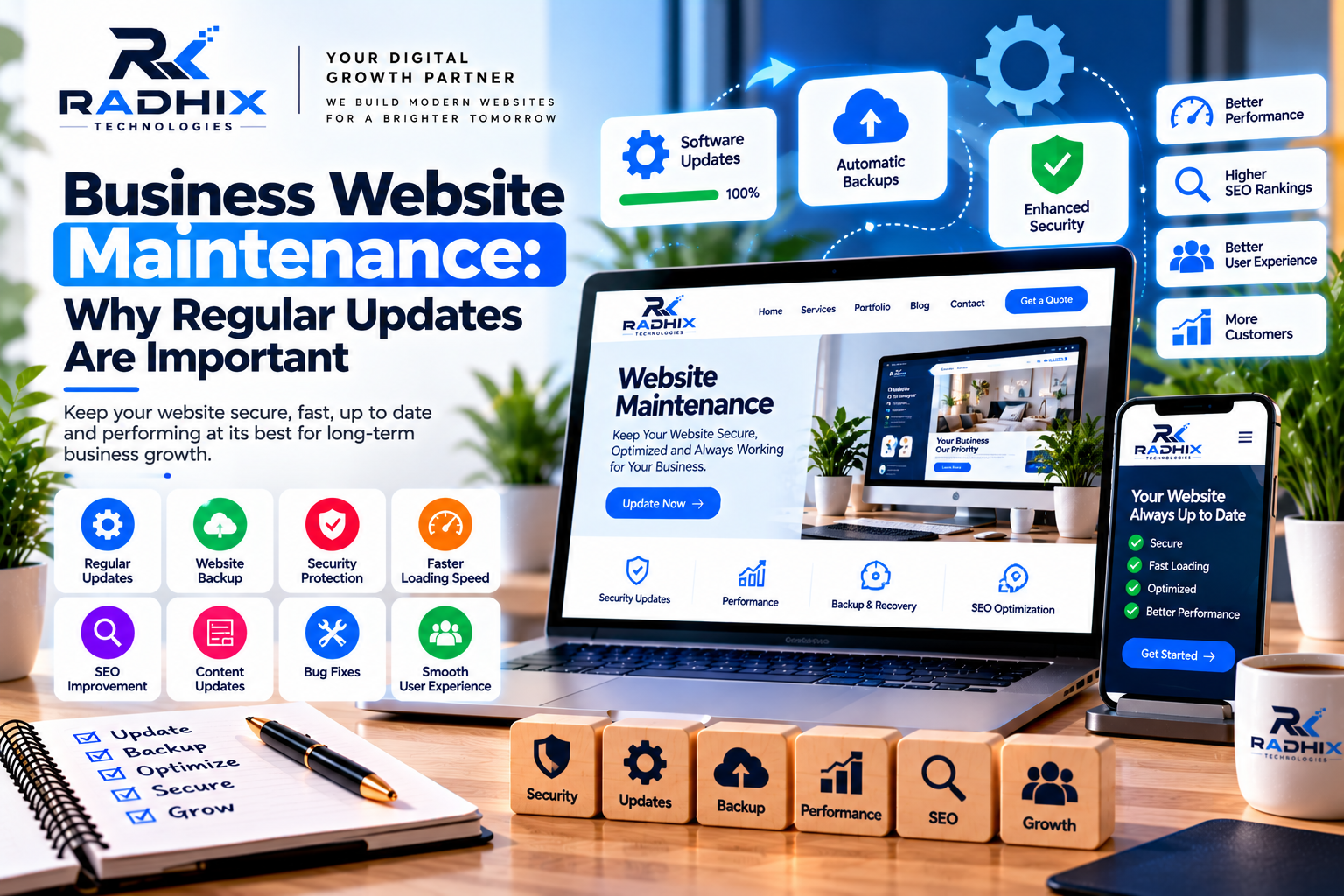
It includes software updates, security checks, backups, performance monitoring, broken-link fixes, content updates, and functionality testing.
The exact maintenance requirements depend on the website platform and its features. A basic company website may need routine software updates and content reviews, while an e-commerce website may require additional checks for payments, product listings, inventory, customer accounts, and order processing.
A well-planned maintenance routine helps identify problems early and keeps the website aligned with changing business needs.
Why Are Regular Website Updates Important?
1. Improve Website Security
Website security is one of the most important reasons to perform regular maintenance.
Outdated content management systems, plugins, themes, libraries, and server software may contain known vulnerabilities. If these components are not maintained, attackers may exploit weaknesses to compromise a website or access information.
Regular maintenance can include:
- Installing security updates and patches.
- Removing unused plugins and extensions.
- Using strong administrator passwords and multi-factor authentication where available.
- Reviewing user permissions.
- Checking security logs and suspicious activity.
- Maintaining reliable backups.
- Configuring HTTPS and secure access controls.
Updates should be tested before deployment, especially on websites that handle payments or customer information.
No maintenance process can eliminate every security risk, but timely updates and appropriate security controls can significantly improve protection.
2. Keep Your Website Running Smoothly
A website may develop errors as browsers, software dependencies, plugins, and third-party integrations change.
Regular functionality checks help identify broken forms, malfunctioning buttons, missing images, navigation issues, and other problems before they affect more visitors.
For example, if a contact form stops sending enquiries, your business could miss valuable customer opportunities without immediately realizing it.
Testing important user journeys after updates helps ensure that visitors can continue to access services and complete essential actions.
3. Maintain Website Loading Speed
Website performance can change over time as new images, scripts, plugins, and features are added.
Large media files, unnecessary extensions, inefficient code, and unsuitable hosting configurations may slow down pages.
Maintenance tasks can include image optimization, caching reviews, removal of unnecessary resources, database checks where relevant, and performance testing.
Tools such as Google PageSpeed Insights can help identify issues affecting loading performance, responsiveness, and visual stability.
A faster website can provide a more convenient experience for visitors, although performance improvements depend on the underlying causes and the changes implemented.
4. Support Search Engine Optimization (SEO)
Search engine optimization is not a one-time task. Websites need ongoing attention to content quality, technical health, internal links, and indexing.
Regular maintenance helps businesses identify broken links, incorrect redirects, outdated information, duplicate pages, and technical settings that may interfere with search engine access.
Content reviews can also help keep service descriptions, pricing information, business details, and blog articles accurate.
Useful maintenance tasks include checking XML sitemaps, reviewing indexing reports, updating relevant content, monitoring page titles and meta descriptions, and resolving technical errors.
Regular updates do not guarantee higher Google rankings. Search performance also depends on content relevance, competition, authority, and many other factors.
5. Improve Customer Trust and User Experience
Customers expect business websites to provide accurate information and work reliably.
Outdated contact details, expired offers, broken links, missing images, and confusing navigation can make a website appear neglected.
Regular content reviews help ensure that visitors see current service information, valid contact details, updated business hours, and relevant portfolio examples.
Businesses should also test their websites on smartphones, tablets, and desktop computers to make sure important features remain usable across devices.
A maintained website communicates professionalism and makes it easier for customers to interact with your business.
6. Protect Website Data With Backups
Backups provide a recovery option if a website experiences accidental data loss, a failed update, a server problem, or a security incident.
A useful backup strategy should cover the website files and database, where applicable. Backups should be stored securely and protected from unauthorized access.
For important business websites, consider maintaining copies in a separate location and testing restoration procedures periodically.
Backup frequency should reflect how often the website changes. An online store processing orders every few minutes may require a different strategy from a static company website.
A backup is only useful if it can be restored successfully, so recovery testing is an important part of maintenance.
7. Keep Website Content Relevant
Business information changes over time. Your company may introduce new services, update pricing, add team members, or complete new projects.
If your website continues to display outdated information, potential customers may become confused or contact your team with incorrect expectations.
Regular content maintenance can include:
- Updating service and product descriptions.
- Reviewing pricing and package details.
- Adding new portfolio projects.
- Correcting outdated contact information.
- Refreshing relevant blog articles.
- Updating FAQs to reflect common customer questions.
Focus on keeping information accurate and useful rather than changing content simply to make the website appear active.
8. Reduce the Risk of Unexpected Downtime
Website downtime can prevent customers from viewing services, placing orders, or submitting enquiries.
Monitoring tools can help detect availability problems, while regular maintenance can identify issues related to hosting resources, software compatibility, expired certificates, and failing integrations.
Businesses should also have a response plan for significant outages. This may include contacting the hosting provider, restoring a backup, rolling back a faulty update, or investigating server errors.
The appropriate monitoring and response arrangements depend on how critical the website is to business operations.
9. Maintain Compatibility With Modern Devices and Browsers
Browsers and operating systems evolve, and website features may behave differently after updates.
Regular testing helps identify layout problems, broken interactive components, and forms that do not work correctly on supported devices.
Pay particular attention to important pages such as service descriptions, contact forms, booking systems, shopping carts, and payment screens.
Accessibility checks are also valuable. Clear labels, readable contrast, keyboard navigation, and descriptive links can make the website easier to use for more people.
10. Support Long-Term Business Growth
As a business grows, its website may need new capabilities, integrations, or content structures.
Regular maintenance provides an opportunity to review whether the existing platform can support these requirements.
A business might add an appointment booking system, CRM integration, additional service pages, e-commerce features, or customer support tools.
Planning changes gradually can help control costs and reduce the need for a complete rebuild when smaller improvements would be sufficient.
Essential Website Maintenance Tasks
A maintenance plan should be based on the website's technology, business importance, and risk level.
Common tasks include:
Software updates: Update the CMS, plugins, themes, libraries, and other supported components after appropriate testing.
Security reviews: Check access permissions, authentication settings, logs, and available security alerts.
Backup checks: Confirm backups are completing successfully and test restoration procedures.
Performance testing: Review loading speed, responsiveness, and important user interactions.
Content review: Check service details, images, pricing, contact information, and blog articles.
Link and form testing: Verify navigation, contact forms, booking flows, and other important features.
Analytics review: Check traffic patterns, enquiry submissions, errors, and other business-relevant metrics.
Domain and hosting checks: Review domain renewal dates, SSL certificate status, hosting resources, and service availability.
How Often Should You Maintain Your Website?
Website maintenance frequency depends on how frequently the site changes and how important it is to daily operations.
FrequencyExample TasksDaily or automatedAvailability monitoring, security alerts, backups where appropriateWeeklyReview critical errors, forms, orders, and security notificationsMonthlySoftware updates, link checks, performance reviews, content checksQuarterlyBroader security review, recovery testing, accessibility and UX reviewAnnuallyReview hosting, domain renewal, maintenance costs, and long-term requirements
These are suggested intervals, not universal rules. Security patches may require immediate attention, while routine content reviews can follow a more flexible schedule.
E-commerce platforms and other business-critical systems may need more frequent monitoring than simple informational websites.
How Much Does Website Maintenance Cost in India?
Website maintenance costs depend on the platform, complexity, traffic, security requirements, and level of support.
The following are illustrative planning estimates, not fixed quotations.
Maintenance TypeEstimated Cost
- Basic business website maintenance₹2,000–₹5,000 per month
- Standard business website support₹5,000–₹15,000 per month
- E-commerce website maintenance₹8,000–₹30,000+ per month
- Complex custom web application support₹15,000–₹50,000+ per month
Actual prices vary by provider and scope. Some providers offer annual maintenance contracts, while others charge separately for development changes, emergency fixes, hosting, premium licences, or security services.
Before selecting a maintenance plan, confirm the included tasks, response times, backup arrangements, update process, support hours, and charges for work outside the agreement.
DIY Maintenance vs Professional Website Maintenance
Small websites with straightforward requirements may be manageable by an owner or internal team with suitable technical knowledge.
However, websites that support online payments, customer accounts, booking systems, or complex integrations may need professional assistance.
DIY Website Maintenance
DIY maintenance may suit businesses that have the time and skills to manage updates, content, backups, and routine testing.
Its main advantage is direct control, but incorrect updates or incomplete backups can create problems.
Professional Website Maintenance
A professional maintenance service can provide scheduled updates, technical monitoring, troubleshooting, performance reviews, and recovery assistance according to the agreed scope.
This can be useful for businesses that depend on their website but do not have an internal technical team.
Choose the approach that matches your technical capabilities, risk level, and budget.
Why Consider Radhix Technologies for Website Maintenance?
Radhix Technologies helps businesses explore website development, support, and maintenance solutions aligned with their technical requirements.
Depending on the website and agreed service scope, maintenance may include software updates, backups, security checks, performance monitoring, bug fixes, content changes, and technical support.
Before starting a maintenance plan, discuss the website platform, current issues, backup requirements, expected response times, access permissions, and monthly budget.
A clearly defined agreement helps your business understand what is covered and how urgent issues will be handled.
Conclusion
Business website maintenance is essential for keeping your online presence secure, functional, and relevant.
Regular updates help address software vulnerabilities, while backups, performance checks, content reviews, and functionality testing support reliability and customer experience.
The right maintenance schedule depends on your website's complexity and business importance. Start by identifying your most critical pages and systems, establish a consistent maintenance routine, and review the results over time.
Want to keep your business website secure and up to date? Contact Radhix Technologies to discuss website maintenance services suited to your business requirements.
Frequently Asked Questions
1. Why is regular website maintenance important?
It helps keep a website secure, functional, accurate, and reliable while reducing the risk of preventable technical problems.
2. How often should a business website be updated?
Security patches should be applied promptly after appropriate checks. Other maintenance tasks can follow a weekly, monthly, quarterly, or risk-based schedule.
3. Does website maintenance help SEO?
Maintenance can help resolve technical issues, broken links, outdated content, and indexing problems. It supports SEO health but does not guarantee higher search rankings.
4. Are website backups necessary?
Yes. Backups provide a recovery option after accidental data loss, failed updates, or security incidents. They should be stored securely and tested periodically.
5. How much does website maintenance cost in India?
Costs vary according to the platform, features, support level, and security requirements. Basic maintenance may cost a few thousand rupees per month, while complex websites require larger budgets.
6. Can I maintain my website myself?
Yes, if you have the required skills and time. Websites with complex functionality, payments, or sensitive data may benefit from professional maintenance support.
7. What is included in a website maintenance plan?
Depending on the agreement, it may include software updates, backups, security checks, performance monitoring, bug fixes, and technical support. Always confirm the exact scope before signing.