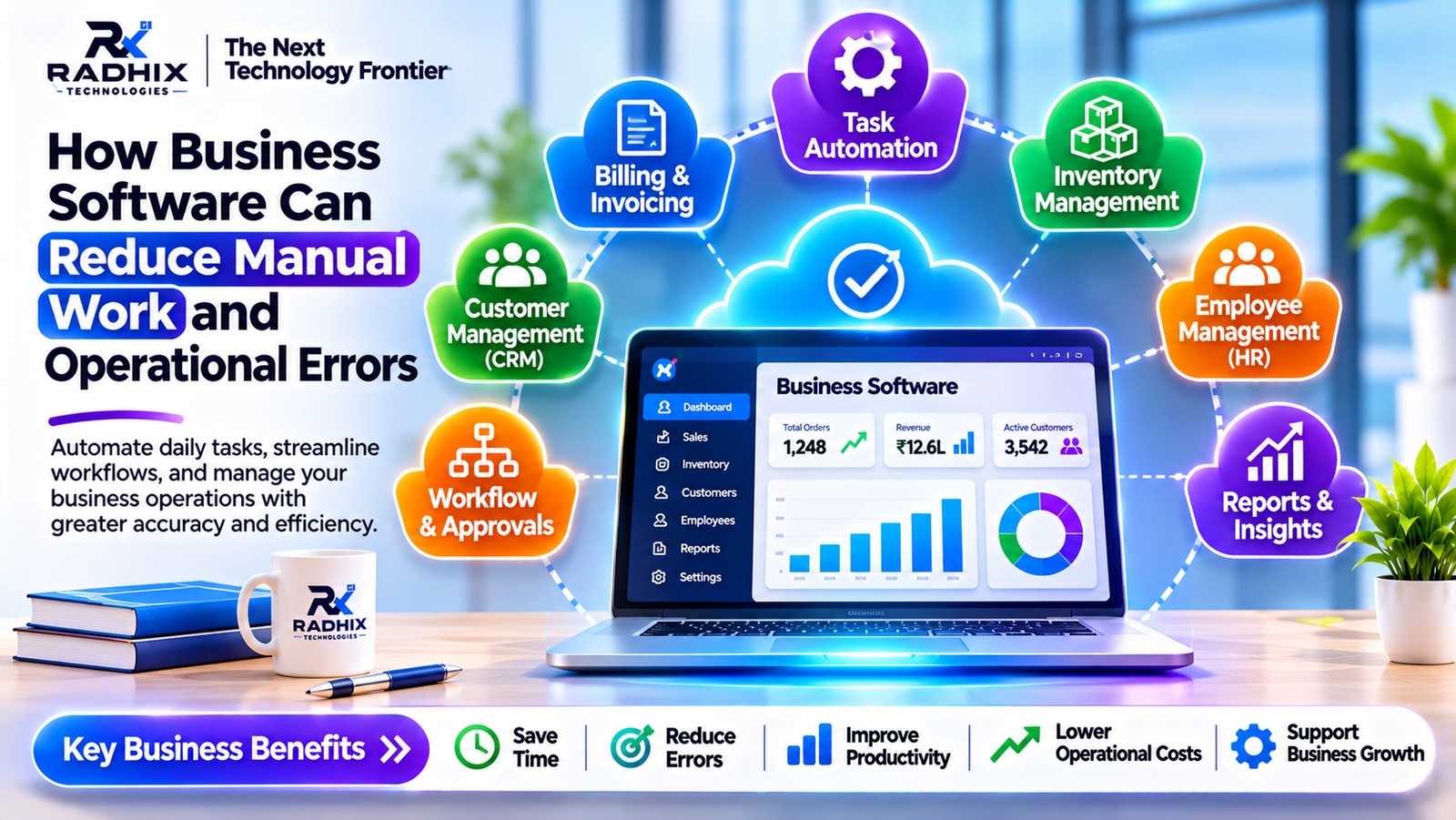
How Business Software Can Reduce Manual Work and Operational Errors
Introduction
Running a business involves hundreds of small tasks every day. Someone has to update customer records, prepare invoices, check stock, follow up on payments, manage employees and keep track of ongoing orders. When a company is small, these activities may be handled through spreadsheets, phone calls and paperwork.
The problem usually starts when the business grows.
More customers mean more records to maintain. More orders require better coordination. Employees may end up entering the same information into different files, checking details repeatedly and correcting mistakes that could have been avoided.
This is where business software becomes useful. Instead of depending on manual processes for everything, companies can use software to manage routine activities, organize information and keep different departments connected.
The purpose is not simply to replace paperwork with computers. It is to make everyday business operations easier to manage and less dependent on repetitive human effort.
1. Why Manual Work Becomes Difficult as a Business Grows
Manual processes are not always bad. In fact, many businesses start with simple spreadsheets and registers because they are affordable and easy to use.
However, these methods have limitations when the workload increases.
Consider a company that receives 100 orders every day. Employees need to record each order, verify product availability, prepare invoices, update payment details and inform the delivery team.
If every step is handled separately, even a small mistake can create confusion.
Some common problems include:
- Entering the same information multiple times.
- Forgetting customer follow-ups.
- Maintaining incorrect stock records.
- Preparing invoices with calculation mistakes.
- Delays in sharing information between departments.
- Difficulty finding old transaction records.
- Spending too much time preparing reports.
These issues may appear minor individually, but together they can affect productivity, customer satisfaction and business costs.
2. Automating Routine Tasks Saves Valuable Time
One of the most practical benefits of business software is that it can handle repetitive activities automatically.
For example, when a customer places an order through an online platform, the system can record the order, update the order status, check inventory and notify the relevant team.
Employees do not need to manually repeat every step.
Other activities that can be automated include:
- Sending payment reminders.
- Generating invoices.
- Assigning leads to sales executives.
- Sending order confirmation messages.
- Updating employee attendance records.
- Creating regular business reports.
Automation allows employees to spend more time on customer communication, problem-solving and other work that requires human attention.
3. One Centralized System Makes Information Easier to Manage
A common problem in many organizations is that different departments maintain separate records.
The sales team may have customer details in one spreadsheet, the accounts department may maintain payment records in another, and the operations team may use a separate system for orders.
When information is scattered, employees often have to contact each other just to confirm basic details.
A centralized business application brings relevant information together.
For example, when a sales executive opens a customer profile in a CRM system, they may be able to view previous interactions, pending payments, purchase history and follow-up details, depending on their permissions.
This reduces unnecessary communication and helps employees work with more accurate information.
4. Reducing Errors in Billing and Financial Records
Billing is one area where manual mistakes can create serious inconvenience.
Incorrect quantities, missed discounts, calculation errors and duplicate invoices can lead to payment disputes and additional administrative work.
Billing and accounting software can perform calculations using predefined rules.
It can help businesses:
- Calculate invoice totals.
- Apply configured taxes and discounts.
- Track pending payments.
- Maintain invoice history.
- Generate financial reports.
- Identify overdue accounts.
For example, a business selling products at different prices may use billing software to calculate the total amount automatically based on product quantity and applicable charges.
Employees still need to verify important financial information, but automation reduces repeated calculations and common data-entry mistakes.
5. Better Inventory Management Without Constant Manual Checking
For businesses dealing with physical products, inventory management can become complicated very quickly.
A shop may sell products through multiple channels, receive new stock from suppliers and process returns throughout the day. If stock records are not updated properly, the business may promise customers products that are no longer available.
Inventory management software helps maintain a clearer picture of stock movement.
Depending on its features, the system can:
- Record new stock purchases.
- Update quantities after sales.
- Track product returns.
- Generate low-stock alerts.
- Maintain supplier information.
- Prepare stock movement reports.
This is particularly useful for wholesalers, retailers, distributors and e-commerce businesses.
Instead of depending entirely on physical registers, managers can review stock information through a digital dashboard.
6. Improving Coordination Between Employees and Departments
Business operations rarely depend on one person or one department.
A sales team may receive an order, the accounts department may verify payment, and the operations team may arrange delivery.
If these activities are not properly connected, employees may work with outdated information or miss important updates.
Workflow management software can help organize these activities.
For example, a purchase approval process may work like this:
- An employee submits a purchase request.
- The system sends it to the authorized manager.
- The manager reviews and approves or rejects it.
- The employee receives an update.
- The approved request moves to the next stage.
This creates a clear process and makes it easier to understand who is responsible for each activity.
7. CRM Software Helps Businesses Manage Customer Follow-Ups
Customer communication is another area where manual work often creates problems.
Sales executives may speak with several potential customers every day. Remembering every conversation, quotation, meeting and follow-up date becomes difficult.
A CRM (Customer Relationship Management) system keeps these details organized.
It can help businesses:
- Store customer contact information.
- Maintain communication history.
- Track sales opportunities.
- Set follow-up reminders.
- Assign leads to employees.
- Monitor sales performance.
For example, if a customer requests a quotation but does not respond immediately, the sales executive can schedule a reminder instead of relying on memory.
This makes the follow-up process more organized and reduces the possibility of losing potential business opportunities.
8. HR Software Reduces Administrative Work
Managing employee information manually can consume a significant amount of time, especially when an organization has multiple departments or locations.
HR management software can organize employee records and simplify routine activities.
Common features include:
- Employee profile management.
- Attendance tracking.
- Leave applications.
- Approval workflows.
- Payroll information.
- Employee performance records.
Employees can submit leave requests through a portal, while managers can review and approve them online.
This reduces unnecessary paperwork and makes HR processes easier to track.
9. Business Reports Help Managers Make Better Decisions
Preparing reports manually often requires collecting information from different files and departments.
This can delay decision-making and make it difficult to identify operational problems.
Business software can generate reports using available application data.
For example, a business dashboard may display:
- Total sales.
- Pending orders.
- Monthly revenue.
- Available inventory.
- Outstanding payments.
- Employee attendance.
- Customer enquiries.
Managers can use these reports to identify trends, compare performance and decide where improvements are needed.
The accuracy of these reports still depends on the quality of the information entered into the system. Therefore, proper data management remains important.
10. What Type of Business Software Should You Choose?
Not every business needs a large and complicated software system. The right solution depends on the problems the organization wants to solve.
Business RequirementSuitable SoftwareManaging leads and customersCRM SoftwareManaging multiple departmentsERP SoftwareTracking products and stockInventory Management SoftwareManaging employeesHRM SoftwarePreparing invoices and tracking paymentsAccounting SoftwareManaging tasks and approvalsWorkflow Management SoftwareManaging online ordersOrder Management Software
A small business may begin with one application, such as CRM or inventory management software. As operations become more complex, additional modules can be integrated.
11. Should You Choose Ready-Made or Custom Business Software?
Ready-made software is useful when its existing features match your business requirements. It can be a practical option for organizations that need standard functions without extensive customization.
However, some businesses follow processes that are different from standard industry workflows.
For example, a company managing multiple warehouses, sales teams, vendors and delivery operations may need a system designed around its specific requirements.
Custom business software can offer:
- Features designed around actual business processes.
- Customized employee and admin dashboards.
- Integration with existing applications.
- Department-specific permissions.
- Custom reports and workflows.
- Flexibility to add new modules.
Before choosing either option, businesses should compare functionality, pricing, integration possibilities and future maintenance requirements.
12. How Radhix Technologies Helps Businesses Go Digital
At Radhix Technologies Pvt. Ltd., we understand that every business has its own way of managing daily operations.
Some companies need a better way to handle customers, while others want to improve inventory management, automate billing or connect different departments through a single application.
Our software development solutions focus on building applications around business requirements.
These may include:
- Custom business management software.
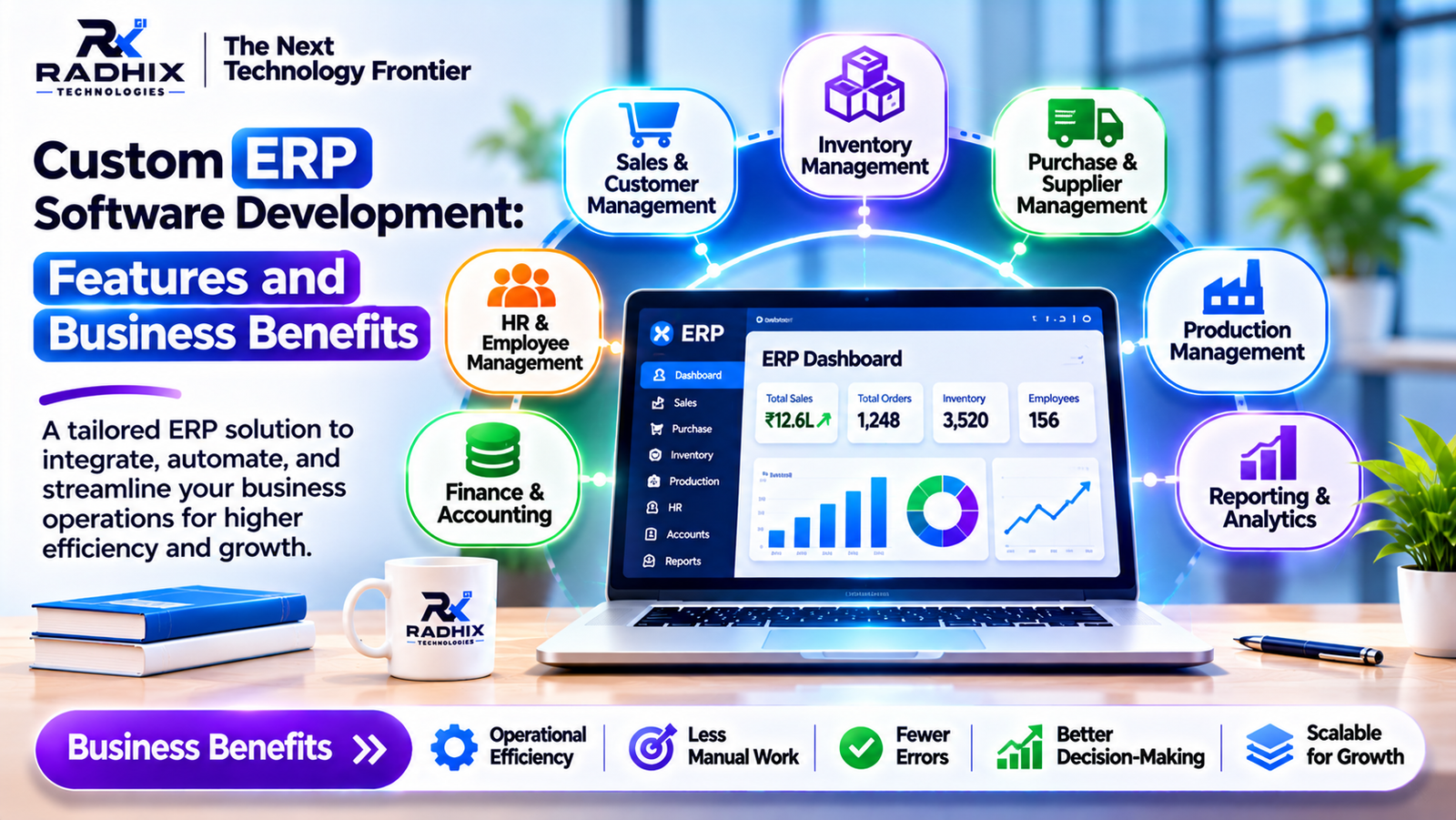
- CRM and ERP development.
- Inventory and order management systems.
- HR and employee management applications.
- Web and mobile application development.
- API integrations and workflow automation.
The objective is to help businesses move away from disconnected manual processes towards more organized digital operations.
To explore software development solutions, visit https://www.radhix.com/.
Conclusion
Manual work is a normal part of running a business, but unnecessary repetition and poorly connected processes can make daily operations more difficult than they need to be.
Business software helps companies organize information, automate routine activities and reduce common operational mistakes. From billing and inventory to customer management and employee coordination, the right application can make everyday work more manageable.
However, software alone does not solve every problem. Businesses also need properly defined workflows, accurate information, employee training and regular technical maintenance.
The best approach is to identify the activities that consume the most time or frequently create errors, then select software that addresses those specific problems.
A well-planned digital system can help a business work more efficiently today while preparing it for future growth.
Frequently Asked Questions
1. How can business software reduce manual work?
It can automate repetitive activities such as invoice preparation, data entry, customer follow-ups, stock updates and report generation.
2. Does business software completely eliminate human errors?
No. Software can reduce many common mistakes through validation, automation and predefined rules, but incorrect data, poor configuration and user mistakes can still occur.
3. Which software is useful for small businesses?
CRM, accounting, inventory management and HR software are common options. The best choice depends on the organization's daily requirements.
4. Can business software connect different departments?
Yes. Integrated business applications can connect sales, accounts, inventory, HR and operations through shared information and workflows.
5. Is custom business software suitable for growing companies?
It can be useful when a company's workflows are specific or when ready-made products do not provide the required features and integrations.
6. How does automation improve employee productivity?
Automation reduces time spent on repetitive administrative tasks, allowing employees to focus on customer service, planning and problem-solving.
7. How much does business software development cost?
The cost depends on the required modules, application complexity, integrations, platforms and customization. A proper requirement analysis is necessary before preparing an estimate.