Custom ERP Software Development: Features and Business Benefits
Introduction
As a business grows, managing different departments becomes more complicated. The sales team handles customer enquiries, the accounts department manages invoices and payments, the warehouse tracks inventory, and the HR team looks after employees. When every department uses a different system or maintains separate spreadsheets, sharing information becomes difficult.
This often leads to duplicated records, delayed approvals, incorrect reports and unnecessary administrative work.
Custom ERP software offers a way to bring these business activities together. Instead of managing multiple disconnected tools, a company can use one integrated platform designed around its actual working processes.
However, ERP development is not just about putting different modules into one application. It involves understanding how a business operates and building a system that helps departments work together.
In this blog, we will explore what custom ERP software development means, its essential features, business benefits and how companies can choose the right ERP solution.
1. What Is Custom ERP Software Development?
ERP stands for Enterprise Resource Planning. It is a software system that helps businesses manage different departments and operational activities through a centralized platform.
Custom ERP software is developed according to the specific requirements of an organization rather than relying entirely on standard features available in ready-made products.
For example, a manufacturing company may need modules for raw material management, production planning, inventory, sales, purchasing and accounting. A trading company may need stronger features for stock management, supplier records, purchase orders and billing.
A custom ERP system can be designed around these requirements.
Its main objective is to connect business operations, reduce disconnected workflows and give management a clearer view of company activities.
2. Important Features of Custom ERP Software
The features of an ERP system depend on the size, industry and operational needs of a business. However, several modules are commonly required.
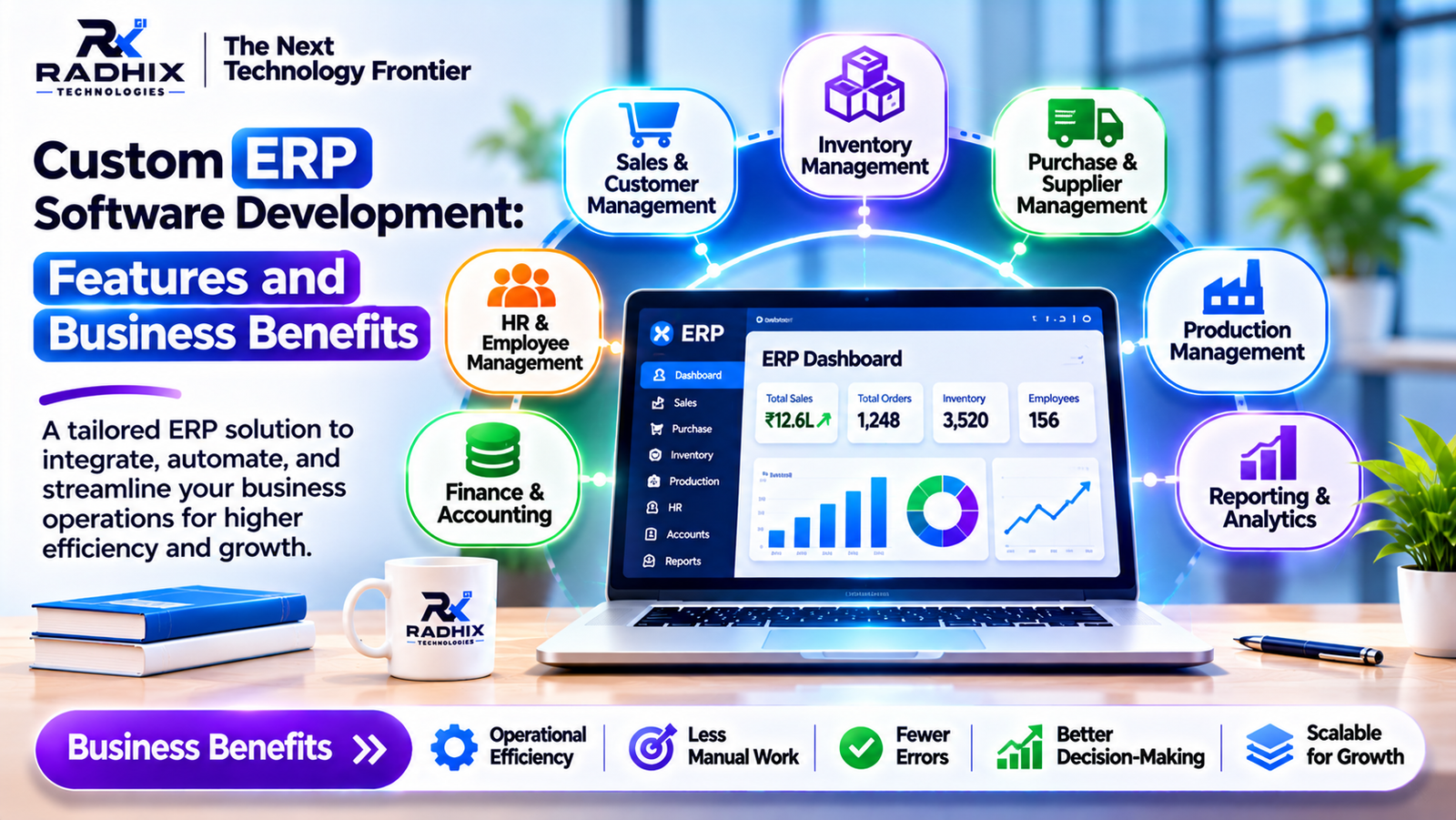
A. Centralized Dashboard
A dashboard gives authorized users an overview of important business information.
It may display:
- Total sales and revenue.
- Pending orders.
- Available inventory.
- Outstanding payments.
- Employee attendance.
- Purchase requests.
- Department-wise performance.
Instead of collecting information from different departments, managers can review important business indicators from one place.
B. Inventory Management
Inventory management is particularly important for manufacturers, wholesalers, retailers and distributors.
An ERP inventory module can help businesses:
- Track available stock.
- Manage product categories.
- Record stock purchases and sales.
- Monitor warehouse inventory.
- Manage stock transfers.
- Generate low-stock alerts.
- Maintain stock movement history.
For businesses operating multiple warehouses, customized stock management workflows can also be developed.
C. Sales and Customer Management
The sales module helps organizations manage customer information and sales activities.
Common features include:
- Customer database.
- Lead management.
- Sales quotations.
- Order processing.
- Sales invoices.
- Customer payment records.
- Sales performance reports.
Connecting sales information with inventory and accounts can make order processing more organized.
D. Purchase and Supplier Management
Businesses regularly purchase products, raw materials and services from suppliers.
A purchase management module can manage:
- Supplier information.
- Purchase requests.
- Purchase orders.
- Goods received records.
- Purchase invoices.
- Supplier payment details.
- Purchase history.
An approval workflow can also be added so that authorized managers review purchase requests before orders are placed.
E. Accounting and Finance Management
The finance module helps businesses maintain financial records and monitor transactions.
Depending on the project requirements, it can include:
- Income and expense records.
- Customer invoices.
- Supplier bills.
- Payment tracking.
- Tax-related records.
- Financial summaries.
- Outstanding payment reports.
ERP accounting features should be configured according to the company's accounting processes and applicable compliance requirements.
F. Human Resource Management
An ERP system can also include HR features to manage employee-related activities.
Common functionalities include:
- Employee profiles.
- Department management.
- Attendance tracking.
- Leave applications.
- Approval workflows.
- Payroll information.
- Employee performance records.
This helps HR teams maintain organized employee information without depending entirely on manual registers.
G. Reports and Analytics
Business owners need accurate information to understand how their organization is performing.
ERP reporting features can provide:
- Sales reports.
- Purchase reports.
- Inventory reports.
- Expense reports.
- Employee reports.
- Profitability summaries.
- Department-wise performance.
Reports can be filtered by date, department, location or other relevant business parameters.
3. Business Benefits of Custom ERP Software
The real value of an ERP system comes from how it improves everyday business operations.
1. Better Coordination Between Departments
When departments use disconnected systems, information often has to be shared manually.
An integrated ERP platform allows authorized departments to work with connected information.
For example, when the sales team confirms an order, the inventory department can check product availability using the same system. The accounts team can also access relevant order information for billing.
This reduces unnecessary communication and helps different teams follow a more consistent process.
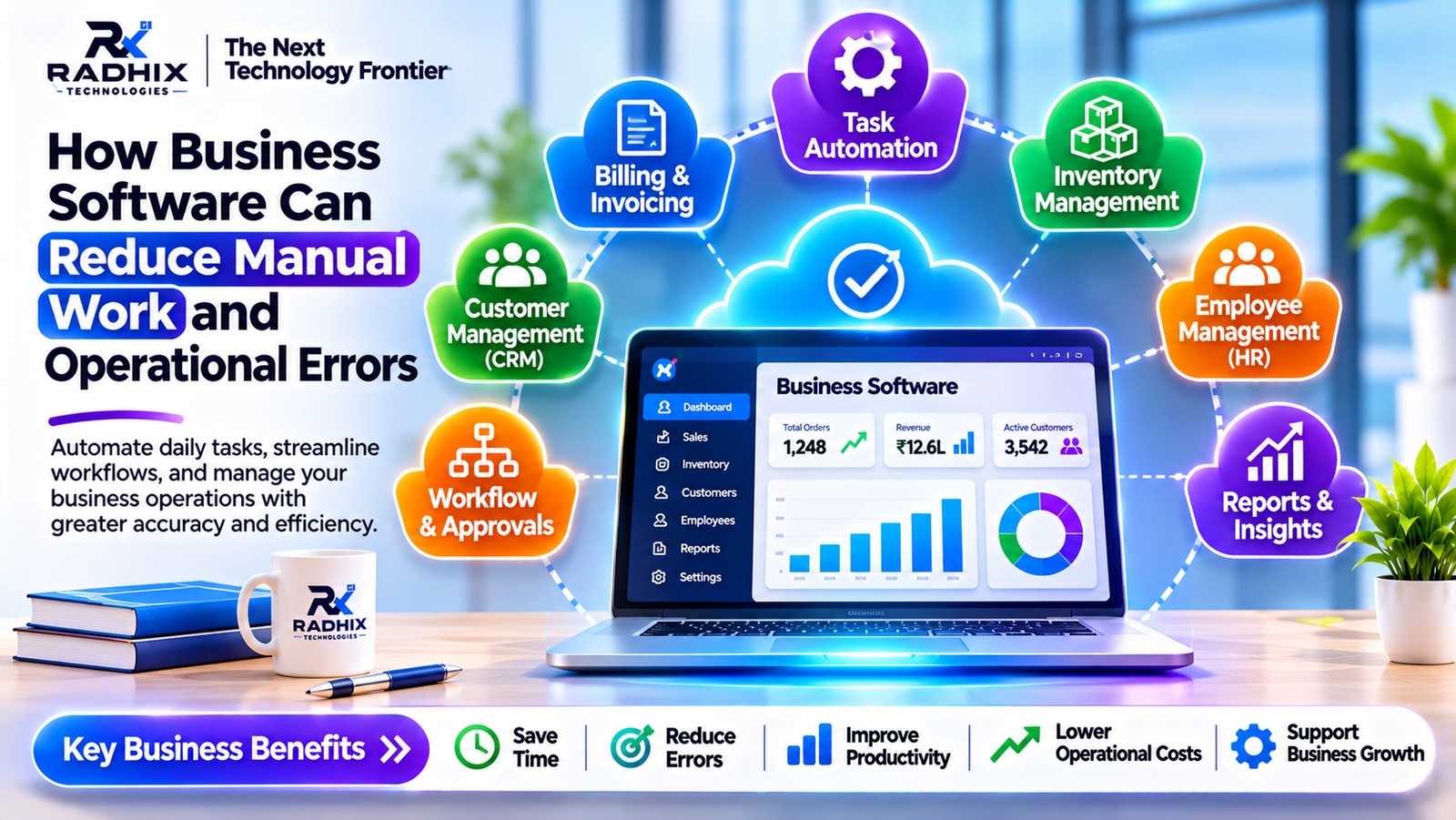
2. Less Manual Work
Many business activities involve repetitive tasks such as updating records, preparing reports and entering transaction details.
ERP software can automate selected activities through predefined workflows.
Examples include:
- Automatic stock updates after sales.
- Invoice generation using order details.
- Low-stock notifications.
- Purchase approval requests.
- Employee attendance summaries.
- Payment reminders.
Employees can spend less time on repetitive administrative work and more time handling important business activities.
3. Improved Data Accuracy
When the same information is maintained in multiple spreadsheets, differences and duplicate records can occur.
A centralized ERP system reduces this problem by maintaining connected business records.
Validation rules, permissions and automated calculations can also help prevent common mistakes.
However, data accuracy still depends on correct information entry, proper configuration and regular monitoring.
4. Better Inventory Control
Incorrect stock information can affect sales, purchasing and customer commitments.
ERP inventory management provides a clearer view of stock movement and availability.
Businesses can identify products that are selling quickly, monitor slow-moving stock and plan purchases more effectively.
5. Improved Management Decisions
Managers often need information from multiple departments before making business decisions.
ERP dashboards and reports make it easier to review sales, expenses, inventory and operational performance.
This helps management identify issues and plan future activities using more organized information.
6. Supports Business Expansion
As an organization grows, it may add new employees, warehouses, branches, products and departments.
A well-designed custom ERP system can be extended with additional modules and workflows as requirements change.
This makes it possible to develop the system gradually instead of replacing the entire application whenever the business expands.
4. Custom ERP Software vs Ready-Made ERP Software
Both custom and ready-made ERP systems can help businesses manage operations. The right choice depends on how closely existing software matches the organization's requirements.
ComparisonCustom ERP SoftwareReady-Made ERP SoftwareFeaturesDeveloped around business requirementsUses predefined featuresCustomizationGreater flexibilityDepends on product limitationsWorkflowCan match specific processesMay require process adjustmentsIntegrationsCan be developed for required systemsDepends on available integrationsDevelopment TimeUsually requires more planning and developmentOften quicker to implementInitial CostCan be higherDepends on subscription or licensingOwnershipDepends on development agreementGenerally governed by vendor termsExpansionCan be extended as requirements changeDepends on product capabilities
When should a business choose custom ERP?
Custom ERP may be suitable when a company has specific operational workflows, complex integrations, unique reporting requirements or processes that existing products cannot handle effectively.
Ready-made ERP may be a better option when standard business features are sufficient and the organization wants a quicker implementation.
5. Which Industries Can Benefit from Custom ERP Development?
ERP software is not limited to large manufacturing companies. Different industries can use customized ERP applications.
Manufacturing
Manufacturing businesses can manage raw materials, production planning, stock movement, purchase orders and finished goods.
Retail and Wholesale
Retailers and wholesalers can manage product catalogues, sales, inventory, suppliers, billing and multiple locations.
Construction and Real Estate
These businesses may use ERP software for project tracking, material management, vendor coordination, expenses and documentation.
Healthcare
Healthcare organizations may require customized administrative systems for staff, inventory, procurement, billing and operational records. Patient information requires appropriate privacy and security controls.
Distribution and Logistics
Distributors can manage warehouses, stock transfers, orders, dispatch operations and delivery-related information.
Educational Institutions
Schools and educational organizations can use ERP systems for student records, admissions, fees, attendance, staff and administration.
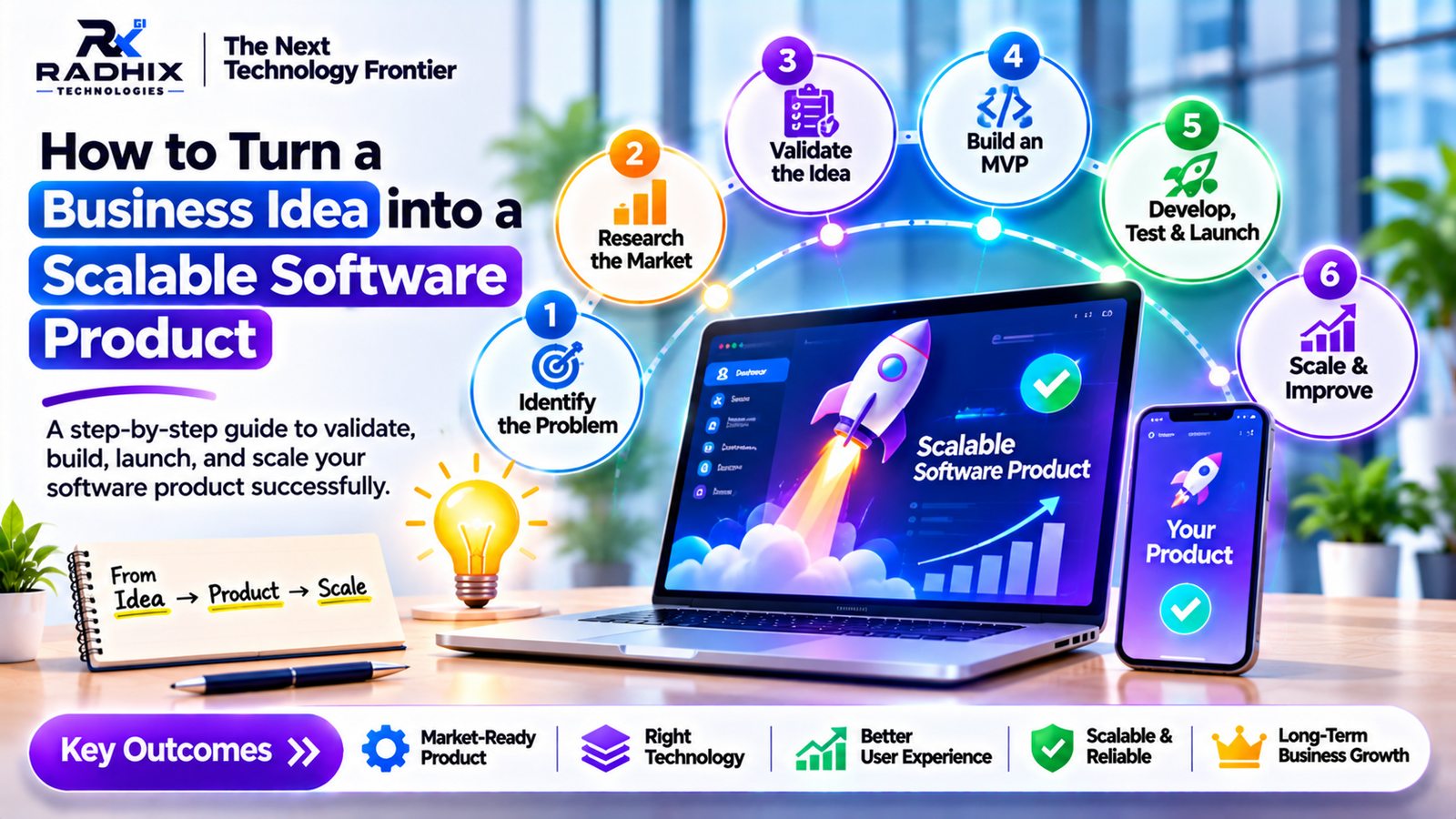
6. How Custom ERP Software Is Developed
Building an ERP application requires careful planning because multiple departments and business processes are connected.
A typical development process includes the following stages.
Step 1: Business Requirement Analysis
The development team studies existing workflows, departments, user roles and operational challenges.
Step 2: ERP Module Planning
Required modules are identified, such as inventory, sales, purchase, accounts, HR and reporting.
Step 3: UI/UX Design
Dashboards, forms, reports and user workflows are designed to make the application easy to use.
Step 4: Database and Architecture Design
The database structure, user permissions, integrations and application architecture are planned.
Step 5: Development and Integration
Frontend, backend and database components are developed. Different modules are connected according to business workflows.
Step 6: Testing
The system is tested for functionality, data accuracy, security, performance and access permissions.
Step 7: Deployment and Training
The ERP application is deployed, and employees are trained to use the relevant modules.
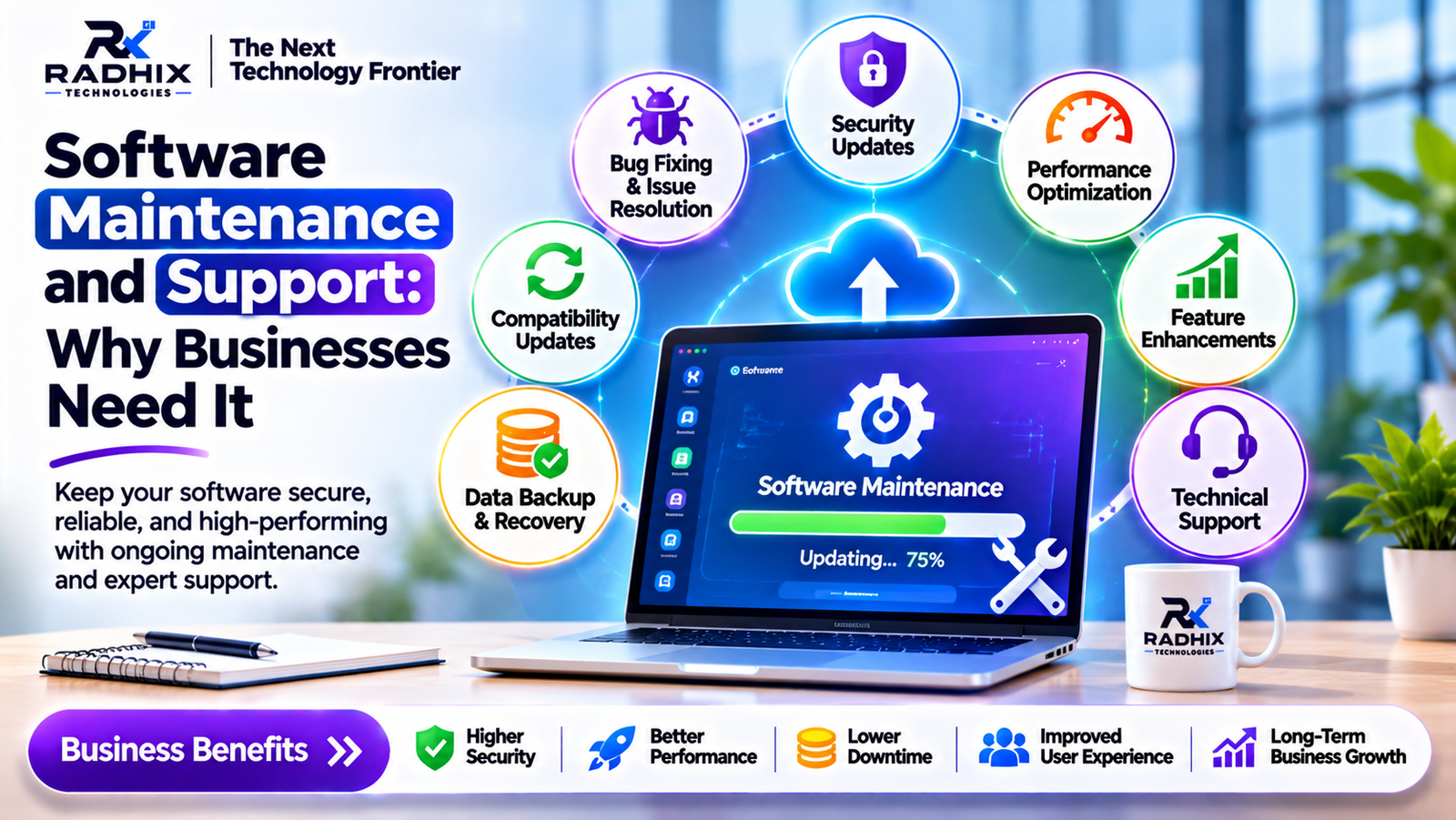
Step 8: Maintenance and Improvements
After launch, the application receives technical support, security updates, bug fixes and new features according to business requirements.
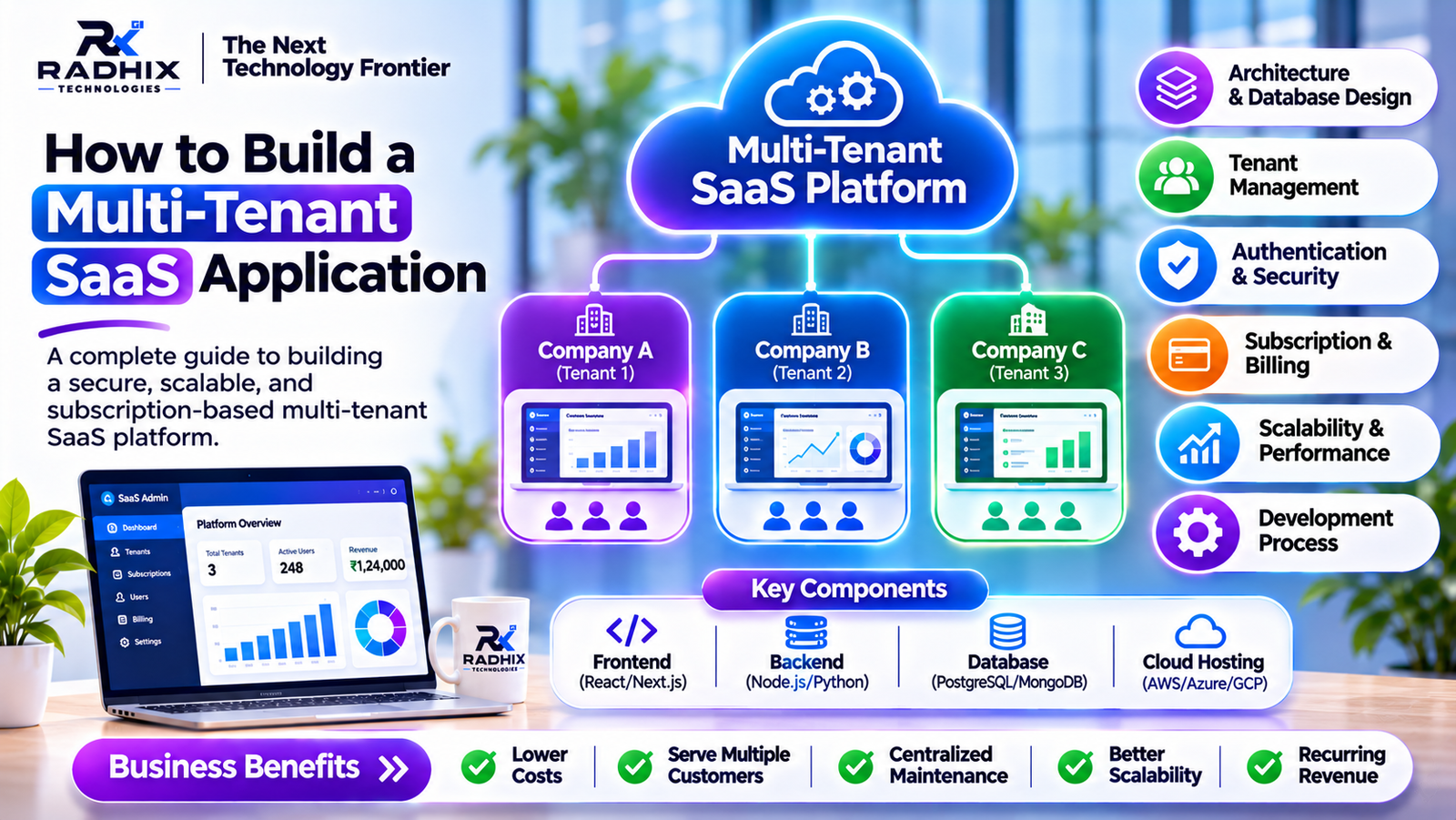
7. Technologies Used for Custom ERP Development
The technology stack depends on the application's size, expected users, integrations and complexity.
A modern ERP application may use the following technologies:
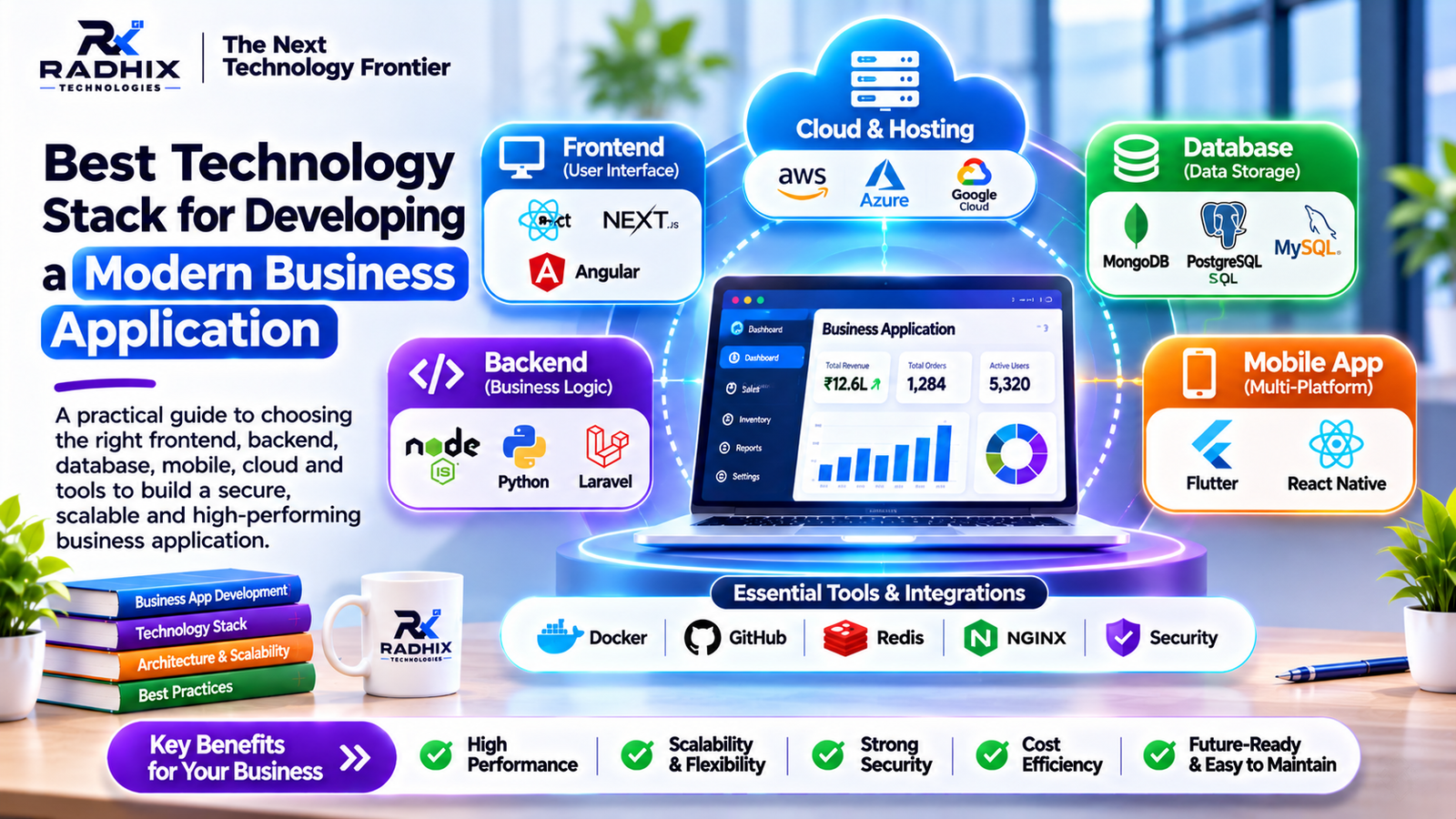
Development AreaPossible TechnologiesFrontendReact.js, Next.js, AngularBackendNode.js, Python, Laravel, .NETDatabasePostgreSQL, MySQL, MongoDBMobile ApplicationFlutter, React NativeCloud HostingAWS, Microsoft Azure, Google CloudAPI IntegrationREST APIsAuthenticationJWT, OAuth 2.0, role-based accessReportingCustom dashboards and analytics tools
For example, React with Node.js and PostgreSQL can be a suitable combination for a web-based ERP application with structured business data.
The final technology stack should be selected according to the actual project requirements rather than simply choosing the latest technologies.
8. What Should Businesses Consider Before Developing an ERP?
Before investing in custom ERP software, businesses should answer a few important questions.
- Which departments will use the system?
- What problems should the ERP solve?
- Which existing applications need integration?
- How many employees will access the platform?
- Are multiple branches or warehouses involved?
- What reports are required by management?
- What security and backup measures are necessary?
- Will mobile access be required?
- How will the software be maintained after deployment?
It is also useful to prioritize essential features for the first release. Developing every possible module at once can increase project complexity, cost and implementation time.
A phased development approach allows businesses to introduce important modules first and expand the ERP system as they become ready.
9. Custom ERP Software Development by Radhix Technologies
Radhix Technologies Pvt. Ltd. provides software development and digital solutions for businesses looking to improve their operational processes through technology.
We understand that every organization has different requirements. A manufacturing company may need production and inventory management, while a trading business may focus more on sales, purchasing, billing and supplier coordination.
Custom ERP development should reflect these differences rather than forcing every organization to follow the same workflow.
Radhix Technologies can help businesses plan and develop solutions such as:
- Custom ERP software.
- Inventory and warehouse management systems.
- Sales and purchase management applications.
- HR and employee management systems.
- Accounting and billing solutions.
- Business dashboards and reporting.
- Web and mobile applications.
- Third-party API integrations.
Our approach focuses on understanding business requirements, planning suitable application architecture and developing software that can support changing operational needs.
Visit https://www.radhix.com/ to explore software development solutions.
Conclusion
Custom ERP software can help businesses bring different departments together, organize information and improve the way daily operations are managed.
From inventory and purchasing to sales, accounts and employee management, an integrated ERP platform provides a more connected view of business activities.
However, successful ERP development depends on more than the number of features. The system must match actual workflows, provide accurate information, maintain appropriate security and remain manageable as the organization grows.
Businesses should begin by identifying their operational challenges and selecting the modules that solve their most important problems.
With proper planning and development, custom ERP software can become a valuable part of a company's long-term digital strategy.
Frequently Asked Questions (FAQs)
1. What is custom ERP software development?
Custom ERP software development is the process of creating an enterprise resource planning application according to a company's specific workflows, departments and operational requirements.
2. What are the main features of custom ERP software?
Common features include inventory management, sales, purchasing, accounting, HR, customer management, reporting and centralized dashboards.
3. Is custom ERP better than ready-made ERP?
Custom ERP may be more suitable when a business has unique workflows or integration requirements. Ready-made ERP can be more practical when standard features meet its needs.
4. How much does custom ERP software development cost?
The cost depends on the number of modules, application complexity, integrations, user requirements, platforms and customization. A detailed requirement analysis is needed for an accurate estimate.
5. How long does it take to develop custom ERP software?
Development time depends on the project scope, number of modules, integrations, testing and deployment requirements. A smaller ERP system can be delivered faster than a complex enterprise platform.
6. Can custom ERP software be accessed through mobile devices?
Yes. An ERP system can include a responsive web application or dedicated Android and iOS applications, depending on business requirements.
7. Is ERP software suitable for small businesses?
Yes. Small businesses can start with essential modules such as inventory, sales, billing and purchasing, then add more functionality as their operations grow.
8. Can ERP software integrate with existing business applications?
Yes. ERP systems can integrate with suitable third-party applications through APIs and other supported integration methods.