Website Security Checklist for Small and Medium Businesses
A business website is an important part of your company's digital presence. It helps customers discover your services, submit enquiries, purchase products, and communicate with your team. However, a website can also become a target for cyberattacks if its software, accounts, and data are not properly protected.
Small and medium businesses may assume that cybercriminals only target large organizations. In reality, websites of all sizes can face risks such as unauthorized access, malware, phishing, data theft, and service disruptions.
A security incident can interrupt business operations, damage customer trust, and create unexpected recovery costs. This is why website security should be a priority for every business that operates online.
In this guide, Radhix Technologies shares a practical website security checklist for small and medium businesses, including essential protection measures, maintenance practices, and steps to take when something goes wrong.
Why Is Website Security Important for Small Businesses?
Your website may store customer enquiries, user account details, order information, or other business data. Even when a website does not accept online payments, attackers may try to exploit vulnerable software, steal administrator credentials, or use the website to distribute malicious content.
Good website security helps businesses:
- Protect customer and business information.
- Reduce the risk of unauthorized access.
- Keep website services available.
- Maintain customer confidence.
- Reduce the impact of preventable security incidents.
- Support compliance with applicable legal and contractual requirements.
Security is not a one-time task. It requires suitable technology, regular updates, secure processes, and a plan for responding to incidents.
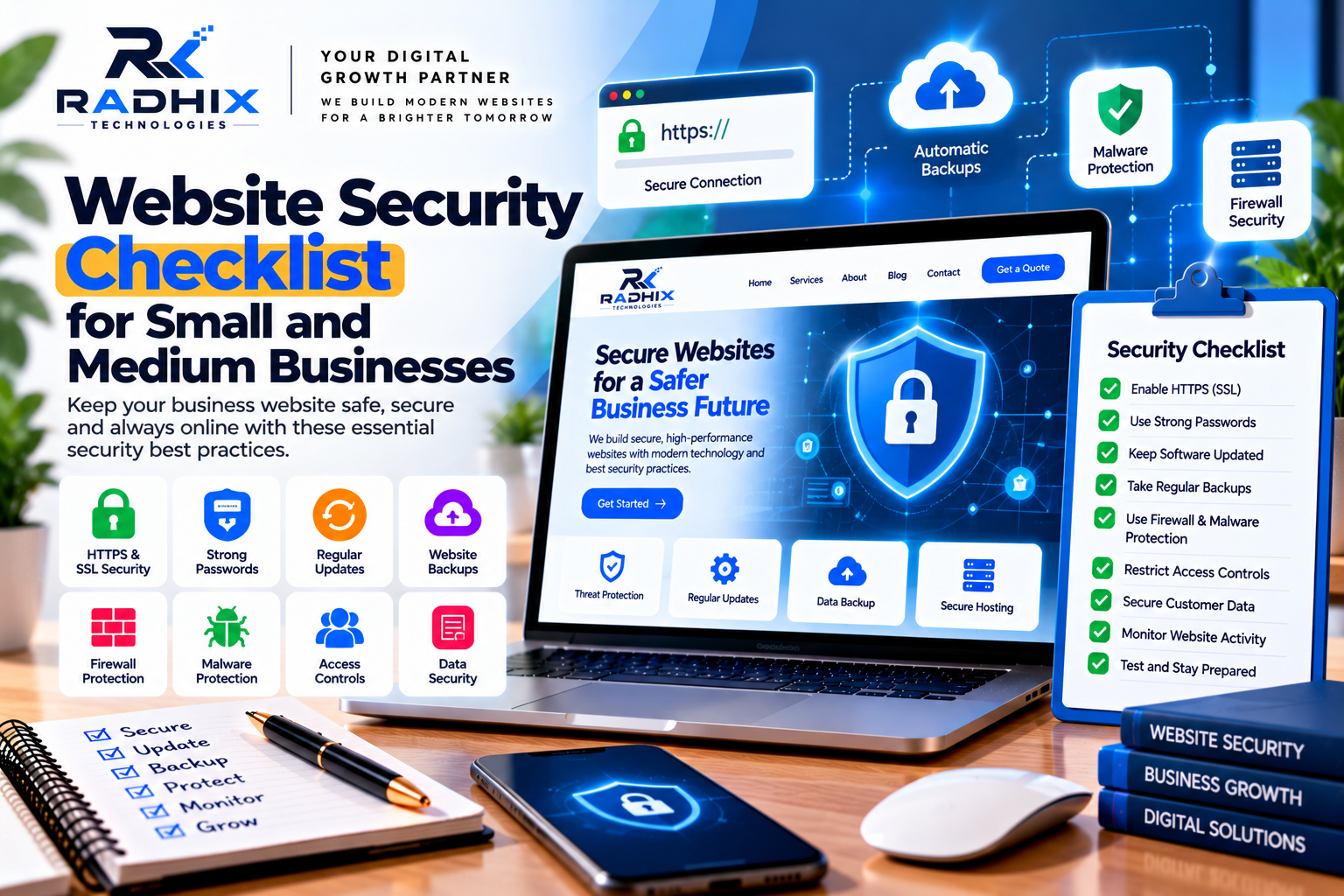
Website Security Checklist: 12 Essential Steps
1. Enable HTTPS and Maintain Your SSL/TLS Certificate
HTTPS encrypts information exchanged between a visitor's browser and your website when configured correctly.
This is particularly important for login pages, contact forms, customer portals, and e-commerce checkouts.
Checklist:
- Ensure your website uses HTTPS.
- Confirm that the certificate is valid and renews before expiry.
- Redirect HTTP pages to their HTTPS equivalents.
- Fix mixed-content warnings where some resources still load insecurely.
- Review important pages after certificate or hosting changes.
HTTPS helps protect data in transit, but it does not by itself protect a website from malware, compromised accounts, or insecure application code.
2. Use Strong Passwords and Multi-Factor Authentication
Weak or reused passwords can make it easier for attackers to gain access to website administration accounts.
Use unique, strong passwords for your CMS, hosting account, domain registrar, database administration, and other important services.
Where available, enable multi-factor authentication (MFA), which requires an additional verification step beyond a password.
Checklist:
- Use unique passwords for important accounts.
- Enable MFA for administrators and hosting accounts.
- Avoid sharing administrator credentials among employees.
- Store credentials in a reputable password manager.
- Remove access promptly when an employee or contractor no longer needs it.
These practices help reduce the risk of unauthorized access caused by stolen or reused credentials.
3. Keep Your Website Software Updated
Outdated software can contain known security vulnerabilities. Attackers may exploit weaknesses in content management systems, plugins, themes, frameworks, libraries, and server components.
Regular updates help address known issues and improve software reliability.
Checklist:
- Update your CMS, such as WordPress, when appropriate.
- Install supported theme and plugin security updates.
- Keep frameworks, libraries, and dependencies maintained.
- Remove unused extensions and components.
- Test important functionality after updates.
- Maintain a rollback or recovery plan for critical changes.
For business-critical websites, test updates in a staging environment before deploying them to the live site whenever practical.
4. Schedule Regular Website Backups
Backups provide a recovery option if your website experiences accidental data loss, a failed update, a server problem, or a security incident.
A useful backup plan should include the website files and database where applicable.
Checklist:
- Schedule backups according to how frequently the website changes.
- Store backups separately from the production website.
- Protect backup files with appropriate access controls and encryption where suitable.
- Keep multiple recovery points.
- Test restoration procedures periodically.
- Ensure backups are not easily deleted by someone who compromises the main administrator account.
A backup is only useful if it can be restored successfully. Regular recovery testing helps confirm that your business can recover when necessary.
5. Install Appropriate Security Monitoring
Security monitoring can help identify suspicious activity and potential vulnerabilities.
Depending on the platform, this may include a web application firewall (WAF), malware scanning, login monitoring, file integrity checks, and hosting-provider security tools.
Checklist:
- Use reputable security tools appropriate to your platform.
- Review suspicious login attempts and unusual activity.
- Monitor important security alerts.
- Configure notifications for critical issues.
- Investigate unexpected changes to website files.
- Avoid installing multiple overlapping security plugins without a clear reason.
Monitoring tools can reduce detection time, but they do not eliminate the need for secure configuration and regular maintenance.
6. Restrict Administrator Access
Not everyone who works with your website needs full administrative permissions.
Giving users only the access required for their responsibilities helps reduce the potential impact of compromised accounts or accidental changes.
Checklist:
- Create separate accounts for individual users.
- Assign the minimum permissions needed for each role.
- Avoid using shared administrator accounts.
- Review user permissions regularly.
- Disable inactive accounts.
- Remove access when staff or contractors leave.
- Protect hosting and domain registrar accounts as carefully as the website dashboard.
For larger teams, document who owns each important account and how access is approved.
7. Protect Contact Forms and Customer Inputs
Contact forms, search fields, login pages, and other input areas can be abused through spam, malicious submissions, and application vulnerabilities.
Developers should validate input on the server, apply appropriate output encoding, and use secure database query practices. Client-side validation alone is not sufficient.
Checklist:
- Validate form data on the server.
- Use appropriate protection against cross-site scripting and injection attacks.
- Apply spam controls such as rate limiting or CAPTCHA when appropriate.
- Use secure session management for authenticated areas.
- Avoid collecting unnecessary personal information.
- Ensure form submissions are transmitted securely.
- Restrict access to submitted enquiries.
If the website accepts payments or stores sensitive information, additional security review may be necessary.
8. Secure Your Hosting and Domain Accounts
Website security depends on more than the application itself. Hosting, DNS, domain registration, and deployment accounts are also important.
An attacker who compromises a domain or hosting account may redirect visitors, change website content, or disrupt services.
Checklist:
- Enable MFA on hosting and domain registrar accounts.
- Keep domain contact details and renewal information current.
- Use secure deployment credentials.
- Restrict access to server management tools.
- Disable unnecessary services and ports where applicable.
- Keep supported server software updated.
- Review DNS settings and account activity.
- Understand how to contact your hosting provider during an emergency.
Businesses should also know who controls their domain, hosting, backups, and source code.
9. Protect Customer Data and Privacy
Businesses should collect only the information they need and protect it throughout its lifecycle.
Personal information may include names, email addresses, phone numbers, account details, and information submitted through enquiry forms.
Checklist:
- Explain how customer information is collected and used.
- Restrict access to personal data.
- Avoid storing sensitive information unnecessarily.
- Use suitable encryption and access controls.
- Define retention and deletion practices.
- Review third-party services that receive customer data.
- Follow applicable privacy and data protection requirements.
If your website processes payments, use a reputable payment provider and follow the relevant security requirements. Avoid storing payment card details unless your business has the necessary systems and authorization to do so.
10. Use a Web Application Firewall Where Appropriate
A web application firewall can help filter certain malicious requests before they reach your website application.
Depending on the service, it may provide protection against common attack patterns, automated abuse, and some denial-of-service traffic.
Checklist:
- Evaluate whether your hosting provider or CDN includes WAF protection.
- Configure rules appropriate to your website.
- Monitor blocked requests and false positives.
- Keep security rules and configurations current.
- Test important website functionality after configuration changes.
A WAF is an additional layer of protection, not a replacement for secure code, software updates, backups, and access controls.
11. Monitor Website Availability and Security Alerts
A website may experience downtime because of hosting problems, configuration changes, malicious activity, or expired services.
Monitoring can help your team identify problems sooner.
Checklist:
- Monitor website availability.
- Track certificate and domain expiry dates.
- Review hosting and application error logs.
- Configure alerts for important failures.
- Check forms and key customer journeys.
- Document who should respond to urgent incidents.
For an e-commerce website or a business-critical portal, monitoring may need to be more frequent than for a simple informational website.
12. Prepare a Website Incident Response Plan
Even a well-maintained website can experience a security incident. Having a response plan helps your team act quickly and consistently.
The plan should identify who is responsible for technical decisions, customer communication, hosting-provider contact, and recovery.
If you suspect a compromise:
- Contact your technical team or hosting provider.
- Preserve relevant logs and evidence where possible.
- Restrict compromised accounts and revoke exposed credentials.
- Contain the affected system without destroying evidence.
- Investigate the cause and remove unauthorized changes.
- Restore from a verified clean backup when appropriate.
- Apply necessary security fixes before returning to normal operation.
- Review notification and reporting obligations that may apply.
- Monitor the website closely after recovery.
Do not assume that deleting suspicious files alone resolves an incident. The underlying entry point may remain vulnerable.
Website Security Checklist by Frequency
A practical maintenance schedule helps ensure that security tasks are not forgotten.
FrequencyRecommended ActivitiesDaily or automatedAvailability checks, critical alerts, backup monitoring where applicableWeeklyReview urgent security alerts, suspicious activity, and key website functionsMonthlyReview software updates, user accounts, backup status, and security configurationsQuarterlyTest recovery procedures, review permissions, and assess important vulnerabilitiesAnnually or after major changesReview the overall security plan, providers, data handling, and incident response process
These intervals are general guidance. Critical vulnerabilities should be assessed and addressed promptly, and high-risk websites may require more frequent reviews.
Common Website Security Mistakes to Avoid
Small and medium businesses should avoid these common mistakes:
- Using the same password across multiple accounts.
- Ignoring software updates.
- Installing plugins from untrusted sources.
- Giving every employee administrator access.
- Storing backups only on the same server.
- Assuming HTTPS alone makes a website secure.
- Collecting more customer information than necessary.
- Ignoring security alerts and failed login attempts.
- Failing to test backup restoration.
- Having no plan for responding to a security incident.
Addressing these issues can improve your website's security posture and reduce avoidable risks.
How Much Does Website Security Maintenance Cost in India?
Website security costs depend on the platform, website complexity, traffic, data sensitivity, monitoring requirements, and level of technical support.
The following are indicative planning estimates, not fixed quotations.
Security ServiceEstimated Cost
- Basic security setup and hardening₹3,000–₹10,000
- one-timeBasic website security maintenance₹2,000–₹8,000 per month
- Advanced monitoring and maintenance₹8,000–₹25,000+ per month
Professional security audit or penetration testScope-dependent; quotation required
These ranges are illustrative and may vary substantially. Hosting, premium security tools, emergency recovery, compliance work, and major code fixes may be charged separately.
Before choosing a provider, clarify what the service includes, how incidents are handled, what response times apply, and whether remediation work is covered.
Why Consider Radhix Technologies for Website Security?
Radhix Technologies helps businesses explore website development, maintenance, and technical support solutions according to their requirements.
Depending on the agreed scope, website support may inclu
de software updates, backup configuration, security hardening, access-control reviews, performance checks, vulnerability remediation, and technical troubleshooting.
Every website has different risks, so security work should begin with an assessment of the platform, features, hosting environment, and information the website handles.
Discuss your requirements, existing security issues, support expectations, and recovery needs before starting a maintenance plan.
Conclusion
Website security is an ongoing responsibility for every business that operates online. Strong passwords, multi-factor authentication, timely updates, secure hosting, tested backups, access controls, and monitoring can help reduce common risks.
Small and medium businesses do not need to implement every advanced security tool immediately. They should begin with essential controls, understand the risks associated with their website, and improve protection as their systems and responsibilities grow.
A clear security checklist, regular maintenance, and a tested recovery plan can help your business protect its online presence and respond more effectively when problems occur.
Want to improve your business website security? Contact Radhix Technologies to discuss website maintenance and security requirements for your business.
Frequently Asked Questions
1. Why is website security important for small businesses?
It helps protect business information, customer data, website availability, and customer trust while reducing the risk of unauthorized access and preventable security incidents.
2. Is HTTPS enough to secure a website?
No. HTTPS protects data in transit, but websites also need secure software, access controls, updates, backups, and appropriate monitoring.
3. How often should a business website be checked for security?
Use continuous or frequent monitoring where appropriate, review updates and accounts regularly, and address critical vulnerabilities promptly. The schedule should reflect the website's risk level.
4. Are website backups necessary for security?
Yes. Backups support recovery after data loss, failed updates, or security incidents. Store them securely and test restoration procedures.
5. Can WordPress websites be secure?
Yes. WordPress websites can be secured through supported software updates, trusted extensions, strong access controls, suitable hosting, backups, and regular monitoring.
6. What should I do if my website is hacked?
Contact your technical team or hosting provider, contain the incident, protect compromised accounts, investigate the cause, restore from a verified clean backup if appropriate, and fix the underlying vulnerability.
7. How much does website security cost in India?
Costs vary by website complexity and support requirements. Basic security setup may cost a few thousand rupees, while continuous monitoring, audits, and remediation can require a larger budget.