SaaS vs Traditional Software: Which Business Solution Is Better?
Technology plays an important role in modern business operations. Companies use software to manage customers, employees, finances, inventory, communication, and daily workflows. However, choosing the right software model is an important decision for businesses planning digital transformation.
Two common software models are Software as a Service (SaaS) and Traditional Software.
SaaS applications are generally hosted by service providers and accessed through the internet, while traditional software is commonly installed on local computers or deployed on an organisation's own infrastructure.
Both models offer different advantages depending on business requirements, budget, security expectations, infrastructure, and operational needs.
But which solution is better for your business?
In this guide, we will explain the differences between SaaS and traditional software, compare their features, benefits, limitations, costs, and help you decide which business solution is suitable for your organisation.
What Is SaaS Software?
Software as a Service (SaaS) is a software delivery model in which applications are hosted and managed by a service provider and accessed by customers through the internet.
Users generally access SaaS applications through a web browser or mobile application without installing and maintaining the complete software infrastructure themselves.
Most SaaS platforms use subscription-based pricing models, although some offer free, usage-based, or other pricing options.
Examples of SaaS applications include:
- Customer Relationship Management (CRM) software
- Project management platforms
- Accounting applications
- Email marketing tools
- HR management systems
- Cloud-based collaboration platforms
- Online business management software
Key Features of SaaS Software
- Cloud-based application hosting
- Browser-based access
- Subscription-based pricing options
- Centralised software updates
- Remote accessibility
- Third-party integrations
- Scalable infrastructure options
- Centralised service management
What Is Traditional Software?
Traditional software refers to applications that are typically installed on individual computers, company servers, or privately managed infrastructure.
Businesses may purchase a software licence, deploy the application, and manage its operation according to the vendor's licensing and support terms.
Depending on the software, the organisation may be responsible for installation, infrastructure, updates, backups, and maintenance.
Examples include:
- Desktop accounting software
- Locally installed inventory applications
- On-premises ERP systems
- Desktop-based business management tools
- Custom applications deployed on company servers
- Locally hosted database applications
Key Features of Traditional Software
- Local installation or private infrastructure deployment
- Licence-based purchasing options
- Greater control over deployment environments
- Possible offline functionality
- Organisation-managed infrastructure in some deployment models
- Custom configuration possibilities
- Direct integration with selected internal systems
Traditional software does not always mean offline software. Some applications require internet connectivity, while others support local or offline operation.
SaaS vs Traditional Software: Key Differences
Understanding the differences between both models helps businesses select an appropriate technology solution.
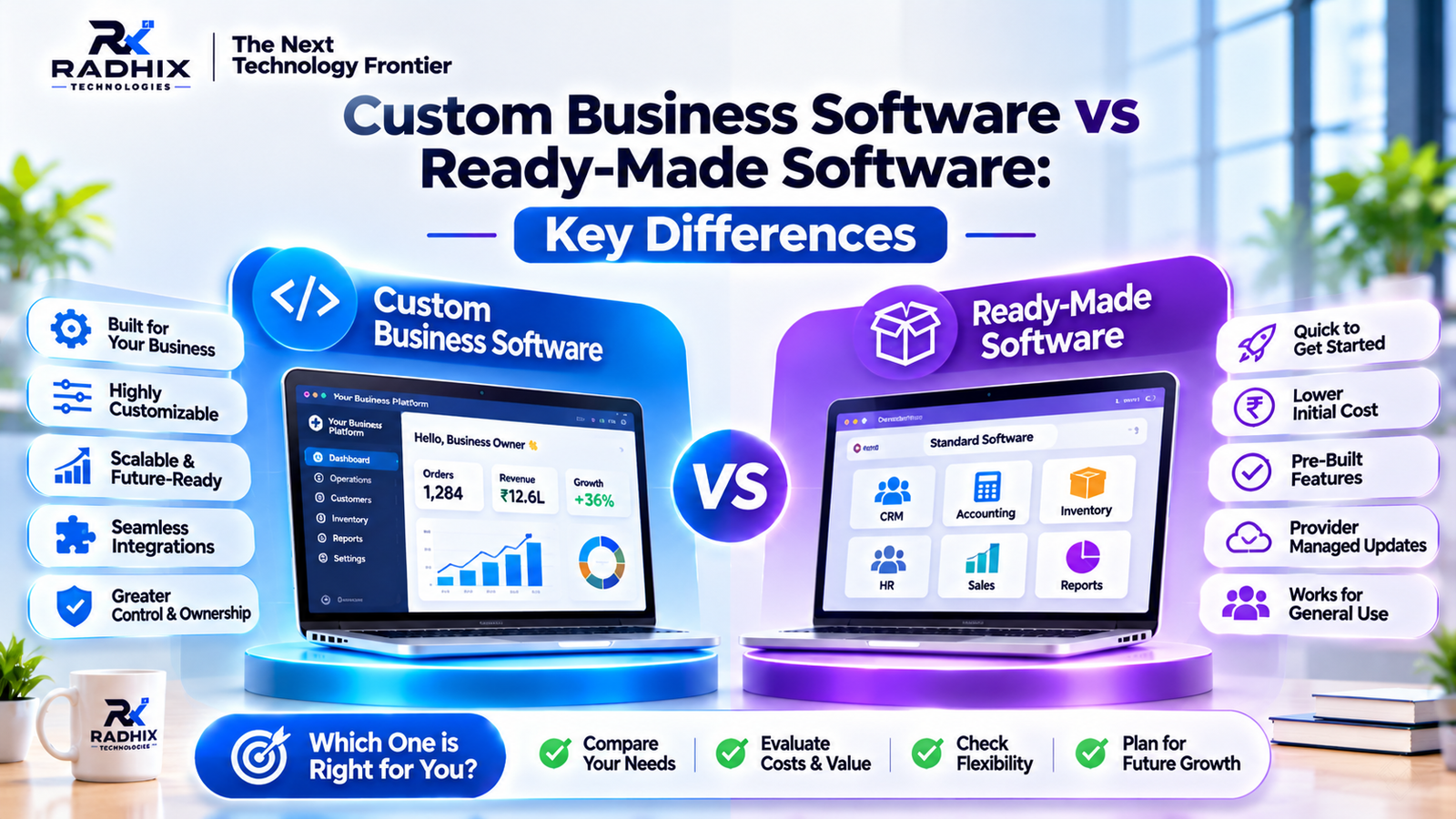
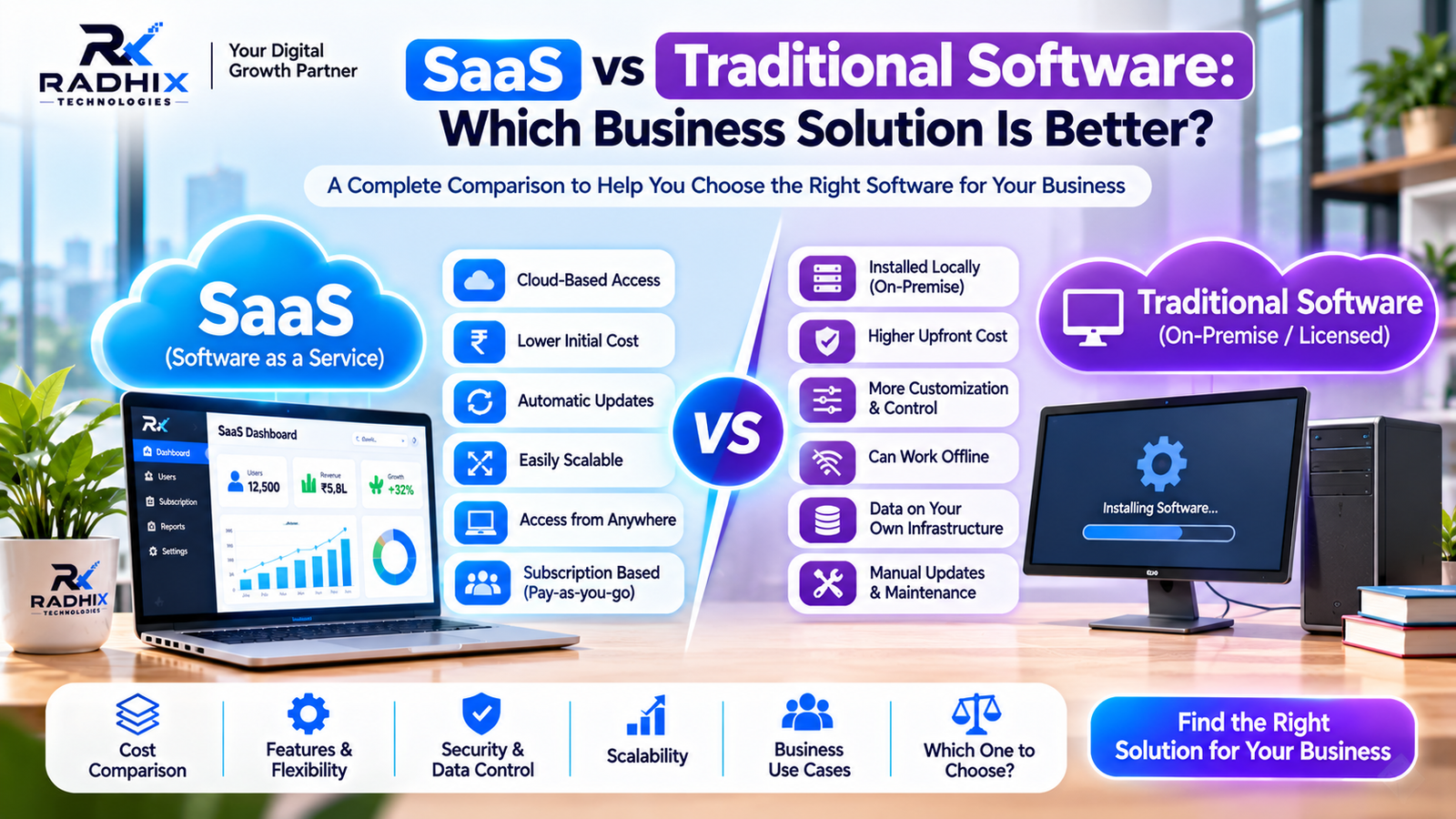
ComparisonSaaS SoftwareTraditional SoftwareDeploymentProvider-hosted cloud infrastructureLocal computers or private infrastructureAccessGenerally through the internetDepends on installation and deploymentPricingOften subscription-basedOften licence-based or contract-basedMaintenanceMostly provider-managedDepends on vendor and deployment modelUpdatesUsually centrally managedMay require manual or managed updatesInfrastructureGenerally managed by providerMay be managed by the organisationScalabilityOften easier through service plans and cloud resourcesDepends on infrastructure and software designCustomisationDepends on provider and productCan offer extensive customisationData ManagementProvider-hosted or configured storageDepends on deployment and ownershipOffline AccessDepends on application supportPossible with suitable local applicationsInternet DependencyUsually requiredDepends on application designInitial InvestmentOften lower upfrontMay require higher initial setup investment
Advantages of SaaS Software for Businesses
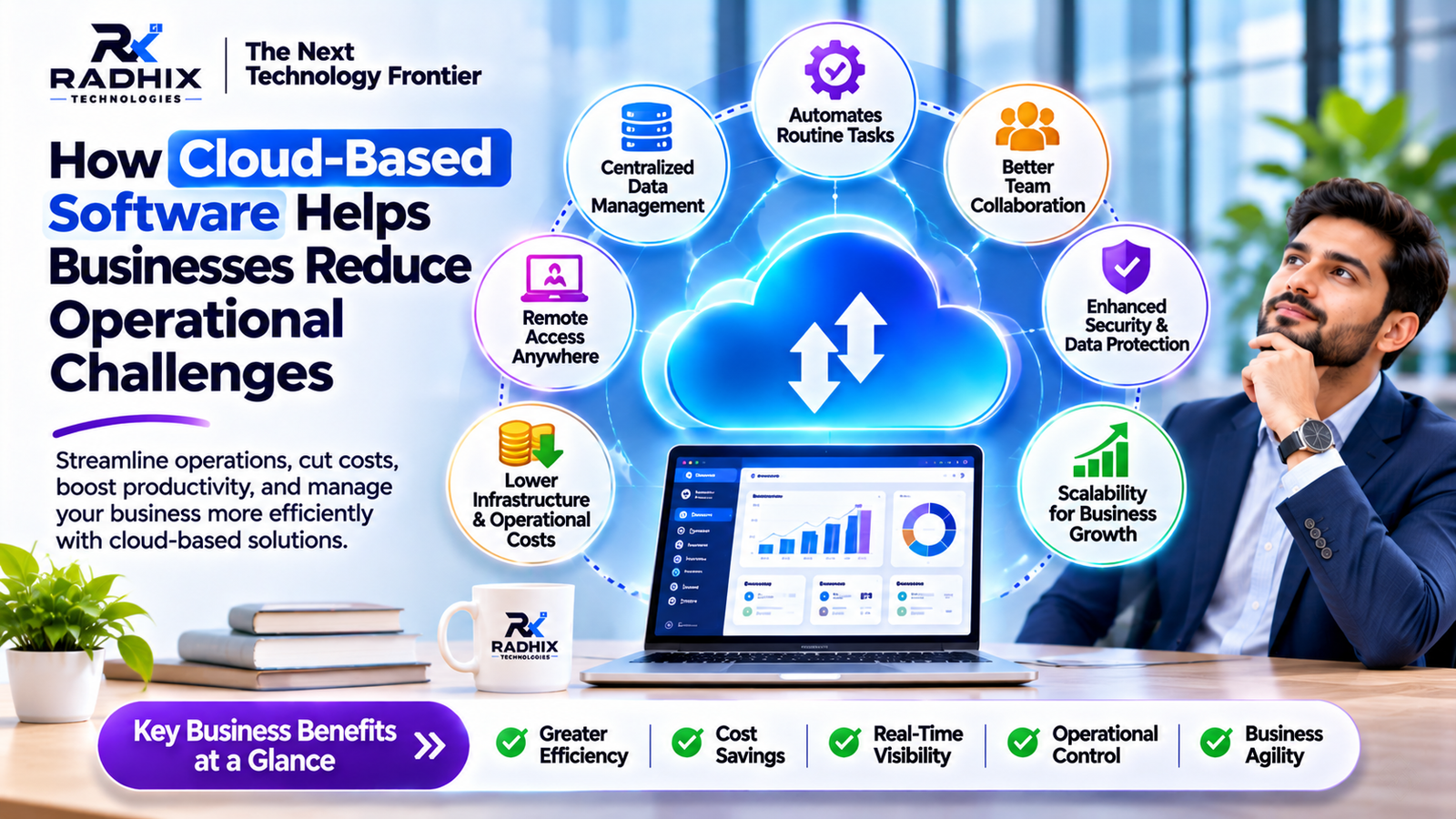
SaaS applications are popular because they simplify software access and reduce the need for businesses to manage their own application infrastructure.
1. Lower Initial Investment
Many SaaS products offer monthly or annual subscription plans instead of requiring businesses to purchase and deploy the complete software infrastructure upfront.
This can make it easier for startups and small businesses to start using professional software.
2. Access From Anywhere
SaaS applications can generally be accessed from supported devices through an internet connection.
This is useful for businesses with remote employees, multiple branches, and distributed teams.
3. Automatic Software Updates
The SaaS provider usually manages application updates and infrastructure maintenance.
Customers can benefit from improvements without manually installing every update.
4. Easy User Expansion
Many SaaS platforms allow businesses to add users or upgrade subscription plans as their requirements change.
The availability and cost of expansion depend on the provider's pricing and technical limits.
5. Faster Deployment
Businesses can often start using an existing SaaS product quickly after registration and configuration.
There is generally no need to build the complete application from scratch.
Limitations of SaaS Software
Despite its advantages, SaaS may not be suitable for every business.
- Recurring subscription expenses
- Dependence on the service provider
- Internet connectivity requirements
- Limited customisation in some products
- Data storage and residency considerations
- Possible vendor lock-in
- Pricing or feature changes by the provider
Businesses should carefully review the provider's security policies, service terms, data export options, and service availability.
Advantages of Traditional Software for Businesses
Traditional software can be a suitable option for organisations that require specific deployment environments, greater infrastructure control, or specialised workflows.
1. Greater Deployment Control
Organisations using self-hosted or on-premises software may have more control over server configuration, network access, infrastructure, and deployment policies.
2. Customisation Flexibility
Custom software can be developed according to specific business workflows, user roles, integrations, and operational requirements.
This is especially useful when ready-made products cannot support important business processes.
3. Potential Offline Functionality
Some locally installed applications can continue working without an active internet connection.
This may be useful in environments where connectivity is limited or unreliable.
4. Control Over Infrastructure
Businesses deploying software on their own infrastructure can manage hardware, storage, network configuration, and data handling according to their technical capabilities.
5. Integration With Internal Systems
Traditional or self-hosted software may be designed to integrate with internal databases, local devices, legacy systems, and specialised business applications.
Limitations of Traditional Software
Traditional software can also introduce operational responsibilities.
- Higher initial setup costs in some projects
- Infrastructure management requirements
- Manual or scheduled updates
- Backup and disaster recovery responsibilities
- Need for technical support
- Hardware and server maintenance
- More complex expansion in some environments
The actual responsibilities depend on whether the software is locally installed, vendor-managed, or self-hosted.
SaaS vs Traditional Software: Cost Comparison
Cost is one of the most important factors when selecting a software model.
However, businesses should compare the total cost of ownership rather than looking only at the initial purchase price.
Cost FactorSaaS SoftwareTraditional SoftwareInitial CostOften lowerCan be higherSubscription or LicenceUsually recurring subscriptionLicence or contract-basedServer InfrastructureUsually provider-managedMay require company infrastructureMaintenanceGenerally included in service plansMay require separate supportUpdatesUsually provider-managedDepends on vendor and deploymentCustomisationDepends on available optionsCan involve separate development costsData BackupDepends on provider and planDepends on deployment responsibility
Example: Cost Planning
Suppose a business subscribes to a SaaS platform for ₹5,000 per month.
Its annual subscription expense would be:
₹5,000 × 12 = ₹60,000 per year.
Over three years, the subscription would total ₹1,80,000, excluding applicable taxes, plan changes, and additional charges.
Now consider traditional custom software with an initial development and deployment cost of ₹2,00,000.
The business may also need to budget for hosting, maintenance, upgrades, and technical support.
The comparison should include all relevant costs over the expected period of use. The cheaper option depends on the actual project and operating requirements.
Which Business Should Choose SaaS Software?
SaaS software can be a good choice for businesses that need standard functionality, quick deployment, and minimal infrastructure management.
Startups
Startups often prefer SaaS applications because they can begin using essential business tools without investing heavily in software infrastructure.
Small Businesses
Small businesses can use SaaS CRM, accounting, communication, and project management tools to organise their operations.
Remote Teams
Businesses with distributed teams can benefit from browser-based access and centralised application management.
Marketing Agencies
Marketing agencies can use SaaS tools for campaign management, analytics, customer communication, and team collaboration.
Growing Businesses
Organisations that want to expand software usage through subscription plans may find SaaS convenient, depending on pricing and provider limits.
Which Business Should Choose Traditional Software?
Traditional or custom-deployed software may be more suitable when businesses have specialised requirements.
Large Enterprises
Large organisations may need custom workflows, complex integrations, and deployment policies that are not supported by standard SaaS products.
Manufacturing Companies
Manufacturing businesses may require software integrated with machinery, local networks, production systems, and specialised devices.
Organisations With Special Data Requirements
Businesses with strict data residency, network isolation, or infrastructure control requirements may prefer private or on-premises deployment, subject to their regulatory and security needs.
Businesses With Legacy Systems
Companies using older applications and internal databases may need custom software to integrate with existing infrastructure.
Businesses Requiring Offline Operations
Organisations operating in areas with unreliable internet connectivity may need software that supports local or offline functionality.
SaaS vs Custom Software: What Is the Difference?
SaaS and custom software are not necessarily competing categories.
SaaS describes a software delivery model, while custom software describes how an application is designed and developed.
A business can build a custom SaaS product, purchase a ready-made SaaS subscription, or develop custom software for local or private deployment.
For example:
- Ready-made SaaS: A business subscribes to an existing CRM platform.
- Custom SaaS: A company develops its own cloud-based CRM platform for customers.
- Custom traditional software: A company develops an internal management system and deploys it on its own server.
Understanding this distinction helps businesses choose the right development and deployment approach.
Important Factors to Consider Before Choosing a Software Solution
Before selecting SaaS or traditional software, businesses should evaluate their operational requirements.
1. Business Requirements
Identify the problems your software needs to solve and the features required to manage daily activities.
2. Budget
Compare initial investment, recurring subscriptions, infrastructure, maintenance, and future development costs.
3. Data Security
Review authentication, access permissions, encryption, backup policies, data residency, and compliance requirements.
4. Scalability
Consider how the software will support additional users, branches, customers, transactions, and business modules.
5. Customisation
Check whether the available software supports your workflows and required integrations.
6. Internet Connectivity
Determine whether employees need access from different locations or whether offline functionality is essential.
7. Technical Support
Evaluate the availability of support, maintenance, documentation, and future upgrades.
Can Businesses Use Both SaaS and Traditional Software?
Yes. Many businesses use a hybrid software environment.
A company may use SaaS applications for communication, customer relationship management, and marketing while maintaining a self-hosted ERP or custom internal application.
For example, a manufacturing company might use:
- SaaS CRM for sales management
- Custom inventory software for warehouse operations
- On-premises software for production management
- Cloud-based accounting tools
- Custom dashboards for business reporting
This approach allows businesses to select suitable solutions for different departments.
However, hybrid environments require proper integration, access management, data synchronisation, and security planning.
How Radhix Technologies Helps Businesses Build the Right Software Solution
Radhix Technologies Pvt. Ltd. helps businesses plan and develop software solutions according to their operational requirements and long-term objectives.
Our services include:
- Custom Software Development
- SaaS Product Development
- CRM and ERP Development
- Web Application Development
- E-commerce and Multi-Vendor Platforms
- Android and iOS App Development
- API and Third-Party Integrations
- Business Process Automation
- UI/UX Design
- Software Maintenance and Support
Whether you want to build a cloud-based SaaS platform, develop a custom business application, or automate internal operations, choosing the right software architecture is an important first step.
Our approach focuses on understanding business requirements, selecting appropriate technologies, planning essential features, and developing solutions according to the agreed scope.
Visit Radhix Technologies to explore our software development services.
Conclusion: SaaS or Traditional Software – Which Is Better?
There is no single software model that is best for every business.
SaaS is often suitable for businesses looking for quick deployment, subscription-based access, and reduced infrastructure management.
Traditional software can be more suitable for organisations that need specialised workflows, offline functionality, greater deployment control, or integration with existing infrastructure.
Businesses should evaluate their budget, security requirements, customisation needs, scalability expectations, and long-term operating costs before making a decision.
The most effective solution is the one that supports your business processes, delivers value to users, and can adapt to future requirements.
Frequently Asked Questions (FAQs)
1. What is the main difference between SaaS and traditional software?
SaaS is generally hosted and managed by a service provider and accessed online. Traditional software is commonly installed locally or deployed on infrastructure managed by the organisation.
2. Is SaaS better than traditional software?
SaaS may be better for businesses seeking quick deployment and less infrastructure management. Traditional software may be better for specialised workflows, offline functionality, or greater deployment control.
3. Is SaaS software cheaper than traditional software?
SaaS often has a lower initial cost, but subscription fees continue over time. Traditional software may require a higher initial investment but can have a different long-term cost structure.
4. Can traditional software work without the internet?
Some locally installed applications support offline functionality. However, this depends on the application's design and whether it requires online services.
5. Is SaaS secure for business data?
SaaS can provide strong security, but protection depends on the provider's security controls, configuration, access management, and the customer's own practices.
6. Can a business develop its own SaaS product?
Yes. Businesses can develop custom SaaS products with user management, subscription plans, dashboards, payment integration, and cloud infrastructure.
7. Can traditional software be customised?
Yes. Custom traditional software can be designed according to specific business workflows, integrations, user roles, and deployment requirements.
8. What is hybrid software deployment?
Hybrid deployment combines cloud-based services with locally hosted or privately managed applications to meet different business and technical requirements.
9. Which software model is suitable for startups?
SaaS subscriptions are often a practical starting point for startups. However, startups building their own software products may choose custom SaaS development.
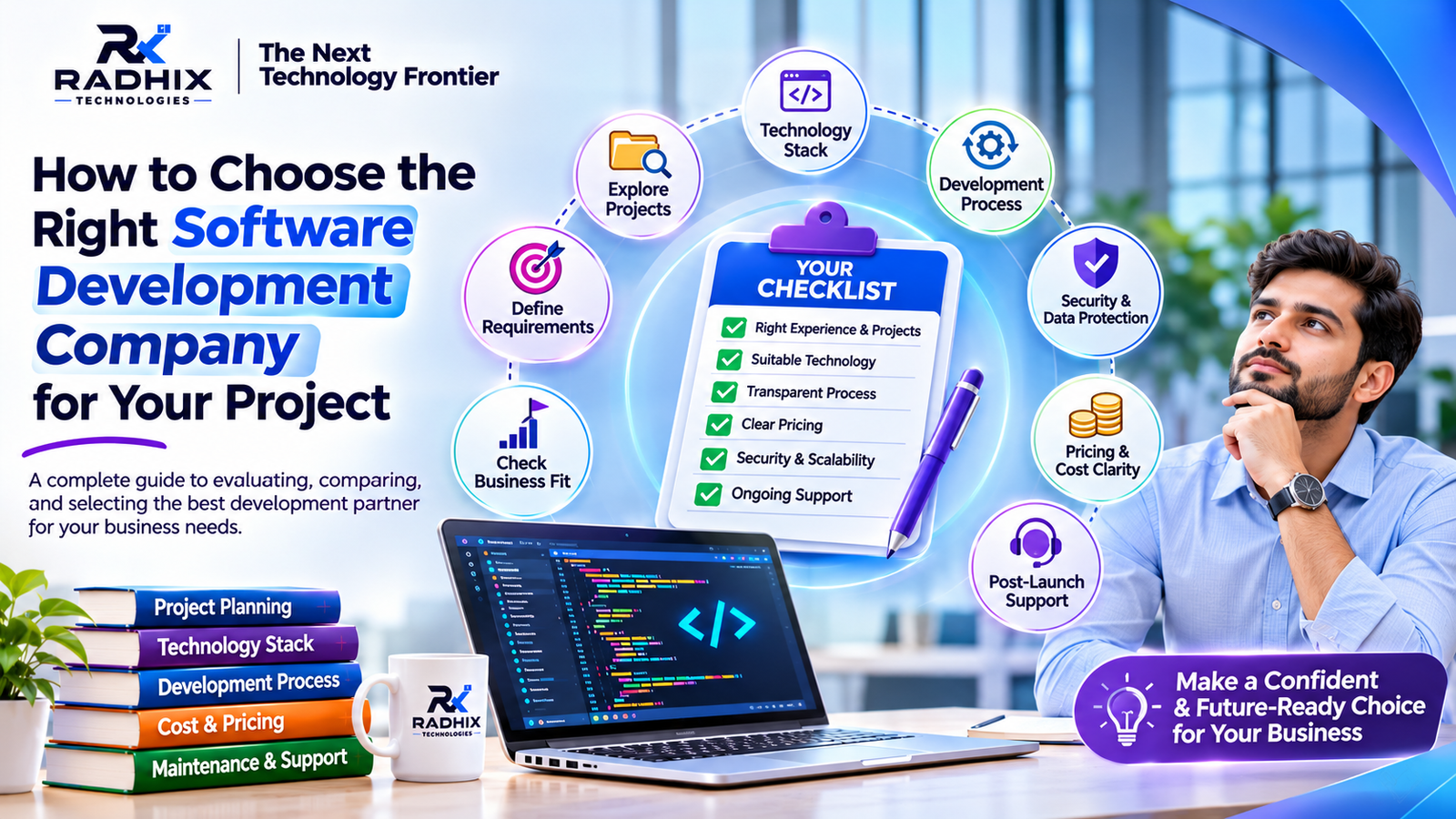
10. How do I choose the right software development company?
Review the company's portfolio, technical expertise, development process, pricing, project documentation, source code ownership terms, and post-launch support.