How Cloud-Based Software Helps Businesses Reduce Operational Challenges
Introduction
Managing a business involves handling employees, customers, inventory, finances, communication, and daily operations. When these activities depend on spreadsheets, paperwork, and disconnected systems, businesses often face delays, errors, and unnecessary expenses.
This is where cloud-based software becomes useful. It allows businesses to access applications and manage information through the internet without depending entirely on office-based computers or servers.
Whether you operate a startup, retail company, manufacturing business, or large enterprise, cloud technology can simplify operations, improve productivity, and support business growth.
In this guide, we will explore how cloud-based software helps businesses overcome operational challenges.
1. What Is Cloud-Based Software?
Cloud-based software is an application hosted on cloud infrastructure that users can access through the internet using a browser or compatible device.
Unlike traditional software that may require local installation and infrastructure, cloud applications allow authorised users to access business information from different locations.
Common examples include:
- Cloud-based accounting software
- Customer Relationship Management (CRM)
- Enterprise Resource Planning (ERP)
- Inventory management systems
- HR and payroll applications
- Project management platforms
Example: A company with multiple branches can use one cloud-based system to manage customer records, inventory, and sales information instead of maintaining separate files at every location.
2. Common Operational Challenges Faced by Businesses
Many businesses experience similar operational problems:
- Manual Data Management: Spreadsheets and paperwork increase errors and duplicate entries.
- Disconnected Systems: Separate applications make information sharing difficult.
- Limited Remote Access: Employees may struggle to access office-based systems.
- Communication Gaps: Departments often work with outdated or inconsistent information.
- High Infrastructure Costs: Physical servers and hardware require investment and maintenance.
- Difficult Expansion: Existing systems may not support additional users, branches, or transactions.
Cloud-based software can help address these problems through centralised data, automation, and flexible infrastructure.
3. How Cloud-Based Software Reduces Operational Challenges
3.1 Centralised Data Management
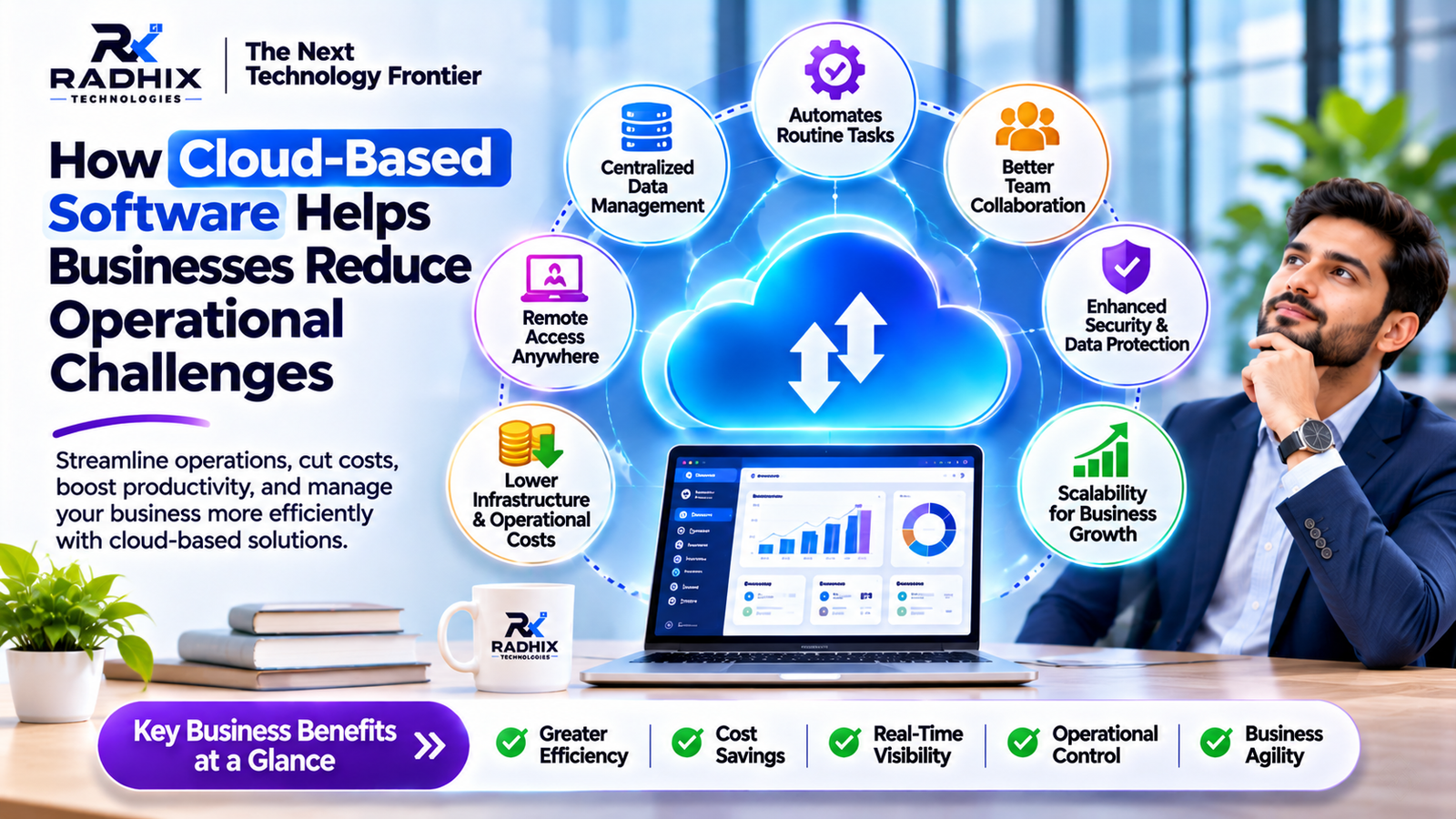
Cloud-based software allows businesses to manage customer records, inventory, employee information, and financial data through a centralised platform.
For example, a retail company operating multiple stores can monitor stock across locations using one inventory management system.
Key benefits:
- Reduced duplicate data entry
- Better information accuracy
- Faster reporting
- Improved coordination
3.2 Automation of Repetitive Tasks
Manual work consumes employee time and increases the possibility of mistakes. Cloud applications can automate repetitive activities such as:
- Invoice generation
- Payment notifications
- Inventory alerts
- Customer follow-up reminders
- Employee attendance records
- Order status updates
For example, an e-commerce platform can automatically generate invoices and send order notifications after successful purchases.
This allows employees to focus on important business activities instead of repetitive administrative work.
3.3 Remote Access and Flexibility
Cloud applications allow authorised users to access business systems from different locations using supported devices and internet connections.
A sales manager travelling for a client meeting can check customer details, update leads, and review reports without visiting the office.
This supports remote teams, improves flexibility, and helps managers make faster decisions. Secure authentication and access controls should always be implemented.
3.4 Improved Team Collaboration
Cloud-based platforms provide shared workspaces, task management, document access, and real-time updates.
Employees can assign tasks, set deadlines, share documents, and monitor project progress.
Managers can review activities through a common dashboard without collecting separate updates from every department.
This improves transparency and coordination.
3.5 Reduced Infrastructure and Maintenance Costs
Traditional software infrastructure may require physical servers, storage devices, hardware upgrades, and internal IT resources.
Cloud-based solutions can reduce the need to manage all infrastructure internally.
Depending on the pricing model, businesses may pay for subscriptions or the cloud resources they use.
Benefits include:
- Lower upfront hardware investment
- Reduced infrastructure management
- Flexible resource usage
- Access to provider-managed services
However, subscription, storage, and usage charges should be included in the long-term budget.
3.6 Better Reporting and Decision-Making
Cloud-based software can collect business information and present it through dashboards and reports.
Managers can monitor sales, revenue, inventory, customer enquiries, employee activities, and operational expenses.
For example, a business owner can compare sales across branches and identify which locations need attention.
Access to timely information supports better business decisions.
3.7 Improved Customer Management
A cloud-based CRM system helps businesses manage customer profiles, enquiries, communication history, and sales follow-ups.
When a customer submits an enquiry through a website, the information can automatically be recorded in the CRM and assigned to a sales representative.
This reduces missed enquiries and helps businesses organise customer relationships.
3.8 Flexible Business Scalability
Growing businesses may need additional users, storage, locations, and computing resources.
Cloud infrastructure can often be adjusted according to changing requirements.
For example, an online store may need additional resources during festive sales or promotional campaigns.
Actual scalability depends on application architecture, cloud configuration, and provider capabilities.
4. Cloud-Based Software vs Traditional Software
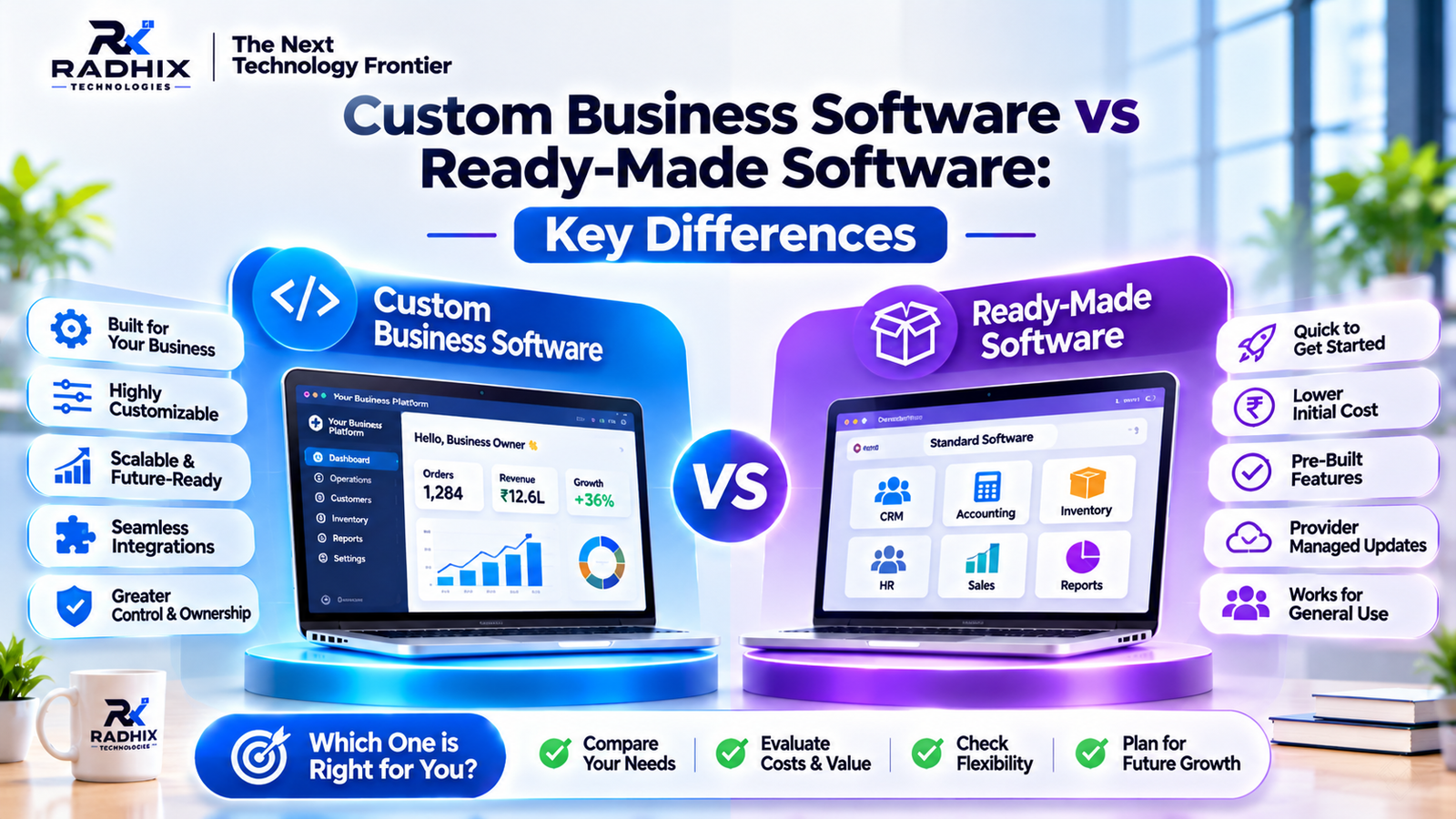
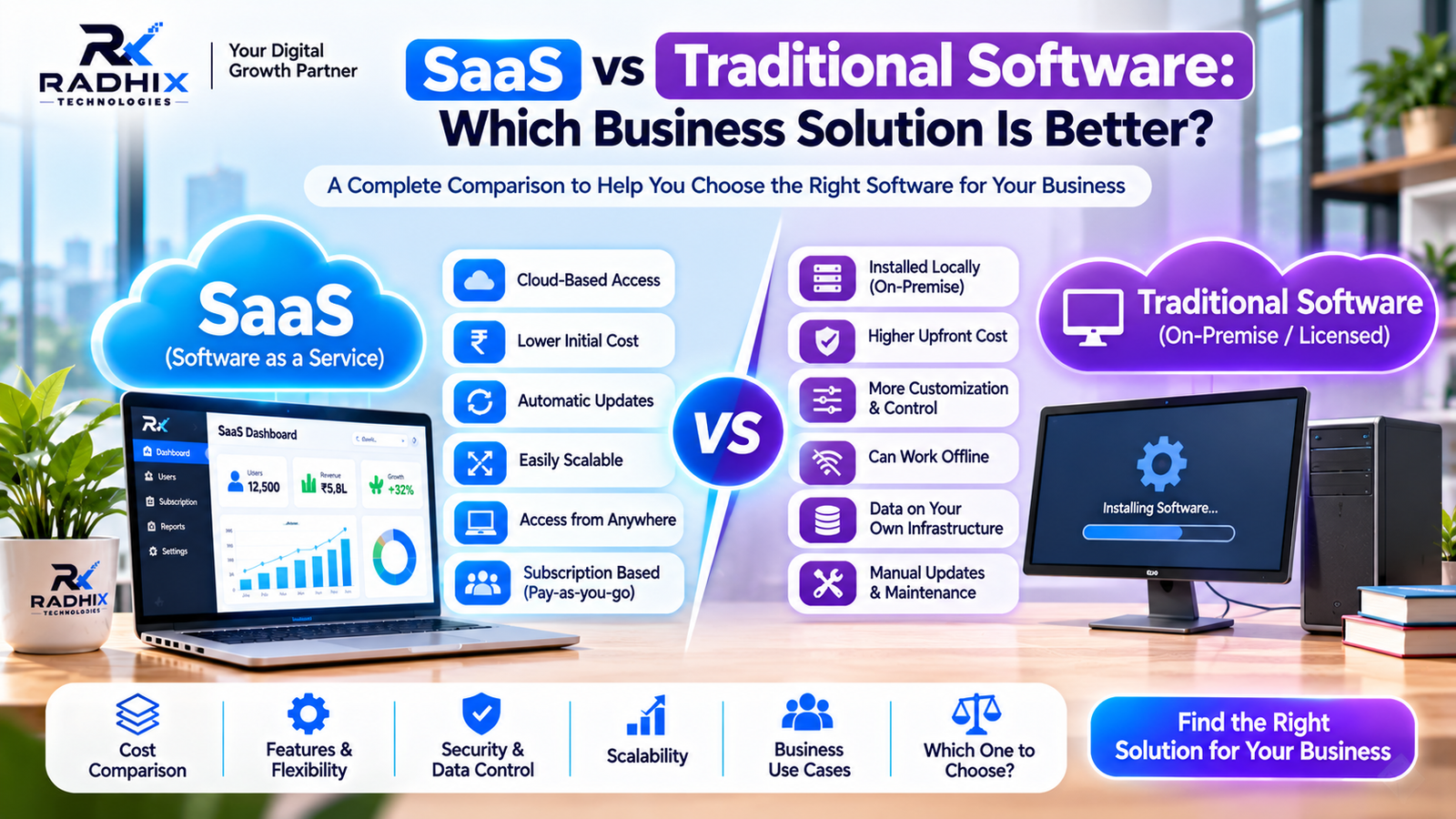
ComparisonCloud-Based SoftwareTraditional On-Premises SoftwareHostingCloud infrastructureLocal business infrastructureAccessibilityInternet-based accessUsually local network accessInitial InvestmentOften lower infrastructure costMay require hardware investmentMaintenanceShared with or managed by providerManaged internally or by a partnerScalabilityResources can often be adjustedMay require additional hardwareData ControlDepends on provider and configurationGreater direct infrastructure control
Cloud software is useful for businesses that need flexibility and remote access. On-premises solutions may suit organisations requiring greater direct infrastructure control.
5. Which Departments Can Benefit from Cloud Software?
DepartmentCloud-Based SolutionMain BenefitSalesCRMLead managementFinanceAccounting SoftwareFinancial reportingHRHRMSEmployee managementOperationsERPConnected workflowsInventoryInventory SoftwareStock monitoringManagementBusiness DashboardsPerformance tracking
Integrating these systems can reduce information gaps between departments.
6. Security and Data Protection
Cloud-based software still requires proper security measures. Businesses should evaluate:
- Data Encryption: Protects information during storage and transmission.
- Multi-Factor Authentication: Adds account protection.
- Role-Based Access: Limits access according to employee responsibilities.
- Regular Backups: Supports data recovery.
- Security Monitoring: Helps identify suspicious activities.
- Disaster Recovery: Provides a plan for restoring systems after incidents.
Businesses should also review provider security policies, data ownership, backup arrangements, and contractual responsibilities.
Security is a shared responsibility between the cloud provider, software developer, and business.
7. How to Choose the Right Cloud-Based Software
Before investing in a solution, consider these factors:
- Identify Business Problems: Understand which processes need improvement.
- Check Features: Make sure essential business requirements are supported.
- Review Integrations: Check compatibility with payment gateways, CRM, and accounting tools.
- Evaluate Security: Review authentication, backups, and access controls.
- Compare Total Cost: Include subscriptions, implementation, training, and support.
- Check Scalability: Ensure the system can support future growth.
- Review Technical Support: Understand maintenance and service commitments.
8. Why Choose Radhix Technologies for Cloud-Based Software Development?
Radhix Technologies Pvt. Ltd. helps businesses plan and develop digital solutions according to their operational requirements.
Our services include:
- Custom cloud-based business applications
- CRM and ERP development
- Inventory and order management systems
- E-commerce and multi-vendor platforms
- Admin and vendor dashboards
- API and third-party integrations
- Web application development
Whether you need a business management platform or a customised web application, the right solution starts with understanding your business challenges.
Visit Radhix Technologies to explore our software development services.
Conclusion
Cloud-based software helps businesses reduce operational complexity through centralised information, automation, remote access, and improved collaboration.
However, successful implementation requires careful planning. Businesses should evaluate security, integrations, scalability, total cost, and ongoing support before selecting a solution.
The right cloud-based software does more than store business data. It helps people, processes, and technology work together efficiently.
Frequently Asked Questions (FAQs)
1. What is cloud-based software?
It is software hosted on cloud infrastructure that users can access through the internet using supported devices.
2. How does cloud software reduce operational costs?
It can reduce hardware requirements, simplify infrastructure management, and automate repetitive tasks. Actual savings depend on usage and subscription costs.
3. Is cloud-based software suitable for small businesses?
Yes. Small businesses can use cloud-based accounting, CRM, inventory, and HR applications without maintaining extensive internal infrastructure.
4. Is cloud-based software secure?
It can be secure when encryption, authentication, access controls, backups, and monitoring are properly implemented.
5. Can cloud-based software be customised?
Yes. Some applications support configuration and integrations, while specialised business requirements can be addressed through custom cloud software development.
6. Does cloud software require an internet connection?
Most cloud applications require internet access. Some provide limited offline functionality depending on their design.