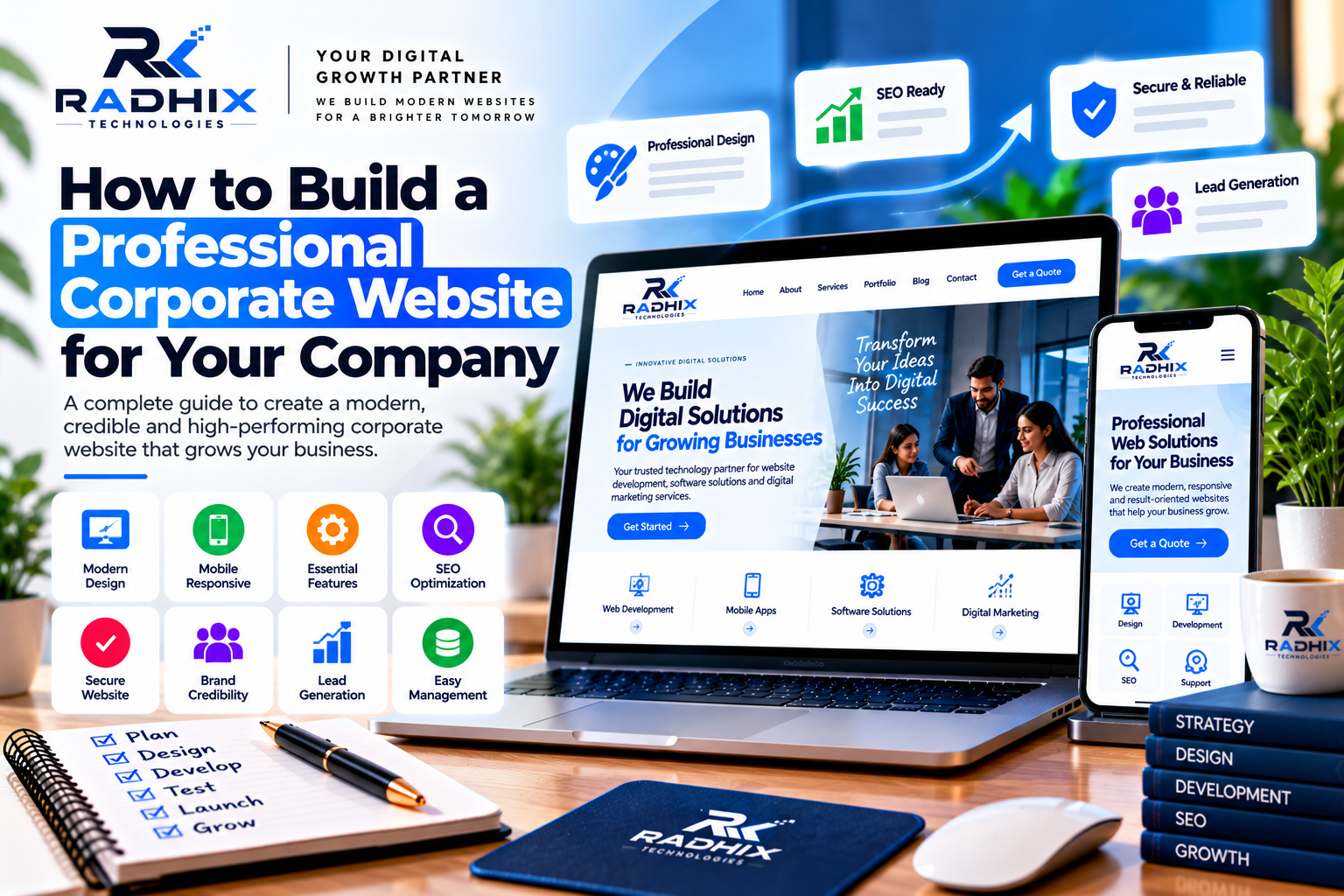
How to Build a Professional Corporate Website for Your Company
In today's digital business environment, a professional corporate website is essential for building credibility, communicating with customers, and presenting your company's products or services. Whether you operate a startup, a manufacturing company, a consulting firm, or an established enterprise, your website often serves as the first point of contact for potential customers.
A well-designed corporate website does more than display business information. It communicates your brand identity, showcases your expertise, answers customer questions, and encourages visitors to take action.
However, building an effective corporate website requires careful planning, suitable technology, useful content, and ongoing maintenance.
In this guide, Radhix Technologies explains how to build a professional corporate website, which features to include, how to choose the right technology, and what businesses in India should consider before starting development.
What Is a Corporate Website?
A corporate website is an official online platform that represents a company, its services, its expertise, and its business identity.
Unlike a simple personal website, a corporate website is designed to support organizational goals such as brand awareness, customer enquiries, investor communication, recruitment, and business development.
Depending on the company's requirements, it may include service pages, company information, project portfolios, case studies, career opportunities, blog articles, customer testimonials, and contact forms.
A professional corporate website should be visually consistent, easy to navigate, secure, mobile-friendly, and simple to maintain.
Why Does Your Company Need a Professional Website?
1. Build Brand Credibility
Customers often research a company online before deciding whether to contact it. A professional website provides a central place to learn about your business, its experience, and its services.
Clear company information, consistent branding, genuine testimonials, and relevant project examples can help visitors evaluate your business.
Your website should accurately represent your company and make important information easy to find.
2. Showcase Products and Services
A corporate website allows businesses to explain their offerings in detail.
Instead of relying on short social media posts, you can create dedicated pages describing each service, its benefits, the process involved, and the customers it serves.
For example, a technology company may have separate pages for website development, custom software, mobile applications, e-commerce development, and digital marketing.
Well-organized service pages help potential customers understand your capabilities and identify the solutions relevant to their needs.
3. Generate Business Leads
A corporate website can support lead generation by providing clear ways for visitors to contact your company.
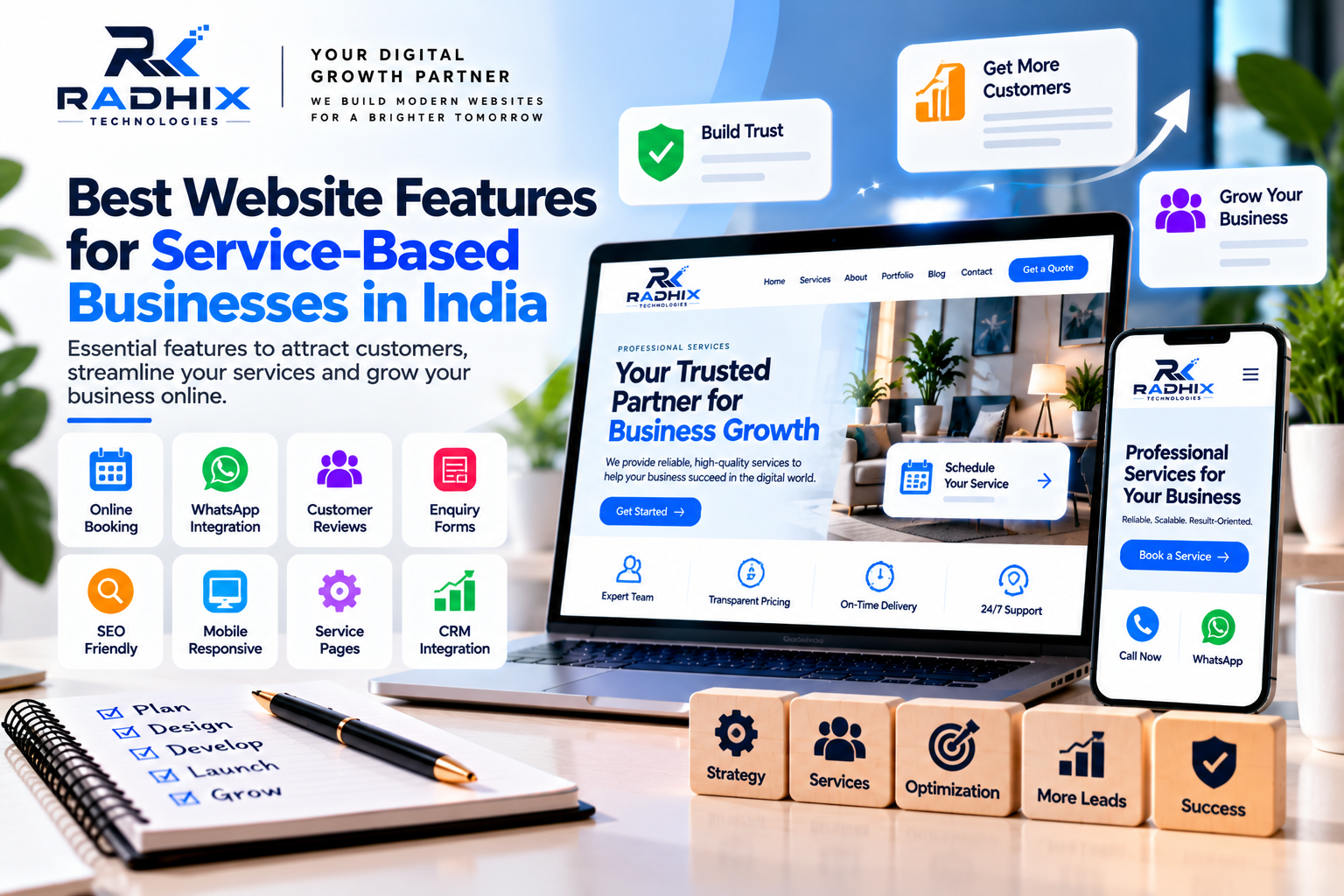
Useful features include enquiry forms, quotation request forms, click-to-call buttons, email links, and WhatsApp integration where appropriate.
Keep forms simple and explain what happens after a visitor submits an enquiry.
Businesses can also connect forms to email notifications or a CRM system to organize enquiries and improve follow-up.
4. Improve Online Visibility
Search engine optimization helps search engines discover and understand your website.
A corporate website with useful content, descriptive page titles, a logical structure, and appropriate technical configuration can create a strong foundation for organic search visibility.
Publishing helpful articles about your industry can also answer customer questions and introduce visitors to your expertise.
SEO requires ongoing work, and a professional website alone does not guarantee top rankings.
5. Support Business Growth
As your company grows, your website may need new service pages, integrations, customer portals, or additional languages.
Planning a suitable website architecture from the beginning can make future improvements easier.
The goal is to choose a solution that meets current requirements without creating unnecessary complexity or maintenance costs.
Step 1: Define Your Website Goals
Before designing or developing the website, identify what your company wants to achieve.
Common corporate website goals include generating enquiries, presenting services, building brand awareness, showcasing projects, recruiting employees, and providing customer information.
Your goals should guide the website structure and feature selection.
For example, a company focused on lead generation may prioritize service pages, case studies, contact forms, and clear calls to action. A business that sells products online may require an e-commerce platform, payment integration, and inventory management.
Defining the goals early helps your development team recommend the right solution.
Step 2: Understand Your Target Audience
A professional website should be designed around the needs of its intended visitors.
Consider who will use your website, what information they need, and what questions they are likely to ask before contacting your company.
For a business-to-business company, visitors may want to understand technical capabilities, industry experience, project timelines, and quotation processes.
For a local service provider, customers may prioritize service availability, pricing, reviews, and contact information.
Understanding these requirements helps you organize content and create a more useful user experience.
Step 3: Plan the Website Structure
A clear website structure makes it easier for visitors to navigate your content.
Most corporate websites benefit from a selection of essential pages.
Home Page
The homepage should explain what your company does, whom it serves, and why visitors should explore its services.
Include a clear headline, a concise introduction, important services, relevant proof of experience, and a suitable call to action.
About Us Page
Explain your company's background, mission, values, expertise, and approach to customer service.
Use accurate information that helps visitors understand your business rather than relying on generic promotional statements.
Services Page
Describe your main services and provide dedicated pages for important offerings.
Explain the scope of each service, the problems it addresses, and how interested customers can request more information.
Portfolio or Case Studies
Show relevant work, completed projects, or examples of your capabilities.
Where possible, explain the original challenge, the work delivered, and the results achieved. Publish only information you are authorized to share.
Blog or Resources
An educational blog allows you to publish industry insights, practical guides, and answers to customer questions.
Useful content can support customer education and your ongoing SEO strategy.
Contact Us Page
Provide accurate contact information, business location where relevant, operating hours, and a simple enquiry form.
Make it easy for visitors to choose an appropriate communication method.
Depending on your company, you may also need careers, FAQs, privacy policy, terms and conditions, or customer support pages.
Step 4: Choose the Right Website Technology
The technology stack affects development effort, content management, integrations, and future maintenance.
The right choice depends on your business requirements rather than technology trends alone.
WordPress
WordPress is a content management system suitable for many corporate websites, blogs, and service-based businesses.
It offers content management tools, themes, plugins, and customization options that can simplify website administration.
It can be a practical option when your company needs to publish articles and update pages regularly.
Custom Website Development
Custom development may be appropriate when your company requires specialized functionality, complex workflows, advanced integrations, or a tailored application architecture.
Depending on the project, technologies may include React, Next.js, Node.js, PHP/Laravel, and suitable databases.
Custom development generally requires careful planning and can involve greater initial effort, but it allows functionality to be designed around specific requirements.
How to Choose
Compare the platform's capabilities, expected costs, maintenance requirements, security needs, and future plans.
A standard corporate website may not require a fully custom application. Conversely, a complex business platform may need more than a traditional CMS can conveniently provide.
Step 5: Create a Professional UI/UX Design
User interface (UI) design determines how the website looks, while user experience (UX) focuses on how visitors interact with it.
A professional corporate website should use consistent branding, readable typography, clear headings, balanced spacing, and intuitive navigation.
Use your company's logo, brand colors, and visual identity consistently.
Avoid overcrowded layouts, excessive animations, and decorative elements that distract visitors from important information.
Calls to action should be easy to recognize, and important content should be accessible without unnecessary navigation.
Before full development, reviewing wireframes or design prototypes can help identify issues early.
Step 6: Make the Website Mobile-Friendly
Customers may access your corporate website from smartphones, tablets, laptops, and desktop computers.
Responsive design adapts page layouts to different screen sizes so visitors can read content and use website features comfortably.
Important considerations include readable text, touch-friendly buttons, mobile navigation, optimized images, and forms that work on smaller screens.
Test key pages across different devices and browsers.
Mobile usability is also important for search engine accessibility, so ensure that important content and links remain available on the mobile version of your website.
Step 7: Build SEO Into the Website
Search engine optimization should be considered during website planning and development.
Important SEO foundations include:
- Unique and descriptive page titles.
- Relevant meta descriptions.
- Clear heading structures.
- Readable URLs.
- Helpful, original content.
- Relevant internal links.
- Optimized images and descriptive alt text.
- An accurate XML sitemap.
- Appropriate indexing and canonical settings.
- Secure HTTPS configuration.
- Mobile-friendly design and efficient performance.
For companies serving specific locations, accurate local business information and useful service-area content may also be relevant.
SEO is an ongoing process involving content quality, technical health, competition, and customer needs. No platform or checklist guarantees a particular ranking.
Step 8: Add Essential Corporate Website Features
The features you select should support your business objectives.
Contact and enquiry forms: Help potential customers submit questions and request quotations.
WhatsApp and click-to-call: Provide convenient communication options where appropriate.
Testimonials and case studies: Demonstrate genuine customer experiences and project expertise.
Blog management: Allow your team to publish educational content.
CRM integration: Help organize enquiries, assign leads, and track follow-ups.
Analytics: Provide information about visitor behaviour and important conversions.
Security and backups: Help protect the website and support recovery from technical problems.
Admin dashboard: Allows authorized users to manage content and website settings.
Not every company needs every feature at launch. Prioritize the capabilities that deliver clear business value.
Step 9: Prioritize Security and Website Performance
A corporate website should be secure, reliable, and responsive.
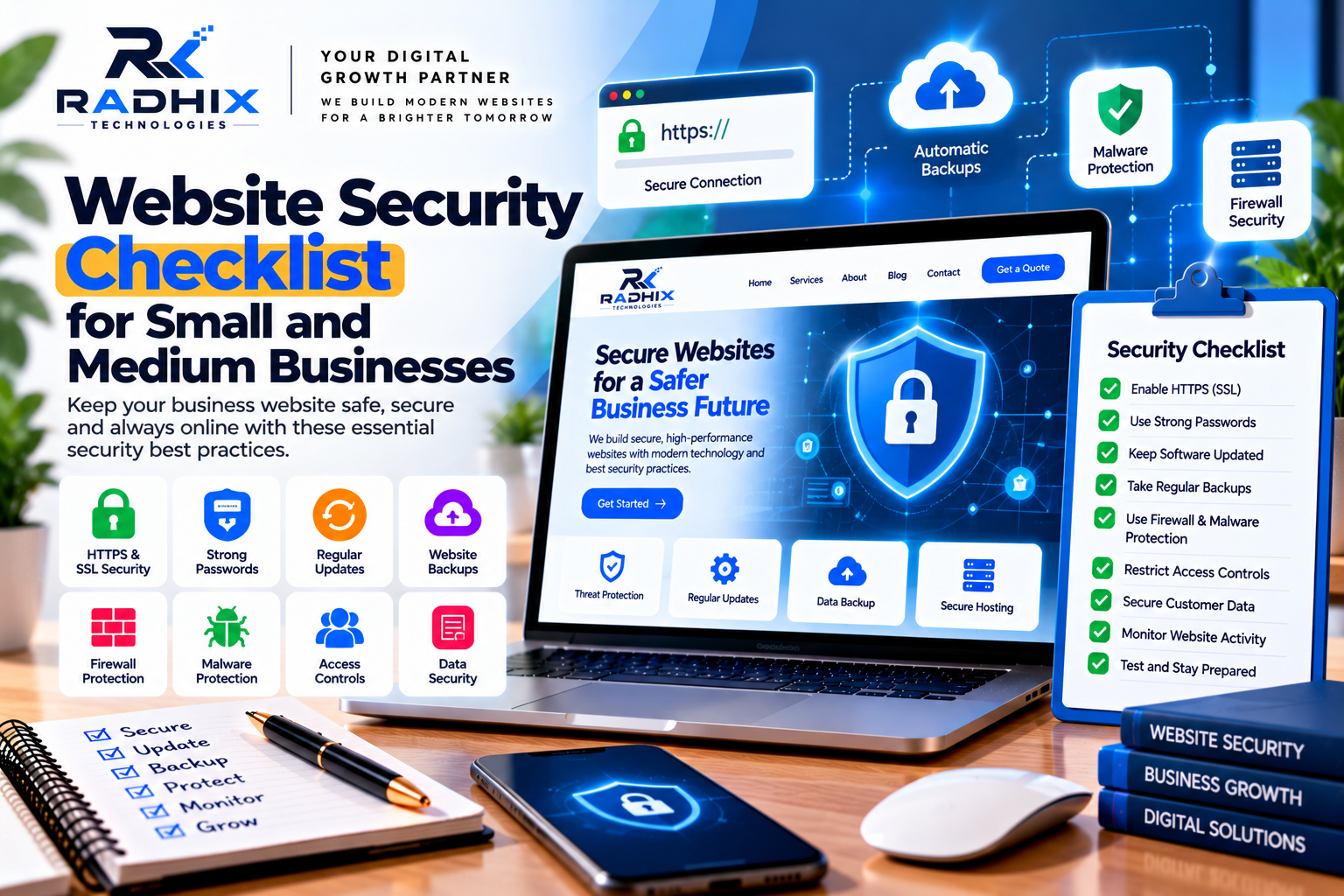
Security practices may include HTTPS, timely software updates, strong administrator access, suitable permissions, spam protection, and regular backups.
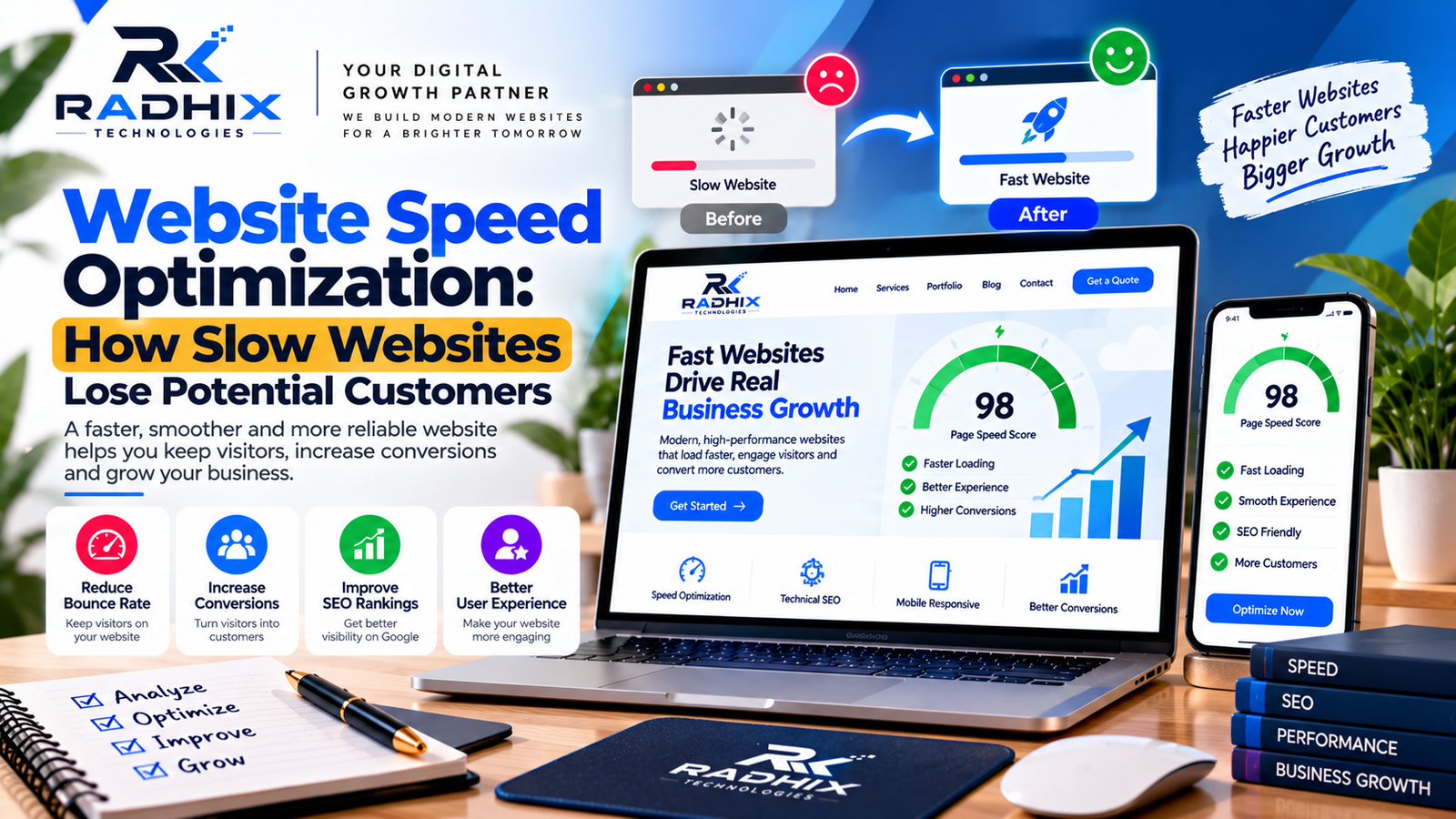
Performance optimization may involve image compression, caching, efficient code, appropriate hosting, and limiting unnecessary third-party scripts.
Test important functionality after updates, including forms, navigation, and integrations.
For websites that process payments or personal information, review the additional security and privacy requirements that apply to those activities.
Step 10: Test Before Launch
Before making your corporate website public, review its appearance, content, functionality, and technical setup.
A pre-launch checklist should include:
- Test navigation and internal links.
- Submit every important form.
- Check phone numbers and email links.
- Review mobile and desktop layouts.
- Test page loading performance.
- Check titles, descriptions, and indexing settings.
- Confirm HTTPS and security configuration.
- Verify backups and recovery arrangements.
- Check spelling, grammar, and contact details.
- Configure analytics and relevant search monitoring tools.
Testing helps identify problems before they affect customers.
Step 11: Maintain and Improve Your Website
Launching the website is not the end of the project.
Regular maintenance helps keep software updated, content accurate, pages functional, and performance issues under control.
Review website analytics to understand which pages attract interest and which actions visitors complete.
Use these insights to improve service descriptions, calls to action, navigation, and content.
As your business grows, add features according to customer needs and operational priorities.
How Much Does a Corporate Website Cost in India?
Corporate website development costs depend on page count, design complexity, content requirements, platform, integrations, and ongoing support.
The following are indicative planning estimates, not fixed quotations.
Website TypeEstimated Cost
- Basic corporate website₹15,000–₹35,000
- Professional corporate website₹30,000–₹80,000
- Advanced corporate website₹75,000–₹2,00,000+
- Custom corporate web application₹1,50,000–₹10,00,000+
Actual prices vary by provider and scope. Domain registration, hosting, content creation, premium software, integrations, maintenance, and applicable taxes may be charged separately.
Before selecting a provider, request a written quotation specifying features, timeline, revisions, source-code ownership, deployment, and post-launch support.
Why Consider Radhix Technologies?
Radhix Technologies helps businesses explore website development solutions based on their brand, goals, audience, and technical requirements.
Whether you need a corporate website, a service-based business website, an e-commerce platform, or a custom web application, the development approach should balance design, functionality, performance, and maintainability.
Depending on the agreed scope, a project may include requirement analysis, UI/UX design, responsive development, SEO foundations, integrations, testing, deployment, and ongoing support.
Discuss your goals, required features, budget, timeline, content responsibilities, and maintenance expectations before beginning the project.
Conclusion
A professional corporate website is an important foundation for building credibility, presenting your services, and supporting business growth.
Start by defining your goals and understanding your target audience. Plan a clear website structure, choose appropriate technology, create a responsive design, and include features that help visitors find information and contact your company.
Security, performance, SEO, and ongoing maintenance should also be part of the plan.
With the right strategy and implementation, your corporate website can become a valuable business asset that evolves alongside your company.
Ready to build a professional corporate website? Contact Radhix Technologies to discuss a website solution that fits your business requirements and budget.
Frequently Asked Questions
1. How long does it take to build a corporate website?
A basic corporate website may take a few weeks, while a larger website with custom design, integrations, and extensive content may take several weeks or months. The timeline depends on project scope and approvals.
2. Which platform is best for a corporate website?
WordPress can suit many standard corporate websites. Custom development may be better for specialized functionality or complex workflows. The best choice depends on your requirements and maintenance capabilities.
3. What pages should a corporate website include?
Common pages include Home, About Us, Services, Portfolio or Case Studies, Blog, and Contact Us. Additional pages depend on your industry and business goals.
4. Is SEO necessary for a corporate website?
SEO helps search engines discover and understand your website. Technical SEO, useful content, clear navigation, and ongoing optimization can support organic visibility.
5. How much does a corporate website cost in India?
Costs vary by features, design, platform, and complexity. A basic website may cost around ₹15,000–₹35,000, while advanced or custom platforms can cost substantially more.
6. Can I update my corporate website myself?
Yes. A suitable content management system can allow authorized users to update pages, images, and blog articles without editing code for every change.
7. Does a corporate website need regular maintenance?
Yes. Updates, backups, security checks, performance monitoring, and content reviews help keep the website reliable and current.