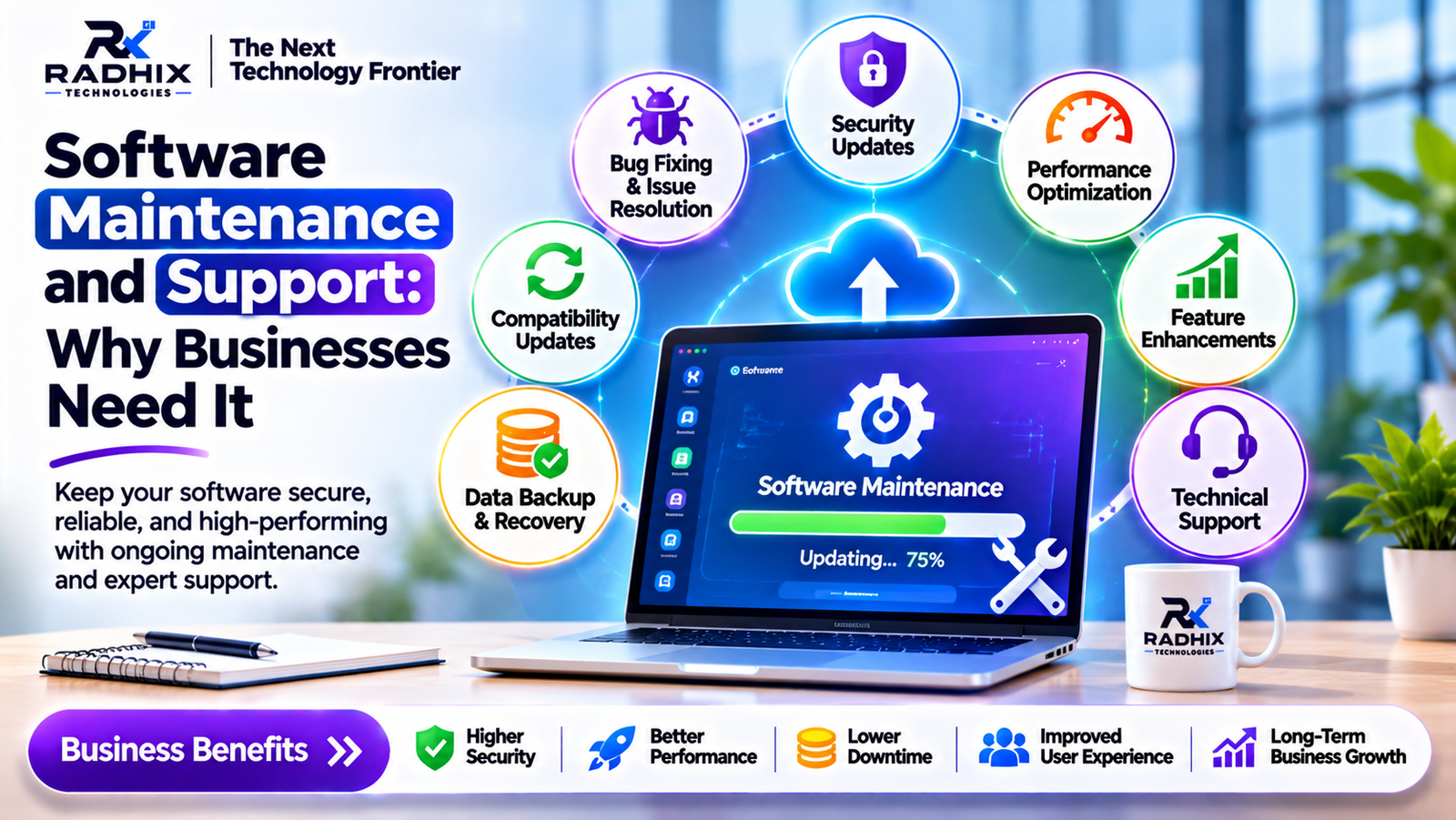
Software Maintenance and Support: Why Businesses Need It
Introduction
Developing a software application is an important step for any business, but the work does not end after launching the application. To keep software secure, reliable, efficient and compatible with changing business requirements, regular maintenance and technical support are essential.
Whether a business uses a website, mobile application, CRM, ERP, e-commerce platform or custom business management software, technical issues can affect daily operations if they are not addressed on time.
Software maintenance helps businesses fix errors, improve performance, update security, introduce new features and ensure that applications continue working smoothly.
But why is software maintenance important, and how can the right support strategy help businesses avoid unnecessary problems?
Let's understand the importance of software maintenance and support.
1. What Is Software Maintenance and Support?
Software maintenance refers to the process of updating, improving, correcting and optimizing an existing software application after its initial development and deployment.
Software support focuses on helping users resolve technical issues, troubleshoot errors and maintain the smooth operation of the application.
Together, software maintenance and support help ensure that an application continues to meet business requirements over time.
Examples of software maintenance include:
- Fixing application bugs and technical errors.
- Updating software libraries and frameworks.
- Improving application loading speed.
- Updating security features.
- Fixing database issues.
- Adding new business functionalities.
- Maintaining compatibility with browsers and operating systems.
- Monitoring application performance.
For example, an e-commerce business may need regular updates to its payment gateway, product catalogue, order management system and mobile application to provide a smooth shopping experience.
2. Why Do Businesses Need Software Maintenance?
Businesses depend on software for managing customers, employees, sales, inventory, payments and daily operations. If an application stops working properly, it can affect productivity and customer satisfaction.
Here are the major reasons businesses need regular software maintenance.
A. Prevent Technical Issues
Software applications may develop errors because of outdated libraries, unexpected user behaviour, server problems or changes in external integrations.
Regular maintenance helps identify and resolve these issues before they create major disruptions.
For example, if a CRM application has a problem saving customer information, timely technical support can help prevent data-entry delays and operational difficulties.
B. Improve Application Security
Cybersecurity threats continue to evolve. Outdated software may contain vulnerabilities that attackers can exploit.
Regular security maintenance helps businesses:
- Apply security patches.
- Update outdated dependencies.
- Fix known vulnerabilities.
- Review access permissions.
- Strengthen authentication.
- Monitor suspicious activities.
- Maintain secure backups.
Security maintenance is especially important for applications that handle customer information, financial records and confidential business data.
C. Improve Software Performance
Over time, an application may become slower due to increasing data, inefficient database queries, outdated code or higher user traffic.
Performance optimization can include database indexing, caching, code improvements and infrastructure upgrades.
A faster application improves employee productivity and creates a better experience for customers.
D. Ensure Business Continuity
Businesses need their applications to remain available for daily operations.
For example, an inventory management system must work properly to track stock, process orders and update product availability.
Regular monitoring, backups, issue resolution and recovery planning can reduce the risk of prolonged interruptions.
E. Support Business Growth
Business requirements change as companies grow. New employees, customers, products and services may require additional software functionality.
Maintenance allows businesses to improve existing applications without rebuilding the entire system.
3. Different Types of Software Maintenance
Software maintenance is generally divided into four major categories.
1. Corrective Maintenance
Corrective maintenance focuses on identifying and fixing errors discovered after software deployment.
Examples:
- Fixing login errors.
- Resolving payment failures.
- Correcting calculation mistakes.
- Fixing broken application features.
- Resolving database-related issues.
Purpose: To restore the expected functionality of the software.
2. Adaptive Maintenance
Adaptive maintenance involves modifying software to keep it compatible with changes in its technical or business environment.
Examples:
- Updating software for new operating system versions.
- Supporting new browser versions.
- Updating third-party API integrations.
- Adapting applications to new business regulations.
- Migrating software to updated hosting infrastructure.
Purpose: To keep software compatible with changing environments.
3. Perfective Maintenance
Perfective maintenance improves existing software based on user feedback and changing business requirements.
Examples:
- Adding new dashboard features.
- Improving user interface design.
- Optimizing application performance.
- Adding advanced reporting.
- Improving navigation and workflows.
Purpose: To improve usability, performance and functionality.
4. Preventive Maintenance
Preventive maintenance focuses on reducing the possibility of future technical problems.
Examples:
- Refactoring outdated code.
- Updating software dependencies.
- Reviewing database performance.
- Improving backup systems.
- Monitoring application health.
- Removing unnecessary code.
Purpose: To reduce future risks and improve long-term reliability.
4. Key Benefits of Professional Software Maintenance and Support
Regular software maintenance provides several long-term benefits.
BenefitBusiness ImpactBetter SecurityHelps protect business and customer dataImproved PerformanceProvides faster application responseReduced DowntimeHelps maintain business operationsLower Long-Term CostsReduces the risk of expensive failuresBetter User ExperienceImproves customer and employee satisfactionScalabilitySupports changing business requirementsCompatibilityKeeps applications updated with new technologies
Reduced Development Costs
Fixing small technical issues regularly can help prevent them from becoming larger problems.
An application that receives timely updates may require fewer emergency repairs than one that remains unsupported for long periods.
Better Customer Experience
Customers expect websites and mobile applications to work smoothly.
Regular maintenance helps improve loading speed, navigation, checkout processes, login functionality and overall reliability.
Improved Employee Productivity
Businesses often use internal applications for managing operations.
If these applications work properly, employees can complete tasks more efficiently without wasting time resolving technical issues.
5. What Does Software Support Include?
Professional software support covers different technical activities depending on the application's requirements and support agreement.
Technical Troubleshooting
Identifying and resolving software errors, login problems, broken features and unexpected application behaviour.
Bug Fixing
Investigating reported issues, identifying their causes and implementing appropriate fixes.
Database Support
Maintaining database performance, monitoring storage, optimizing queries and checking backup processes.
Server and Hosting Support
Monitoring server health, managing hosting configurations, checking resource usage and resolving deployment-related problems.
API and Third-Party Integration Support
Maintaining connections with payment gateways, SMS services, email platforms, maps and other external APIs.
Application Updates
Installing approved updates, upgrading dependencies and maintaining compatibility with supported platforms.
Backup and Recovery Support
Maintaining backup procedures and testing recovery processes to reduce the impact of data loss or system failures.
6. How Often Should Software Be Maintained?
Software maintenance should be an ongoing activity rather than something businesses perform only when a problem occurs.
The maintenance schedule depends on the application type, security requirements, traffic and technical complexity.
FrequencyRecommended ActivitiesDailyAutomated monitoring, backup checks and critical alertsWeeklyError log reviews and performance checksMonthlyDependency updates, security reviews and database optimizationQuarterlyApplication health assessment and technical improvementsAnnuallyArchitecture review, infrastructure planning and long-term upgrade strategy
Critical security patches and urgent issues should be handled as soon as reasonably possible rather than waiting for a scheduled maintenance cycle.
7. What Happens If Businesses Ignore Software Maintenance?
Ignoring maintenance can create several technical and business problems.
1. Security Vulnerabilities: Outdated software components may expose applications to known security risks.
2. Application Downtime: Unresolved errors can interrupt important business operations.
3. Poor Performance: Inefficient code and database queries may make applications slower.
4. Compatibility Problems: Older applications may stop working correctly with newer browsers, devices or external services.
5. Higher Repair Costs: Long-neglected issues can become more difficult and expensive to resolve.
6. Customer Dissatisfaction: Repeated errors and poor application performance can reduce customer trust.
Software maintenance should therefore be considered an important part of the overall technology budget.
8. Software Maintenance Cost: What Should Businesses Consider?
The cost of software maintenance depends on the application's size, complexity, technology stack and required support level.
Important cost factors include:
- Application size and number of modules.
- Number of users and expected traffic.
- Backend and database complexity.
- Cloud hosting and server requirements.
- Third-party API integrations.
- Security and compliance requirements.
- Frequency of updates.
- Required support availability.
- Number of developers and technical specialists involved.
A small business website may need only occasional updates and basic technical support, while a large ERP or SaaS platform may require continuous monitoring, database administration, security reviews and dedicated technical support.
Businesses should clearly understand what their maintenance agreement includes before selecting a service provider.
9. How to Choose the Right Software Maintenance Partner
Choosing a reliable maintenance partner is important for keeping business applications stable and secure.
Consider these factors before making a decision.
1. Technical Expertise
Check whether the service provider understands your application's programming languages, frameworks, databases and hosting environment.
2. Response Time
Understand how quickly the provider responds to critical issues and routine support requests.
3. Security Practices
Ask about security updates, access controls, backup procedures and vulnerability management.
4. Transparent Maintenance Plans
Choose a provider that clearly defines included services, exclusions, support hours and additional charges.
5. Documentation
Proper technical documentation helps developers understand the application and resolve problems efficiently.
6. Future Scalability
Your maintenance partner should be capable of supporting new features, integrations and infrastructure improvements as your business grows.
10. Software Maintenance and Support by Radhix Technologies
Radhix Technologies Pvt. Ltd. understands that software reliability is important for modern businesses. Developing an application is only one part of the digital journey; maintaining and improving it is equally important.
Radhix Technologies provides software development and digital solutions based on business requirements, helping organizations build and improve their digital systems.
Whether you operate a business website, CRM, ERP, e-commerce platform, SaaS application or mobile app, a structured maintenance approach can help keep your software reliable and useful.
A professional maintenance strategy may include:
- Bug fixing and technical troubleshooting.
- Website and application updates.
- Backend and database maintenance.
- Performance optimization.
- API and payment gateway support.
- Security updates.
- Server and hosting assistance.
- New feature development.
Visit https://www.radhix.com/ to explore software development and digital solutions.
Conclusion
Software maintenance and support are essential for keeping business applications secure, efficient and reliable after deployment.
Regular maintenance helps businesses fix errors, improve performance, protect important data, maintain compatibility and introduce new features as requirements change.
Whether you are using a website, mobile application, CRM, ERP or custom business software, investing in proper maintenance can reduce technical risks and support long-term business growth.
Instead of waiting for software problems to interrupt operations, businesses should adopt a proactive maintenance strategy and work with a reliable technical support partner.
Frequently Asked Questions (FAQs)
1. What is software maintenance?
Software maintenance is the process of updating, correcting, improving and optimizing software after it has been deployed.
2. Why is software maintenance important for businesses?
It helps improve security, performance, reliability, compatibility and user experience while reducing the risk of unexpected technical problems.
3. What are the four types of software maintenance?
The four main types are corrective, adaptive, perfective and preventive maintenance.
4. How often should software be maintained?
Software should be monitored continuously, with regular weekly, monthly, quarterly and annual maintenance activities depending on its requirements.
5. What is included in a software maintenance plan?
A maintenance plan may include bug fixing, security updates, performance optimization, database support, backups, server monitoring and technical troubleshooting.
6. How much does software maintenance cost?
The cost depends on application complexity, technology, hosting requirements, number of users and the level of support required.
7. Can software maintenance improve application security?
Yes. Regular security patches, dependency updates, access reviews, vulnerability checks and backup procedures help reduce security risks.
8. Is software maintenance required after application development?
Yes. Software environments, business requirements and security threats change over time. Regular maintenance helps applications continue working effectively.