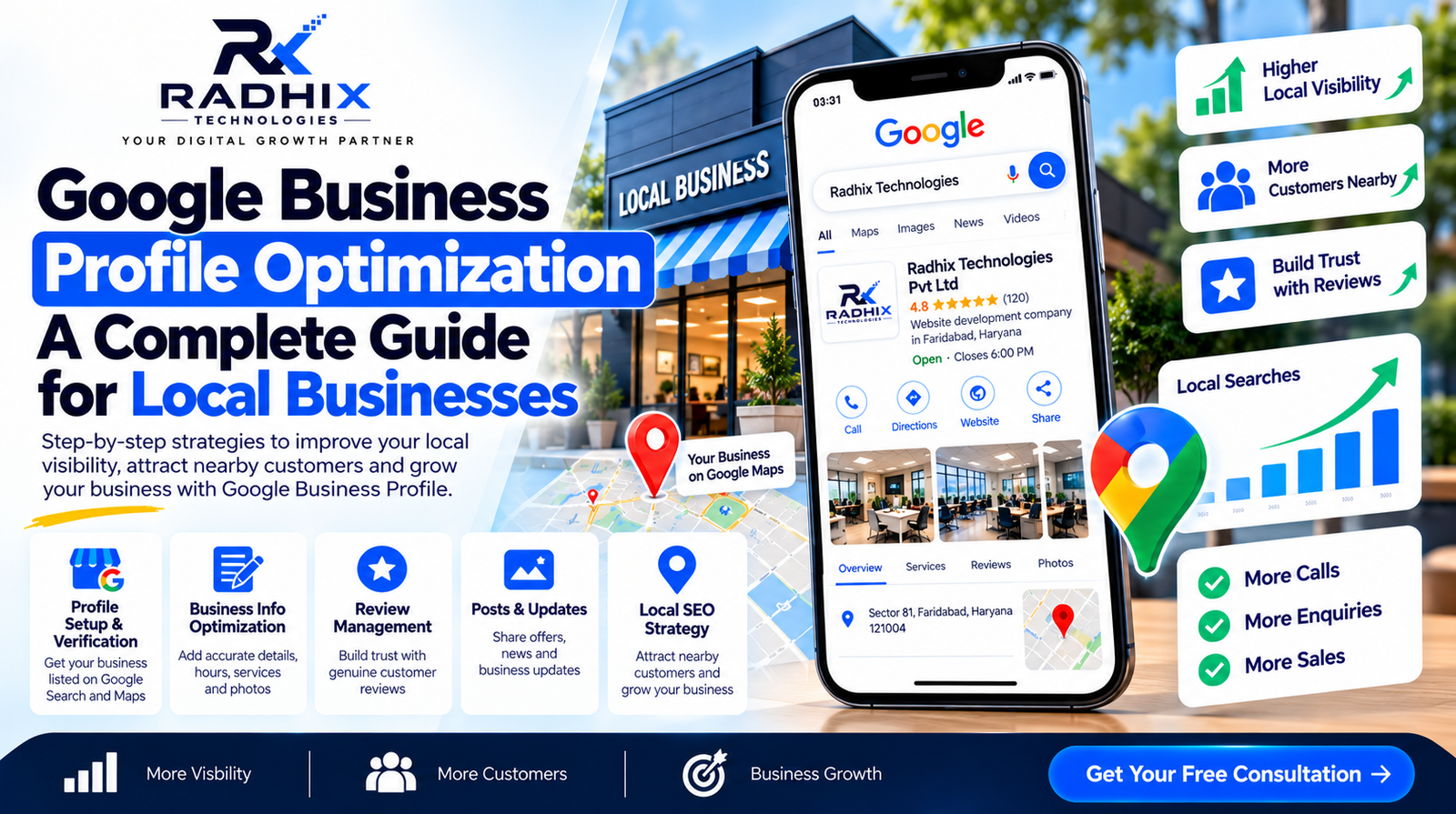
Google Business Profile Optimization: A Complete Guide for Local Businesses
Introduction
When people search for a business near them, they often look at Google Search and Google Maps to find local services, check business details, read customer reviews, and compare available options. If your business information is incomplete or outdated, potential customers may choose a competitor instead.
Google Business Profile is a free tool that helps eligible businesses manage how they appear on Google Search and Google Maps. When properly optimised, it can make it easier for customers to discover your business, understand your services, and contact you.
In this complete guide, we will explain how to optimise your Google Business Profile, improve your local online presence, avoid common mistakes, and attract more relevant enquiries.
What Is Google Business Profile?
Google Business Profile is a free business listing tool provided by Google. It allows eligible businesses to manage important information displayed across Google Search and Google Maps.
A business profile may include:
- Business name and category
- Address or service area
- Phone number and website
- Opening hours
- Products and services
- Business photos and videos
- Customer reviews and responses
- Updates, offers, and announcements where available
For example, a person searching for “digital marketing company in Faridabad” may see local business listings alongside other search results. A complete and accurate profile helps potential customers understand which businesses may meet their needs.
However, profile optimisation does not guarantee a particular ranking or a specific number of leads.
Why Is Google Business Profile Optimisation Important?
A properly maintained profile can support local marketing by helping customers find accurate information about your business.
1. Improve Local Visibility
Your business may become eligible to appear for relevant local searches when its profile information matches what customers are looking for. Visibility depends on several factors, including relevance, distance, and prominence.
2. Build Customer Trust
Accurate contact details, current photos, useful service information, and genuine customer reviews help people assess your business before contacting you.
3. Generate More Enquiries
Customers may use the available calling, website, directions, or other profile features to take the next step. A well-maintained profile makes these actions easier.
4. Support Google Maps Discovery
Customers often use Google Maps to locate nearby shops, offices, restaurants, and service providers. Keeping your location and operating information accurate can improve the experience for potential customers.
5. Strengthen Your Local Marketing Strategy
Google Business Profile works best when combined with a professional website, local SEO, helpful content, and consistent business information across relevant platforms.
1. Claim and Verify Your Google Business Profile
The first step is to check whether your business already has a profile. If it does, you may need to claim ownership or request access instead of creating another listing.
Steps to Get Started
- Visit Google Business Profile at https://www.google.com/business/.
- Sign in with the Google account you want to use to manage the business.
- Search for your business or follow the steps to add it.
- Enter accurate business information.
- Complete the verification method offered by Google.
- Follow Google's instructions to finish setting up your profile.
Verification methods can vary by business and eligibility. Follow the options displayed in your account.
Important: Only create a profile for an eligible business. Do not create duplicate listings for the same location or use a virtual office address in a way that violates Google's guidelines.
2. Choose the Correct Business Name
Your business name should reflect the name used in the real world, such as on your signage, website, and business documents.
Avoid adding extra keywords, locations, promotional phrases, or service terms to your business name unless they are genuinely part of the real-world business name.
For example, if the real business name is “Radhix Technologies,” do not change it to “Radhix Technologies Best SEO Company in Faridabad” solely to target keywords.
Accurate business information helps maintain credibility and reduces the risk of profile issues.
3. Select the Most Relevant Primary and Secondary Categories
Business categories help Google understand what your business does and which searches may be relevant to it.
How to Choose Categories
- Select the most accurate primary category for your main business activity.
- Add secondary categories only when they genuinely describe additional services or business activities.
- Review category options periodically because available categories may change.
- Avoid choosing unrelated categories simply to reach a wider audience.
For example, a business primarily offering website development should choose the closest available category that accurately represents that activity. A business offering several distinct services should select additional categories only where appropriate and available.
Your category selection should describe the business, not every keyword you want to rank for.
4. Write a Clear and Helpful Business Description
Your business description should explain what your business offers, who it serves, and what customers can expect.
Tips for Writing an Effective Description
- Introduce your business and its core services.
- Mention your genuine areas of specialisation.
- Explain the types of customers you serve.
- Highlight meaningful experience or differentiators.
- Use natural language and relevant service terms.
- Keep the description factual and within Google's current content limits.
Avoid keyword stuffing, exaggerated claims, URLs, promotional pricing, and other content that violates Google's profile guidelines.
Example business description:
“Radhix Technologies provides website development, digital marketing, search engine optimisation, and digital solutions for businesses. We help organisations strengthen their online presence through business websites, landing pages, content strategies, and technology services tailored to their requirements.”
Use this example only if it accurately reflects the services your business provides.
5. Add Accurate Contact Information and Business Hours
Customers need reliable information to contact or visit your business.
Check that the following details are correct:
- Business phone number
- Official website URL
- Business address, where applicable
- Service areas, where applicable
- Regular opening hours
- Special hours for holidays or temporary changes
- Available contact and appointment options
If your business serves customers at their locations rather than at a customer-facing office, configure the profile according to Google's service-area business rules.
Do not display a residential address publicly if it should be hidden under Google's guidelines for your business type.
Review these details whenever your contact information, location, or working hours change.
6. Add High-Quality Business Photos and Videos
Visual content helps potential customers understand your business and may make your profile more informative.
Consider uploading genuine, recent images such as:
- Business premises or storefront
- Office or workspace
- Products and services
- Team or work environment, where appropriate
- Completed projects
- Branded materials and equipment
Best Practices for Business Photos
- Use clear, well-lit images.
- Show your actual business and work.
- Avoid misleading stock photos presented as your own premises or projects.
- Do not add promotional text or visual effects that misrepresent the business.
- Upload current photos when your premises, products, or services change.
For a digital services company, genuine screenshots of completed work, office images, and representative project visuals may help explain what the business does.
7. Collect Genuine Customer Reviews
Customer reviews can help prospective customers understand other people's experiences with your business. They can also contribute to your business's prominence in local search, although reviews alone do not guarantee rankings.
How to Encourage More Reviews
- Ask customers for honest feedback after a genuine transaction or service.
- Share Google's review link or QR code where appropriate.
- Make the process simple and convenient.
- Respond professionally to both positive and negative reviews.
- Use feedback to improve your service quality.
How to Respond to Reviews
For a positive review, thank the customer and acknowledge their feedback.
For a negative review, remain professional, address the concern where possible, and offer an appropriate way to resolve the issue without exposing private customer information.
Never buy fake reviews, post reviews for your own business as a customer, or offer incentives in exchange for positive reviews. Follow Google's current review policies.
8. Add Your Products and Services
Where these features are available for your business category, provide clear information about your services or products.
For a service-based business, useful service entries may include:
- Website Development
- Search Engine Optimisation
- Local SEO
- Digital Marketing
- Mobile App Development
- Business Website Maintenance
Only include services that your business actually offers.
Describe each service clearly and accurately. Where appropriate, explain what the service includes and which customer needs it addresses. Keep pricing information accurate if you choose to publish it and the feature is available.
Detailed service information helps prospective customers understand whether your business is suitable for their requirements.
9. Publish Relevant Business Updates
Depending on your profile and the features available, Google may allow you to publish updates, announcements, events, or offers.
Useful update ideas include:
- A newly launched service
- A recent project or business milestone
- Seasonal business information
- An upcoming event
- A helpful tip related to your industry
- A genuine offer with clear terms
Keep posts informative, accurate, and relevant. Avoid repetitive content, misleading promotions, and unsupported claims.
Publish when you have something useful to share rather than posting purely to meet an arbitrary frequency.
10. Strengthen Your Website's Local SEO
Your Google Business Profile is only one part of local SEO. Your website should also provide clear and consistent information about your business.
Website Optimisation Tips
Create dedicated service pages: Explain each important service on a relevant page.
Use natural local keywords: Include the locations you genuinely serve where they fit the page content.
Maintain consistent business details: Keep your business name, address, and phone number accurate across your website and relevant listings.
Make the website mobile-friendly: Ensure visitors can easily read content, navigate pages, and contact your business from a phone.
Improve loading performance: Reduce unnecessary scripts and oversized images where possible.
Add clear calls to action: Make it easy for visitors to call, submit an enquiry, or request a quotation.
Use structured data where appropriate: LocalBusiness structured data may help search engines interpret information on your website. It does not guarantee enhanced search displays or higher rankings.
Avoid creating multiple low-quality location pages with nearly identical content. Each page should provide genuine value to people in that location.
11. Keep Business Information Consistent Across the Web
Conflicting business details can confuse customers and make it harder for them to confirm which information is correct.
Review your business details on:
- Your official website
- Google Business Profile
- Relevant industry directories
- Social media profiles
- Trusted local business listings
Correct outdated phone numbers, old addresses, inconsistent business names, and broken website links.
Prioritise reputable platforms that are relevant to your industry and location instead of submitting your details to every directory available.
12. Monitor Google Business Profile Performance
Regularly reviewing performance can help you understand how customers discover and interact with your business.
Depending on your profile and available reporting features, you may be able to review metrics such as:
- Searches that displayed your profile
- Profile views or interactions
- Website clicks
- Calls
- Direction requests
- Other available engagement actions
Use these insights alongside your website analytics and enquiry records.
For example, if your profile receives website clicks but few people submit enquiries, review the landing page, service information, contact options, and mobile experience.
If calls increase but few become customers, assess lead quality, response time, pricing fit, and your sales process.
Remember that reporting features and metric definitions may change. Interpret the figures according to Google's current documentation.
13. Common Google Business Profile Mistakes to Avoid
Avoid these common issues when managing your listing:
- Using an inaccurate or keyword-stuffed business name
- Selecting irrelevant business categories
- Creating duplicate profiles
- Displaying an address that does not meet Google's eligibility rules
- Adding false or misleading business information
- Buying reviews or offering rewards for positive ratings
- Ignoring customer feedback
- Leaving opening hours outdated
- Uploading misleading photos
- Publishing repeated or irrelevant updates
- Forgetting to update your website link or phone number
- Expecting instant ranking improvements after every change
Following Google's guidelines and maintaining accurate information is more sustainable than trying to manipulate local search results.
14. A Practical 30-Day Google Business Profile Optimisation Plan
Use this plan as a starting point for improving your local business presence.
Week 1: Review and Verify
- Check your existing profile.
- Confirm ownership and verification status.
- Review business name and primary category.
- Correct phone number, website, address, and hours.
Week 2: Improve Profile Content
- Write a clear business description.
- Review eligible products and services.
- Upload genuine, high-quality photos.
- Add relevant information that customers need.
Week 3: Build Trust and Improve Local SEO
- Ask genuine customers for honest reviews.
- Respond to existing reviews.
- Review your website's local service pages.
- Correct inconsistent business information on relevant platforms.
Week 4: Measure and Refine
- Review available profile performance data.
- Check website clicks, calls, and enquiries.
- Identify incomplete information or customer questions.
- Improve your website's contact journey.
- Set priorities for the following month.
This plan is intended to establish a strong foundation. Local visibility and lead generation depend on your market, location, competition, business eligibility, and ongoing work.
How Radhix Technologies Can Help
Radhix Technologies helps businesses improve their online presence through website development and digital solutions. A strong local marketing strategy can combine an accurate Google Business Profile with a useful website, relevant local content, and clear enquiry options.
Depending on your business needs, support may include:
- Google Business Profile setup and optimisation
- Local SEO strategy
- Website development and service page improvements
- Local keyword research
- On-page SEO
- Website analytics and conversion tracking
- Content creation for local audiences
The right approach depends on your business category, service area, current online presence, and goals.
Want to strengthen your local online presence? Visit Radhix Technologies to explore digital solutions for your business.
Frequently Asked Questions (FAQs)
1. Is Google Business Profile free?
Yes. Google Business Profile is a free tool for eligible businesses. You may still incur costs for professional SEO services, photography, website development, advertising, or other marketing activities.
2. How do I optimise my Google Business Profile?
Complete your business information, choose accurate categories, add a clear description, upload genuine photos, list relevant services, encourage honest reviews, and keep your details updated.
3. How long does Google Business Profile optimisation take to show results?
There is no fixed timeline. Some profile changes may appear relatively quickly, while changes in local visibility and customer enquiries can take longer. Results depend on relevance, distance, prominence, competition, and other factors.
4. Do Google reviews improve local SEO?
Reviews can contribute to a business's prominence and help customers evaluate it. However, reviews do not guarantee a specific position in search results. Businesses should request honest feedback and follow Google's review policies.
5. Can a service-area business use Google Business Profile?
Eligible service-area businesses can use a profile when they meet Google's requirements. Businesses that do not serve customers at their address should follow Google's rules for hiding that address and defining service areas.
6. Can I optimise my Google Business Profile without a website?
An eligible business can have a Google Business Profile without its own website. However, a professional website can provide additional information about services, answer customer questions, and offer more ways to submit enquiries.
7. Why is my business not appearing in Google Maps?
Possible reasons include verification issues, profile eligibility, incorrect information, weak relevance to a search, distance from the searcher, competition, or policy restrictions. Review your profile status and Google's guidelines before making changes.
Conclusion
Google Business Profile optimisation is an important part of local digital marketing. By keeping business details accurate, selecting relevant categories, adding genuine photos, managing reviews, and improving your website's local SEO, you can help customers understand and discover your business.
The key is to focus on accuracy, trust, customer experience, and regular performance reviews rather than shortcuts or ranking guarantees.
For local businesses, a well-maintained profile combined with a useful website and a consistent digital marketing strategy can support long-term visibility and create more opportunities to connect with potential customers.