How Custom Software Helps Businesses Improve Efficiency
In today's competitive business environment, efficiency is one of the most important factors behind sustainable growth. Businesses need to manage multiple operations, handle customer requests, monitor employees, process orders, and maintain accurate records. Managing all these activities manually or through disconnected tools can consume valuable time and resources.
This is where custom software development becomes useful.
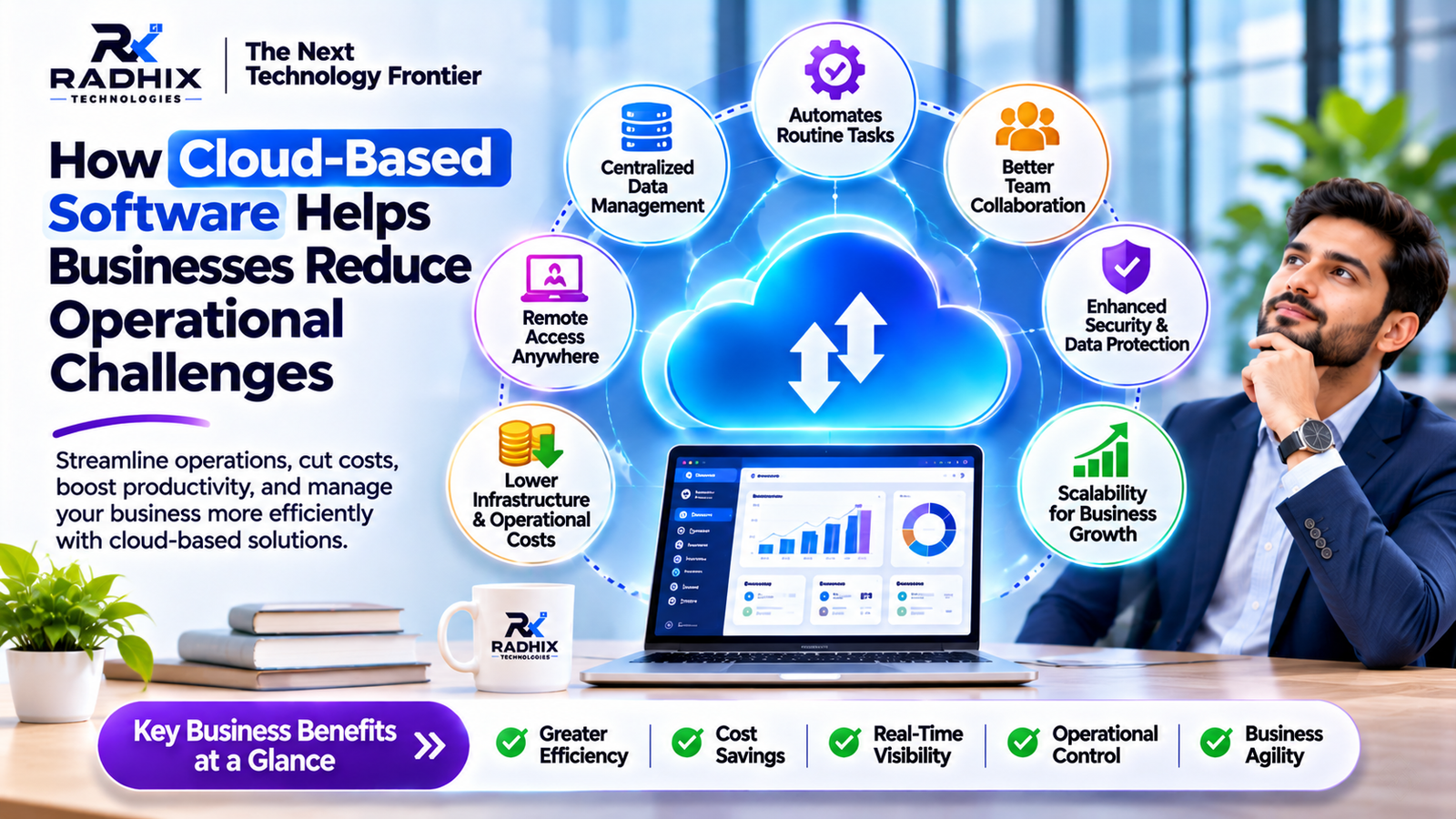
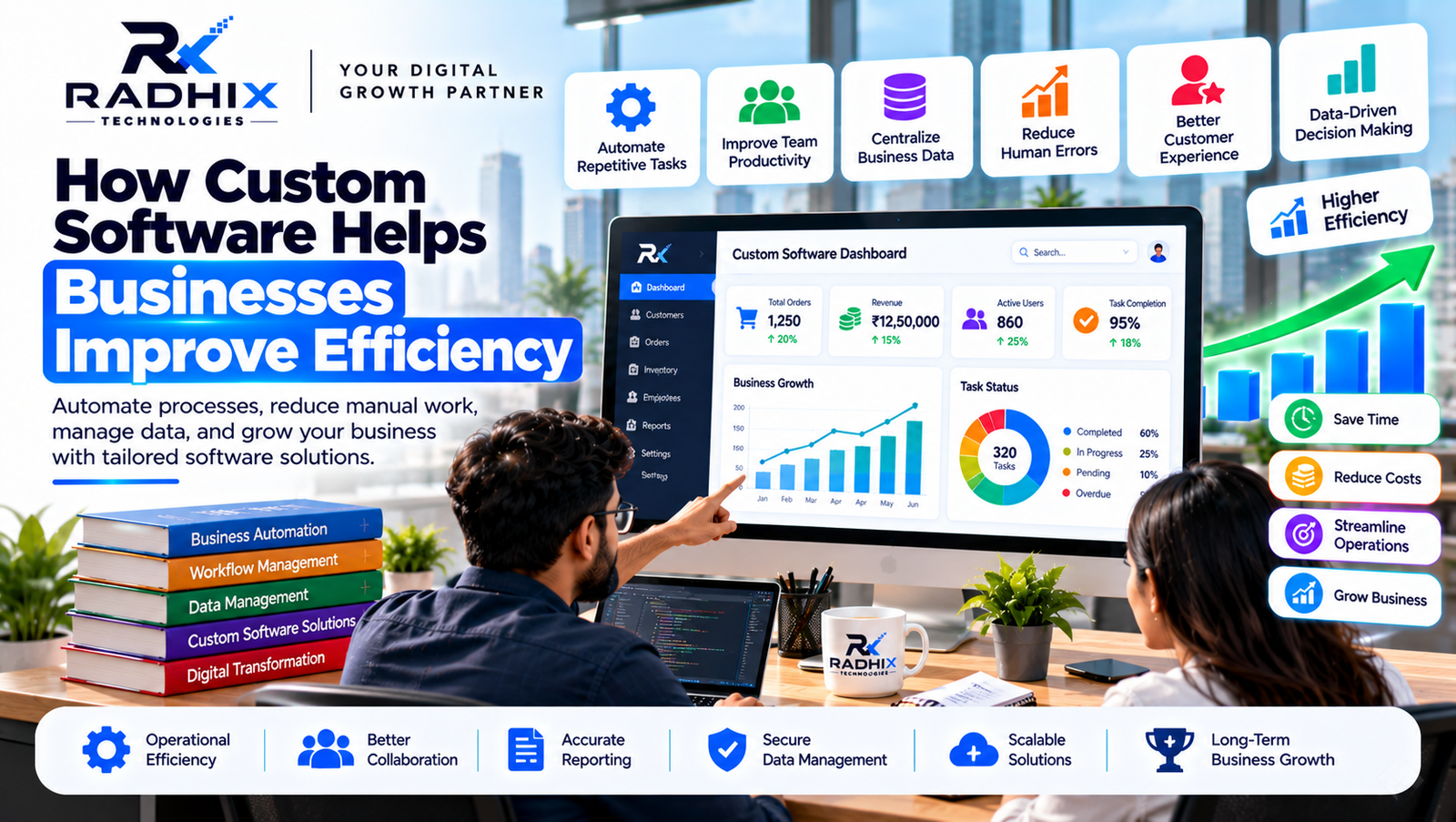
Custom software helps businesses automate repetitive tasks, streamline workflows, manage information, and improve coordination between different departments. Instead of adjusting business operations to fit ready-made software, companies can build solutions that match their actual requirements.
Whether you run a startup, retail business, manufacturing company, service organisation, or enterprise, the right software solution can help simplify daily operations.
In this guide, we will explore how custom software helps businesses improve efficiency, reduce manual work, enhance productivity, and support long-term growth.
What Is Custom Software?
Custom software is an application or digital platform developed specifically to meet the requirements of a particular business or organisation.
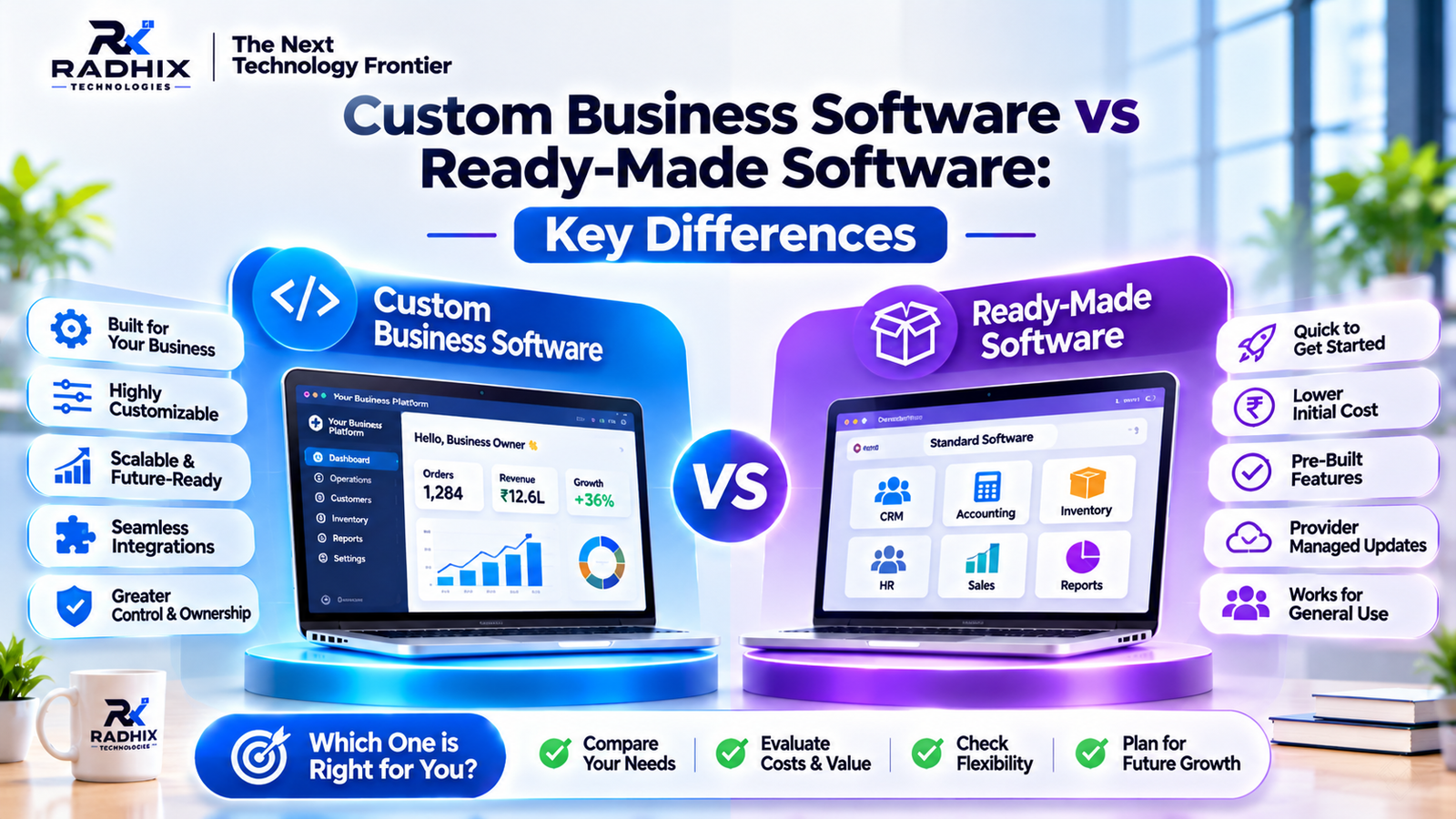
Unlike ready-made software, which provides standard features for multiple users, custom software is designed around specific business processes, operational challenges, and objectives.
For example, a retail business may require inventory management, billing, sales tracking, and customer management in one platform. A service-based company may need lead management, appointment scheduling, employee tracking, and automated follow-ups.
Custom software can bring these activities together through a centralised system.
10 Ways Custom Software Helps Businesses Improve Efficiency
1. Automates Repetitive Business Tasks
Many businesses spend significant time performing repetitive activities such as data entry, invoice creation, report preparation, customer follow-ups, and order processing.
Custom software can automate these workflows and reduce the need for manual intervention.
Examples include:
- Automatic invoice generation
- Automated email and SMS notifications
- Lead assignment to sales employees
- Automatic order status updates
- Employee attendance tracking
- Scheduled report generation
By automating routine work, employees can focus on more valuable business activities.
2. Improves Team Productivity
When employees use different tools to manage their work, communication gaps and duplicated efforts can occur.
Custom software can provide a shared platform where teams access relevant information, manage responsibilities, and track progress.
For example, a project management system can help businesses:
- Assign tasks to employees
- Set deadlines
- Monitor project progress
- Track pending activities
- Share important documents
- Generate productivity reports
This improves coordination and helps teams work more effectively.
3. Centralises Business Data
Businesses often store information across spreadsheets, emails, accounting applications, and separate databases.
This can make it difficult to find accurate information when needed.
Custom software can centralise important business information, including:
- Customer records
- Sales information
- Employee details
- Inventory data
- Vendor information
- Purchase records
- Financial reports
With suitable access permissions, authorised employees can retrieve the information they need from a common platform.
4. Reduces Human Errors
Manual processes can increase the possibility of incorrect data entry, duplicate records, calculation mistakes, and missed follow-ups.
Custom software can reduce these risks through automated calculations, validation rules, standardised workflows, and controlled data entry.
For example, an inventory management system can update stock quantities when an order is processed. A billing system can calculate totals and applicable taxes based on configured rules.
Software does not eliminate every possible error, but appropriate automation and testing can significantly improve process consistency.
5. Enhances Customer Experience
Customer satisfaction is closely connected to how efficiently a business handles enquiries, orders, bookings, and support requests.
Custom software can simplify customer interactions through:
- Online registration and login
- Self-service customer portals
- Online booking systems
- Order tracking
- Automated notifications
- Customer support dashboards
- Payment gateway integration
These features can make it easier for customers to interact with a business and access important services.
6. Improves Decision-Making Through Reports and Analytics
Business owners and managers need accurate information to understand performance and make informed decisions.
Custom dashboards can present important business metrics in an organised format.
Examples include:
- Total sales and revenue
- Monthly business performance
- Customer acquisition
- Employee productivity
- Inventory status
- Pending orders
- Lead conversion rates
Instead of preparing reports manually, managers can access relevant information through dashboards and reporting modules.
7. Streamlines Inventory and Order Management
Inventory-related problems can affect business operations, customer satisfaction, and cash flow.
Custom inventory and order management software helps businesses monitor products, stock levels, purchases, sales, and deliveries.
Common features include:
- Real-time stock updates
- Product and category management
- Purchase order tracking
- Warehouse management
- Low-stock alerts
- Order processing
- Stock transfer management
These capabilities help businesses maintain better control over their inventory operations.
8. Connects Different Business Systems
Businesses often use separate platforms for payments, accounting, customer management, communication, and delivery operations.
Managing these systems independently can create additional work.
Custom software can integrate compatible third-party applications through APIs.
Examples include:
- Payment gateway integration
- WhatsApp Business API
- Email and SMS services
- Accounting software
- CRM platforms
- Maps and location services
- Shipping and logistics APIs
Integrations can reduce repeated data entry and help information move between connected systems.
9. Supports Business Growth and Scalability
As a business expands, its operational requirements also increase.
A growing company may need additional employees, branches, customers, products, warehouses, or service categories.
Custom software can be designed with a scalable architecture that supports future enhancements.
Businesses can gradually introduce additional modules such as:
- Advanced CRM
- HR and payroll management
- Multi-branch operations
- Vendor management
- Advanced analytics
- Mobile applications
- Customer self-service portals
Scalability should be considered during the planning and architecture stage rather than only after the software is launched.
10. Strengthens Data Access and Operational Control
Businesses need to protect important information while allowing employees to perform their responsibilities.
Custom software can include security and access management features such as:
- Role-based access control
- User authentication
- Permission management
- Activity logs
- Data backups
- Secure API communication
- Administrative controls
These features help businesses manage who can access specific information and perform particular activities.
Security requirements should be designed according to the sensitivity of business data and applicable regulations.
Business Areas Where Custom Software Improves Efficiency
Different departments can benefit from software automation and centralised workflows.
Business DepartmentSoftware SolutionEfficiency BenefitsSalesCRM SoftwareBetter lead tracking and follow-upsAccountsBilling SoftwareFaster invoicing and financial recordsHRHR Management SystemSimplified employee administrationInventoryInventory ManagementImproved stock visibilityOperationsWorkflow AutomationReduced repetitive activitiesCustomer SupportSupport Management SystemOrganised customer requestsManagementBusiness DashboardBetter performance visibilityMarketingMarketing AutomationMore organised campaigns
Custom Software vs Manual Business Processes
Many businesses initially manage their operations through spreadsheets, emails, paper records, and manual communication.
These methods may work for a small number of activities, but they can become difficult to manage as operations expand.
AreaManual ProcessesCustom SoftwareData ManagementMultiple files and recordsCentralised informationTask AssignmentManual communicationStructured task allocationReportingManual preparationAutomated reportingCustomer Follow-upsManual remindersAutomated remindersInventory TrackingRepeated updatesSystem-based stock trackingBusiness MonitoringLimited visibilityDashboard-based monitoringScalabilityMore manual effort as operations growCan support planned expansion
The right solution depends on the business's size, workflow complexity, and available resources.
Popular Custom Software Solutions for Businesses
Businesses can improve efficiency by choosing software that solves specific operational challenges.
CRM Software
Customer Relationship Management software helps manage leads, customers, sales pipelines, and follow-up activities.
It is particularly useful for sales teams and service-based organisations.
ERP Software
Enterprise Resource Planning software connects different business departments through an integrated platform.
It may include inventory, purchase, sales, accounting, HR, and operational management.
Inventory Management Software
Inventory software helps businesses track product availability, stock movements, warehouse activities, and purchase records.
Project Management Software
Project management applications help teams organise tasks, assign responsibilities, track deadlines, and monitor project progress.
HR Management Software
HR software can simplify employee records, attendance, leave management, payroll workflows, and performance tracking.
Business Automation Software
Business automation solutions connect different workflows and reduce repetitive manual activities through configured rules and integrations.
How to Implement Custom Software Successfully
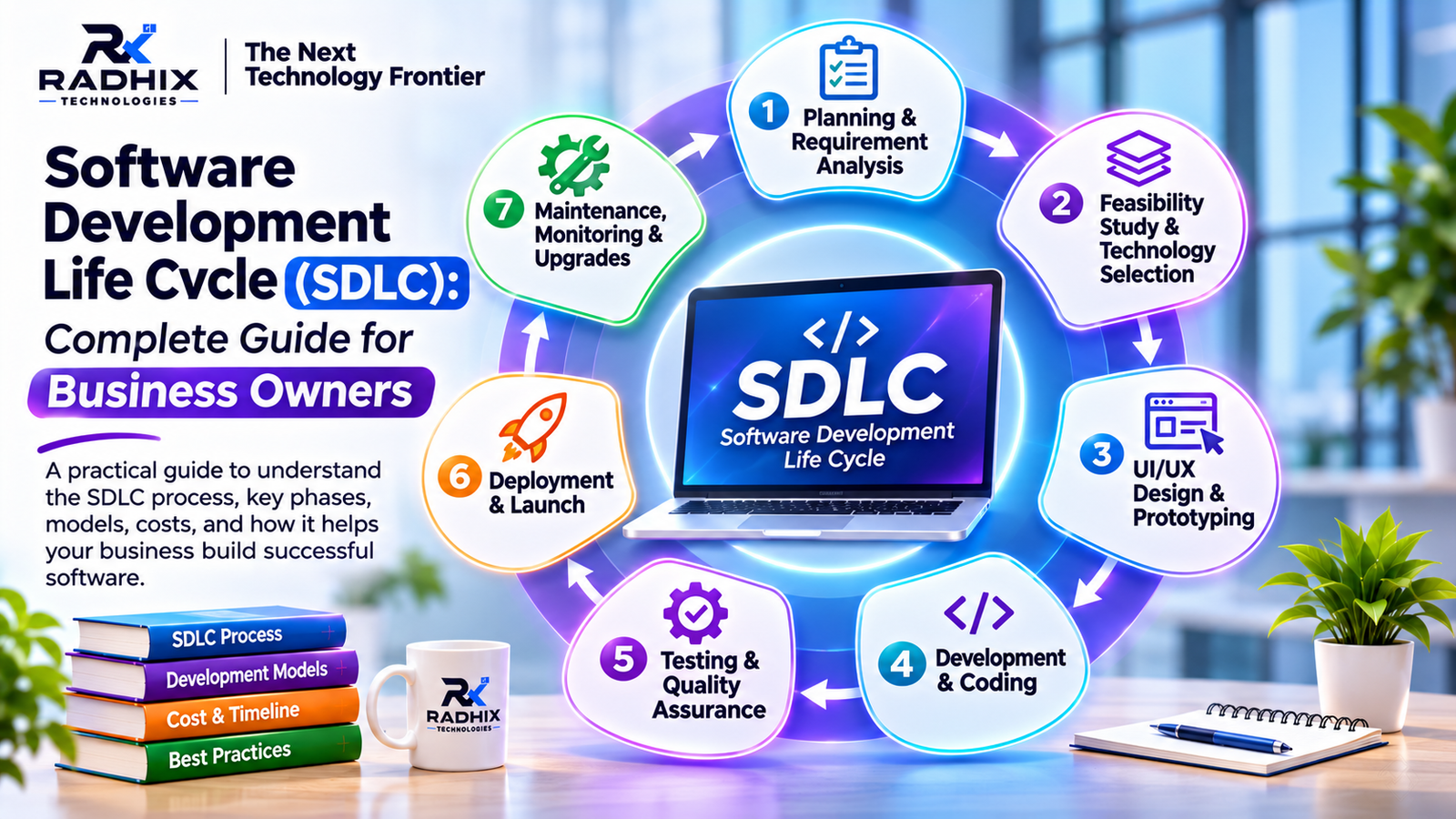
Developing software is not just about adding features. Businesses should follow a structured process to ensure the solution addresses actual operational requirements.
Step 1: Identify Business Challenges
Identify which activities consume the most time, create repeated errors, or cause delays.
Step 2: Define Software Requirements
Prepare a list of essential features, user roles, workflows, integrations, and expected outcomes.
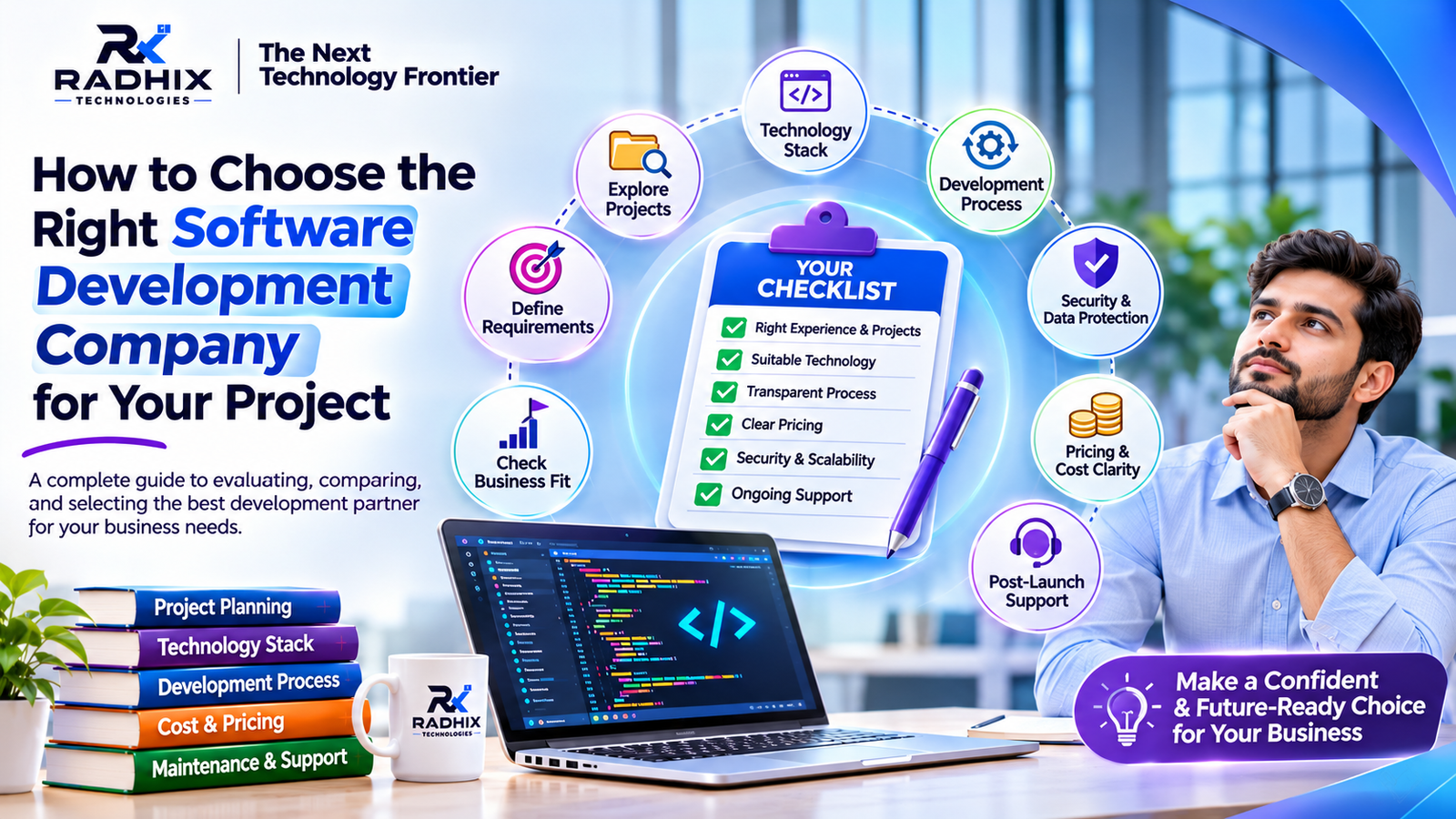
Step 3: Select the Right Development Partner
Evaluate the company's technical expertise, portfolio, communication process, and experience with similar projects.
Step 4: Plan UI/UX and Architecture
Create a user-friendly interface and select a suitable architecture, database, and technology stack.
Step 5: Develop and Test the Application
Build the required modules and test the main workflows, permissions, integrations, and performance.
Step 6: Deploy and Train Employees
Launch the software in the production environment and provide suitable training to employees.
Step 7: Monitor and Improve
Collect user feedback, monitor performance, fix issues, and introduce improvements as business requirements evolve.
Technologies Used in Custom Software Development
The technology stack depends on the type of application, business requirements, integrations, and scalability expectations.
Technology AreaCommon TechnologiesFrontendReact.js, Next.js, HTML, CSS, JavaScriptBackendNode.js, Express.js, Python, PHPMobile AppsFlutter, React Native, KotlinDatabaseMongoDB, MySQL, PostgreSQLCloud InfrastructureAWS, Microsoft Azure, Google CloudAPI IntegrationREST APIs, GraphQLUI/UX DesignFigma
A professional development team should recommend technologies based on the project's actual needs.
How to Measure Efficiency Improvements After Software Implementation
Businesses should measure the impact of software using relevant performance indicators rather than assuming that automation automatically improves every process.
Useful KPIs include:
- Task Completion Time: How long does it take to complete important business activities?
- Manual Data Entry: Has the amount of repeated data entry decreased?
- Error Rate: Are there fewer data-entry, billing, or processing errors?
- Employee Productivity: Are employees completing more relevant tasks?
- Customer Response Time: How quickly are customer enquiries handled?
- Order Processing Time: How long does it take to process and fulfil orders?
- Report Generation Time: How quickly can management access business reports?
Businesses can compare these metrics before and after implementation to understand whether the software is delivering measurable improvements.
Why Choose Radhix Technologies for Custom Software Development?
Radhix Technologies Pvt. Ltd. helps businesses build digital solutions designed around their operational needs and business objectives.
Our services include:
- Custom Software Development
- CRM and ERP Development
- Web Application Development
- SaaS Product Development
- E-commerce and Multi-Vendor Platforms
- Android and iOS App Development
- API and Third-Party Integrations
- Business Process Automation
- UI/UX Design
- Software Maintenance and Support
We focus on understanding business requirements, planning suitable solutions, developing practical features, and supporting software through the agreed project lifecycle.
Whether you want to automate internal operations, develop a customer portal, build a CRM system, or launch a new SaaS product, Radhix Technologies can help you explore the right digital approach.
Visit Radhix Technologies to learn more about our software development and digital solutions.
Conclusion
Custom software can help businesses improve efficiency by automating repetitive tasks, centralising information, connecting departments, and simplifying daily operations.
It can also provide better visibility into business performance, support customer interactions, and create a technology foundation for future expansion.
However, successful implementation requires clear requirements, appropriate technology, user-friendly design, proper testing, and ongoing maintenance.
Businesses should focus on solving their most important operational challenges instead of adding unnecessary features. With the right software solution and development partner, organisations can build more organised, productive, and scalable operations.
Frequently Asked Questions (FAQs)
1. How does custom software improve business efficiency?
Custom software improves efficiency by automating repetitive tasks, centralising business data, streamlining workflows, reducing manual errors, and improving coordination between departments.
2. Is custom software suitable for small businesses?
Yes. Small businesses can use custom software for inventory management, billing, CRM, employee management, appointment booking, and other specific operational requirements.
3. Which business processes can be automated using custom software?
Common processes include lead assignment, customer follow-ups, invoice generation, order processing, stock updates, employee attendance, notifications, and report generation.
4. How much does custom software development cost?
The cost depends on the application's features, complexity, integrations, technology stack, and development timeline. Businesses should request a quotation based on documented requirements.
5. Can custom software integrate with existing applications?
Yes. Custom software can integrate with compatible applications through APIs, depending on technical availability and third-party provider permissions.
6. How long does it take to develop custom software?
Development time depends on the project scope. A small application may take a few weeks, while a complex business platform may require several months.
7. What is the difference between CRM and ERP software?
CRM software focuses on customer relationships, leads, and sales activities. ERP software connects broader business operations such as inventory, purchasing, finance, HR, and production.
8. Does custom software require regular maintenance?
Yes. Software may require security updates, bug fixes, backups, performance monitoring, compatibility updates, and new features over time.